








Video Editor articles
Several tips to help you create professional videos easily using a video editor.


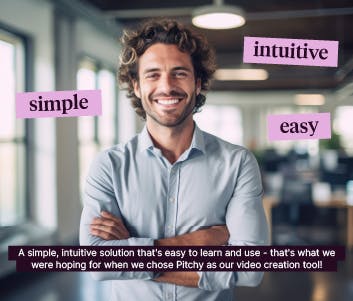
Online Video Editor to create corporate content
By using an online video editor, you can create content for your company that fits in with your strategy.

What Is An Interactive Video? And Why Should You You Use It?
In this article, we tell you all about interactive video, and why it is useful for your business.

Online Video Editor to present your jobs and employees
How can the right video editor help your company to attract new talents faster? This article will answer this question, and will help you to discover our interface, our very simple interface.
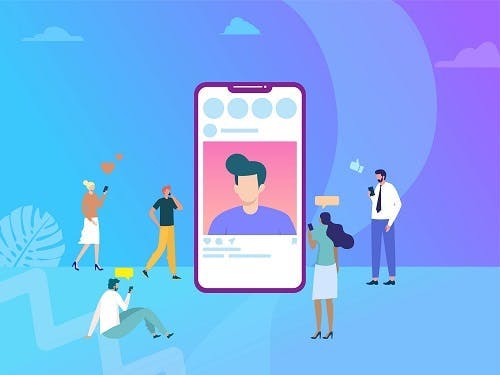
Create Video Online and Collaborate with Influencers
Find out how video creator is a great way to collaborate with with influencers as part of a digital marketing strategy.

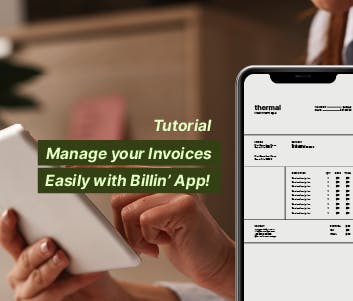
Business Video Maker: how to make a video with it?
Today, it is possible for your teams to take control of your video creation, thanks to the business video maker.

Online video editor: involve your teams
You are a company and have just decided to make video creation using an online video maker This tool, intended for professionals, has been specially designed so that the members of your company can make their own videos, without technical skills, and whatever their job is.

Web Video Editor: many possibilities for your business
Rather than going through an agency, you can choose a web video editor for your corporate video creation.

How To Integrate Your Logo In Your Video?
Your logo represents your visual identity. It should therefore be prominently displayed in your video. We explain how.
Video editor: create professional videos easily

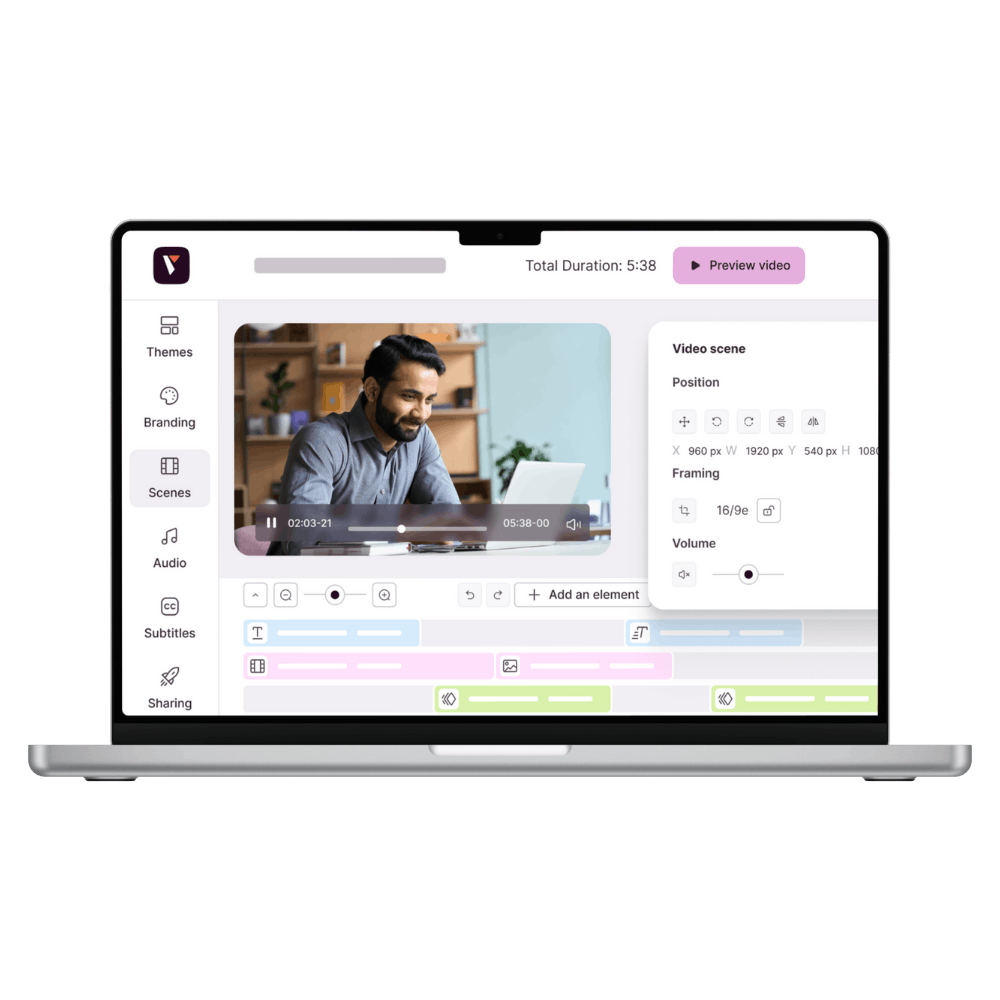
Video creation is now accessible to everyone with an intuitive online video editor. Whether you're part of a marketing, HR, communications, or training team, it's essential to produce high-quality videos to capture your audience's attention and convey your messages effectively. In 2024, 38% of video marketers use a combination of internal and external teams for content creation (Wyzowl).
Why use an online video editor?
An online video editor offers many advantages:

Accessibility & time savings
You don't need to be an editing expert to create professional videos.

Customization
Customize your videos to fit your brand and your specific objectives, effortlessly.

Collaboration
Collaborate on the same project in real time, from anywhere.
The key features of an online video editor
A good video editor should offer essential features to make creation easier:
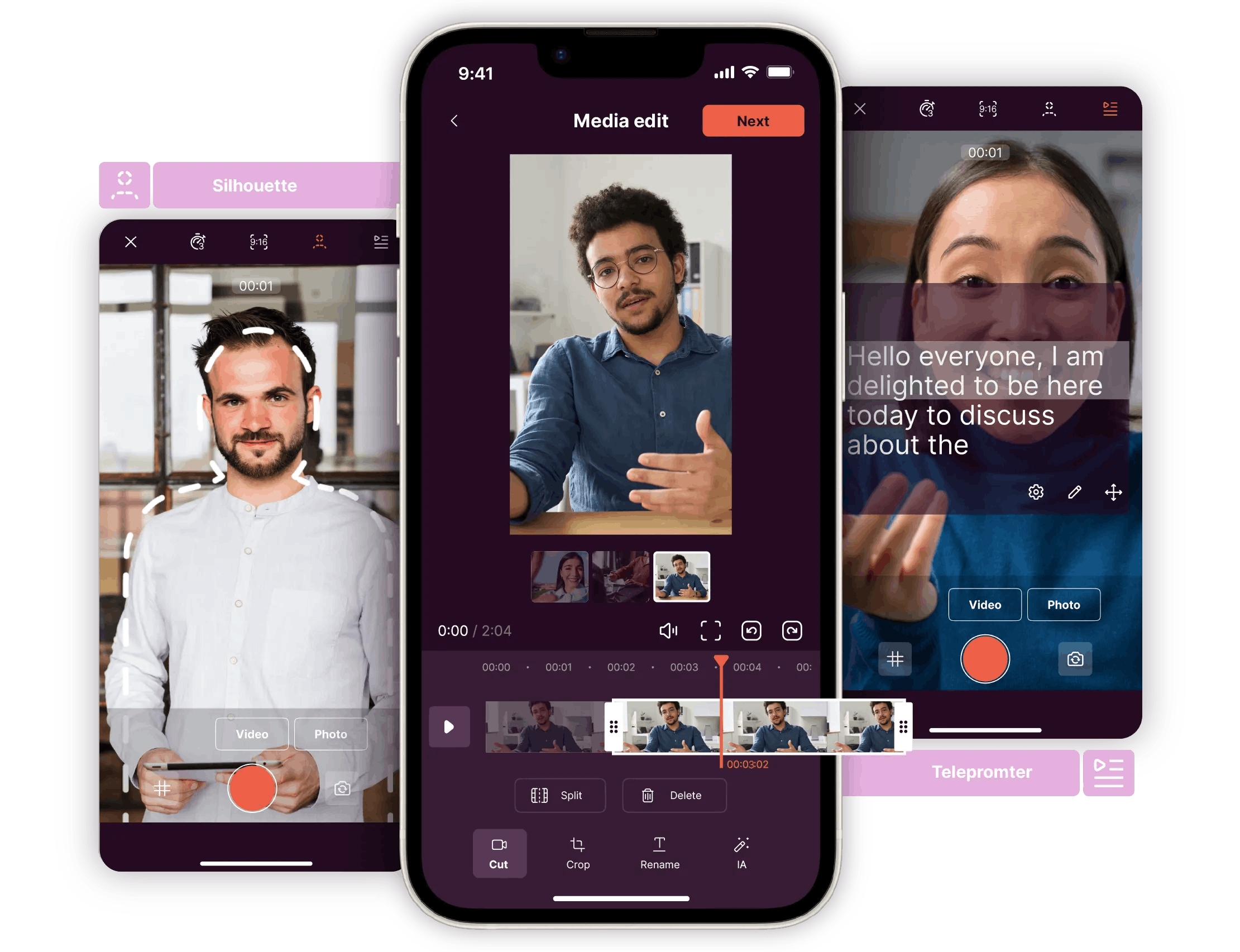
A mobile app
Work with our mobile app as a complement to your professional recordings.

Customizable templates
Choose from a variety of over 800 templates suitable for different uses (internal communication, marketing, training, etc.).

User-friendly interface
An intuitive interface for fast, easy learning
Multi-platform compatibility
Work on different platforms and export your videos in the formats you want.

Editing tools
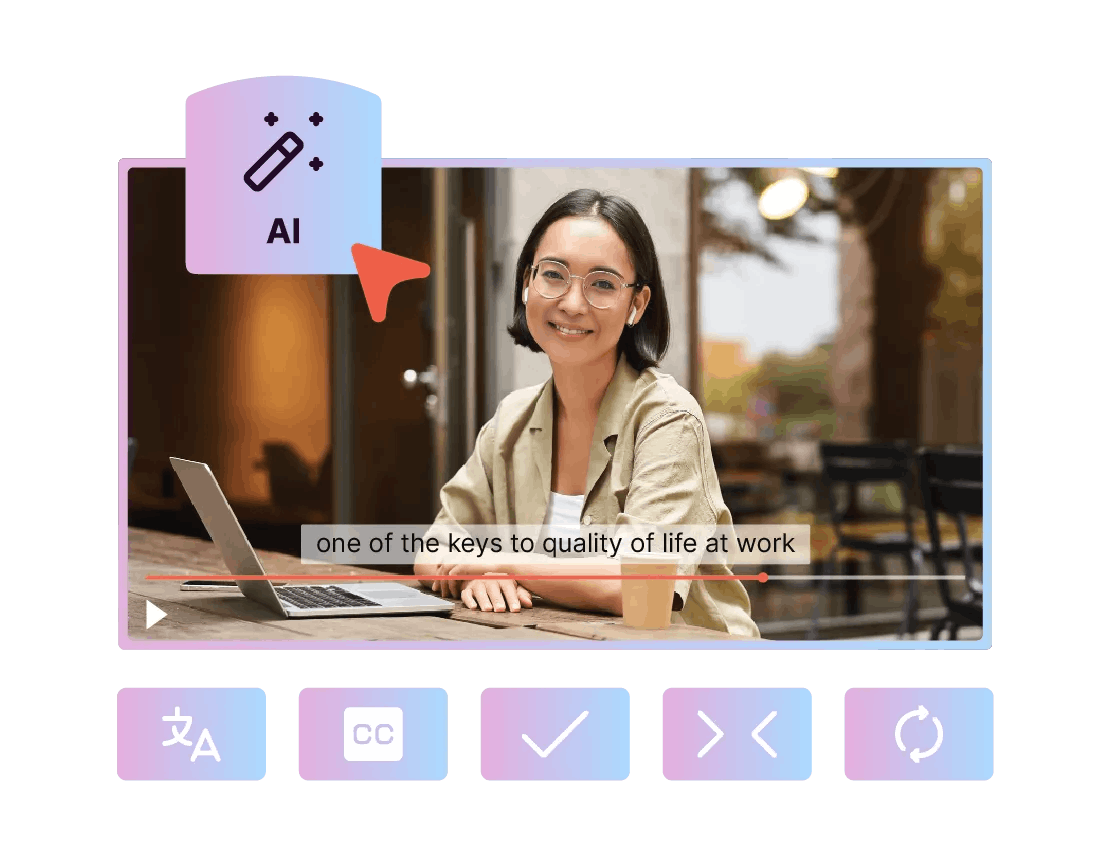
Cutting, adding text, transitions, subtitles, royalty-free music, etc.
How Pitchy supports you
Pitchy is an online video editor designed for businesses. Our platform allows you to create professional videos independently, without any technical skills. With our extensive library of over 800 customizable templates, you can produce videos tailored to your specific needs.



Resources
Most popular articles


Find the best tips and analysis of 10 features to help you choose the right online video editor for your business!
Create snack content that captures your audience's attention! Learn how to use social media video editor to boost visibility with Pitchy.
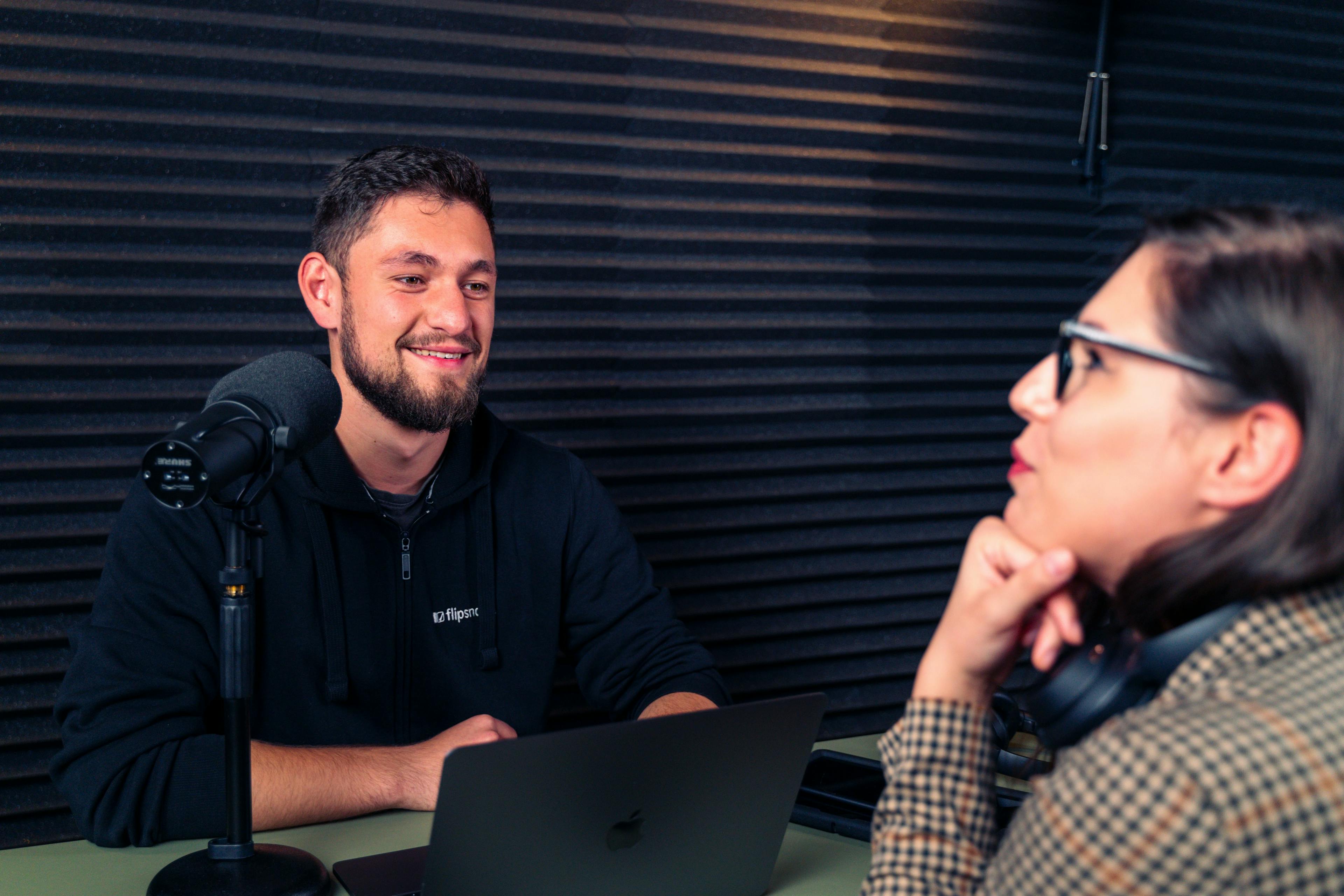
Explore the dynamic Fast and Curious interview format for onboarding. Learn how it fosters quick and engaging introductions in a work environment.