









Powerful online MP4 converter video
Powered by Pitchy’s technology, our MP4 converter allows you to easily convert all your AVI, MKV, MOV, or WMV files into MP4 format. Our online solution is made for professionals: fast, reliable, and lossless.
How does our MP4 video converter work?

1. Import your video
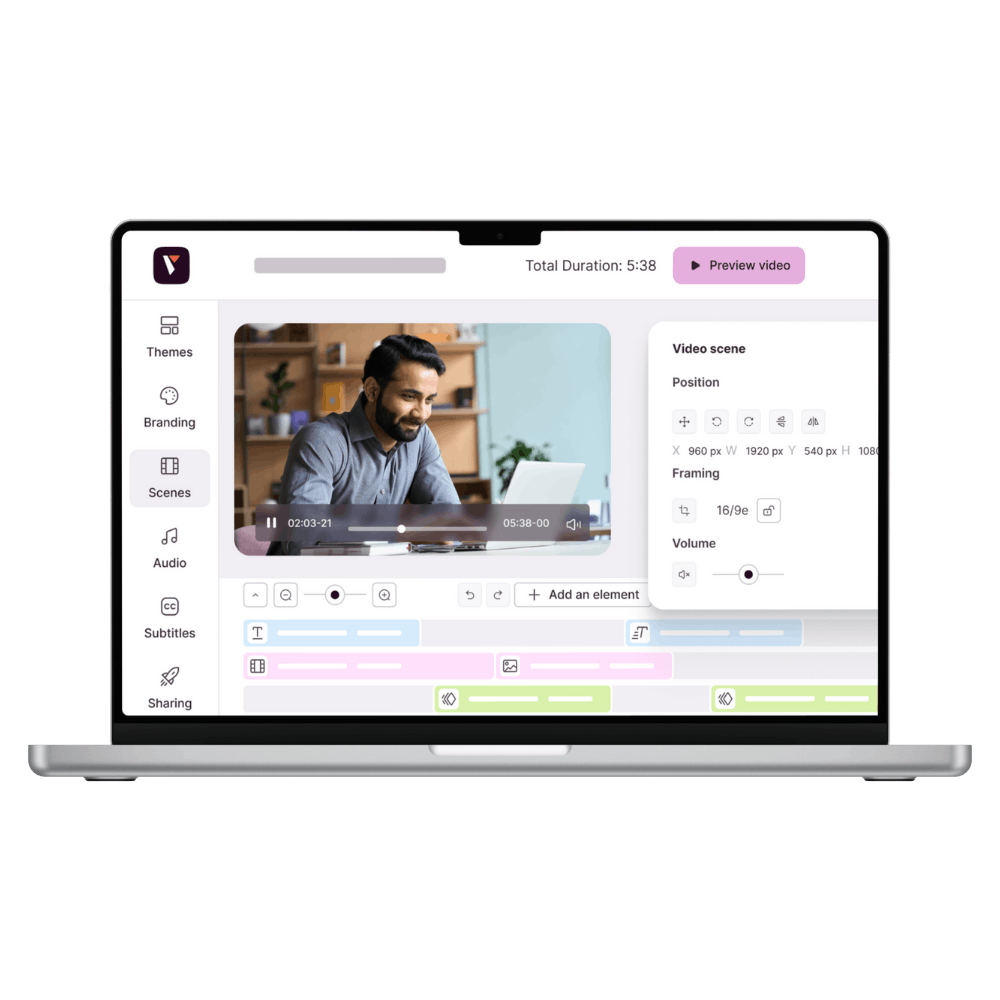
Drag and drop your file into the interface: whether it's in .avi, .mov, .wmv, or .mkv format, our MP4 converter supports it.
No plugins to install, no technical settings to understand. Everything happens in your browser.

2. Start the MP4 conversion
Once the file has been analyzed, it's automatically converted to MP4 format.
The resolution and quality are preserved, with optimized file size for easy distribution. You can choose an output format according to your needs (16:9, 1:1, vertical, etc.).

3. Recover and distribute your video
Your MP4 video is ready: download it, embed it on your website, upload it to social media, or add it to an LMS.
The file is 100% compatible with browsers, platforms, and professional tools.
Why use an MP4 converter for your business videos?
Because your videos need to play everywhere. No more complex tools or unpredictable conversions. With our MP4 converter, you simply upload your file, click, and the video is automatically converted to MP4 format, ready to be shared across all your channels.
At Pitchy, we have been producing professional videos for over 12 years.
And what we have observed in 100% of the communications, HR, and marketing teams we work with is:
You already have videos. But you waste a lot of time distributing them because they are not in the right format, too large, or incompatible with your tools.
What we’ve seen in the field with 500+ clients

• HR teams who couldn’t insert a MOV video into their internal LMS
• Communications departments must convert each teaser for LinkedIn
• Trainers who manually compressed their WMV videos before sending them via WeTransfer
• Marketing teams receiving .avi files... unusable without local conversion
MP4 videos useful in all your professional contexts
A file that's too large, an unreadable format, a channel that blocks playback... These are obstacles we come across every day in communication, HR, and marketing departments. With the Pitchy MP4 converter, you start with what you already have and turn it into videos that are ready to be used where you really need them.
Multiple use cases

For your internal training
Your training department has video tutorials, but they don’t work on the LMS*?
Our MP4 converter lets you export a lightweight format that’s readable on all browsers. With one click, your videos are ready to be shared with your employees.
*Learning Management System
For your social media content
An event teaser, a client testimonial, or a short video format?
With our MP4 converter, you can prepare files optimized for LinkedIn, Instagram, TikTok, or YouTube without any compatibility issues.

For your sales presentations
Have you recorded a demo or a video message for a client?
The MP4 video format is essential to ensure smooth playback during a meeting or in a presentation sent by email. Our tool guarantees a professional result, no matter the source.

For your internal or HR communications
Announcements, interviews, quarterly reports filmed on smartphones...
The Pitchy MP4 converter helps you standardize all this content for sending via intranet, newsletter, or collaborative tools, without having to completely overhaul it.
The reason for our MP4 video converter
👉 To standardize your content
👉 To avoid technical glitches
👉 To ensure your videos work flawlessly, everywhere, on the first try
And to make it accessible to all your employees, we integrated it into a clear, 100% online interface with one simple goal: saving you time without compromising quality.
What you get with Pitchy
• An immediate time saving for your teams: fewer tools, smoother processes
• Ensured compatibility with all your digital platforms (YouTube, intranet, social media, LMS, etc.)
• Professional MP4 conversion that respects your image and sound quality standards


FAQ: A question about our MP4 converter?
You're definitely not the only one.
Here are the answers to the most frequently asked questions about our MP4 converter.
What is an MP4 converter and what is it used for?
An MP4 converter is a tool that turns your videos (often in .mov, .avi, .wmv, or .mkv) into MP4 files, a universal format compatible with all browsers, devices, and platforms.
This ensures that your content will be readable everywhere, without bugs or crashes.
Which formats are compatible with the Pitchy MP4 converter?
You can convert all common formats: .mov, .avi, .wmv, .mkv, .flv, and of course others depending on your needs.
Our MP4 video converter is designed to automatically adapt to the files you upload.
Is the quality preserved after MP4 conversion?
Yes, the visual and audio quality is preserved by default.
Our MP4 converter uses smart compression to reduce the file size without any visible loss, even for long or HD videos.
Can I choose the output size or format of my MP4 video?
Can I embed a converted MP4 video directly on my website or LMS?
Yes. Once the MP4 video is converted, you can host it wherever you want: showcase website, training platform, newsletter, intranet… The file is standard and ready to be shared immediately.
Is it safe to use the Pitchy MP4 video converter?
All files are processed through a secure infrastructure with hosting in Europe.
The videos you upload are neither shared nor used, and you retain full control over your content.
Do you have other tools?
Yes, you can automatically generate your subtitles, create an AI voice over, generate an AI powered video script, and even create a video from text using AI.
How to convert a video to MP4 with embedded subtitles?
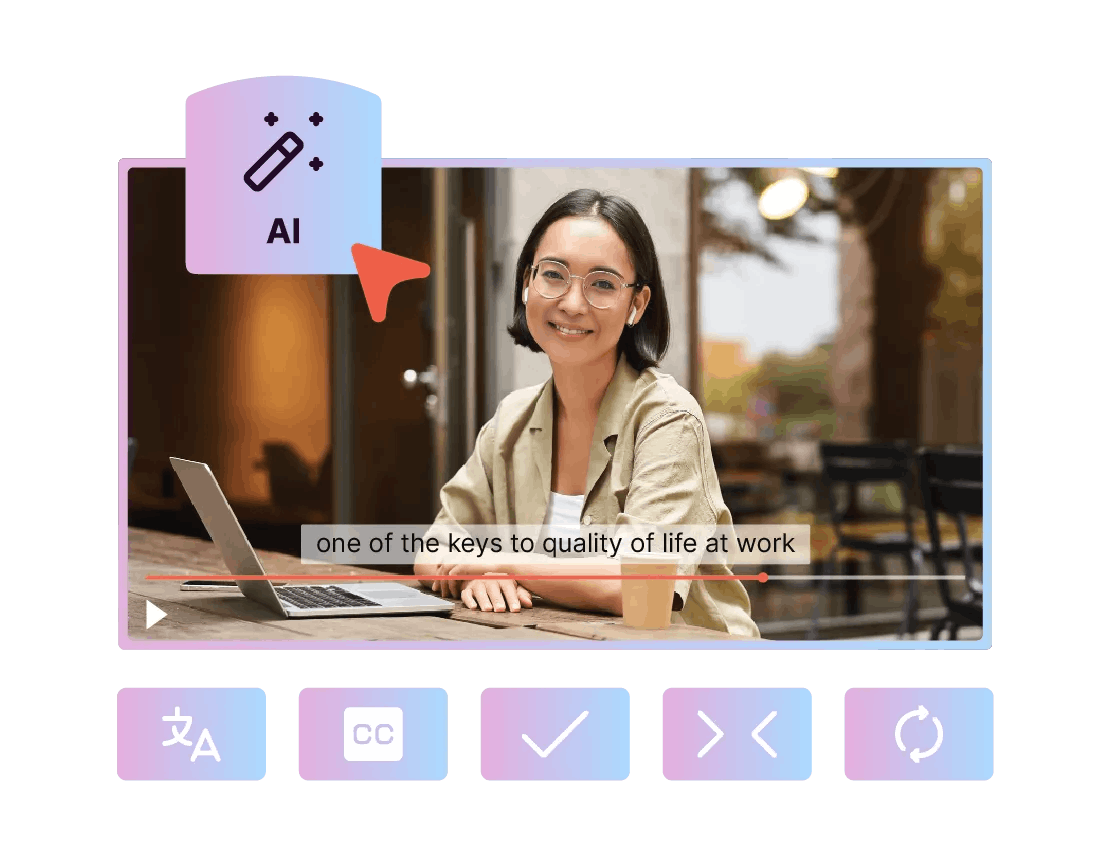
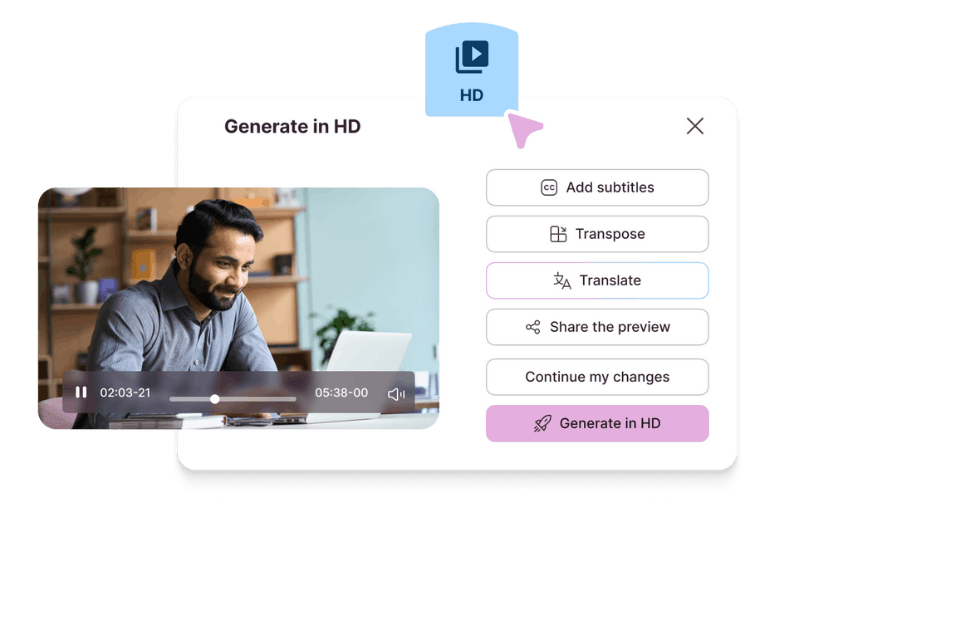
With Pitchy, you can convert your video to MP4 by adding automatically generated subtitles using our automatic subtitle generator. Once the video is imported or created, you select one of the 48 available languages, launch the subtitle generation, adjust and customize the text, then generate your video in MP4 format.
Can I convert videos created with Pitchy’s AI tools to MP4?
Yes. All videos created using Pitchy’s AI features can be exported in MP4. The video is 100% compatible with your professional platforms and tools. Once your video is finalized, you get an MP4 file ready to be shared and distributed across your communication channels.
Is it possible to convert videos to MP4 without downloading any software?
Yes, Pitchy’s MP4 converter works entirely online. No software installation or technical setup is required: everything is done directly from your browser.