





Your professional video editing mobile app effortless
A mobile video production studio in your pocket! With the Pitchy app, shoot, frame, and rough-cut your videos right on location. 87% of companies that use video software find it effective (source: Video Barometer, Pitchy, 2026).
FEATURES
Advanced features in a video editing app designed for businesses
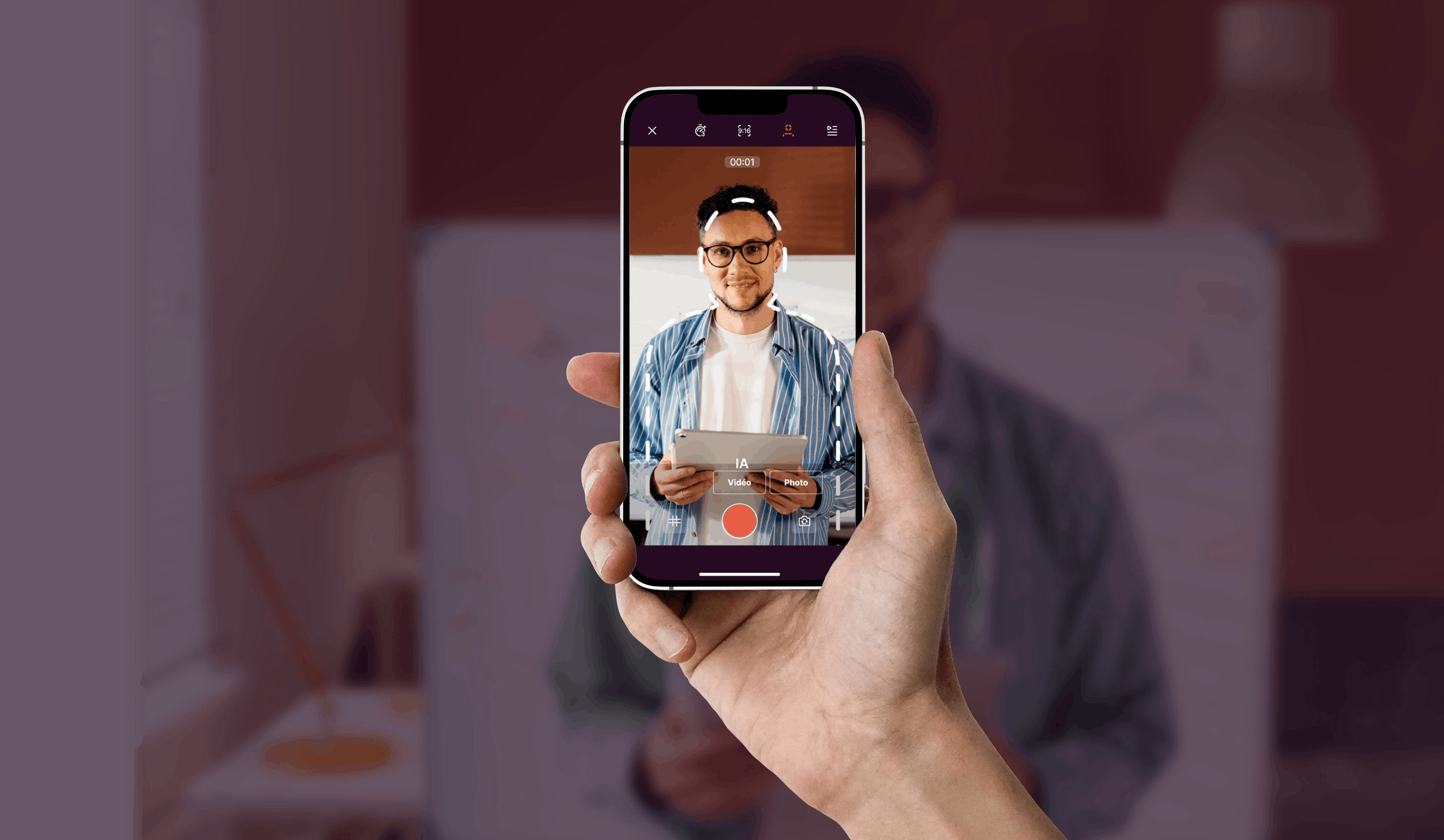

Framing silhouette
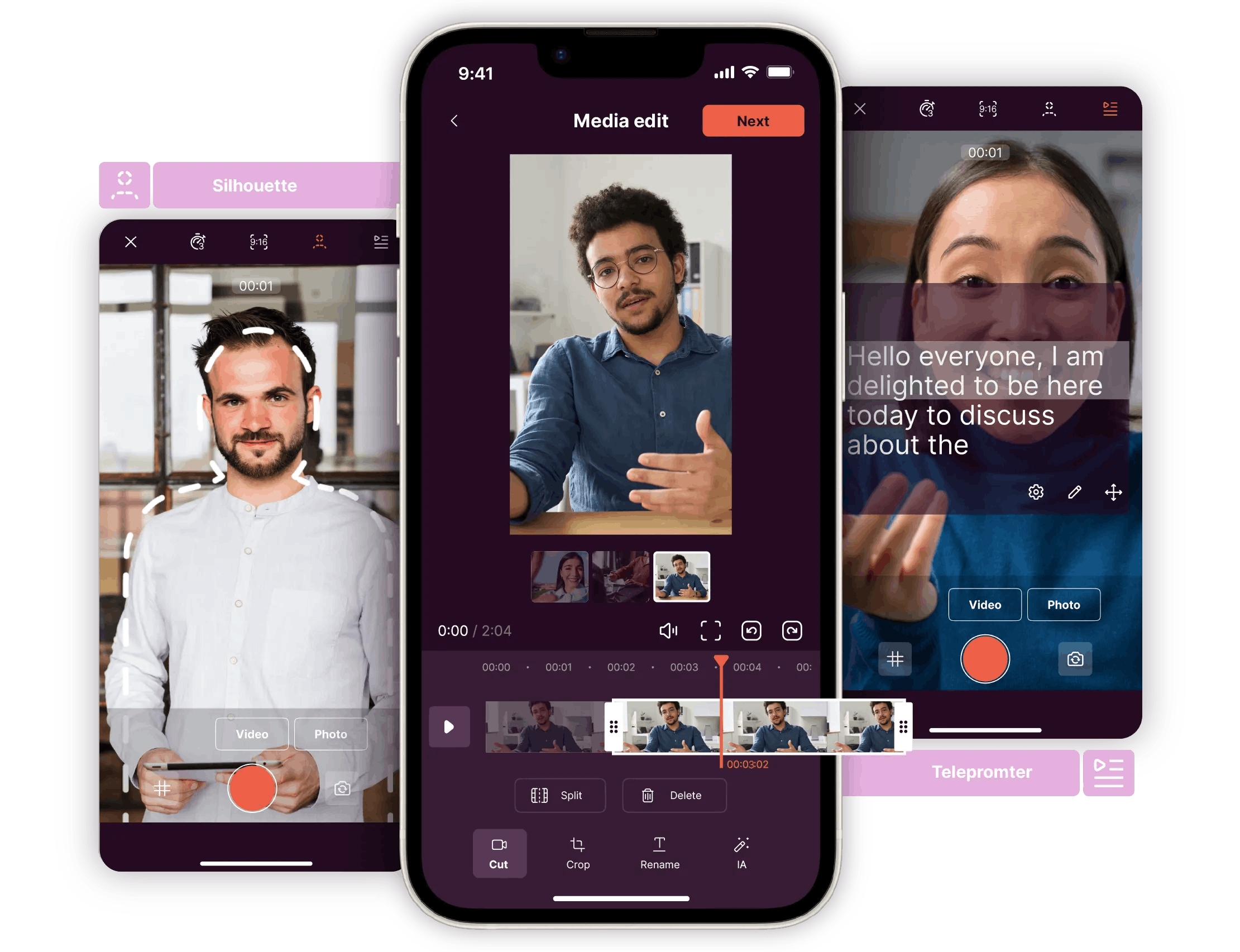
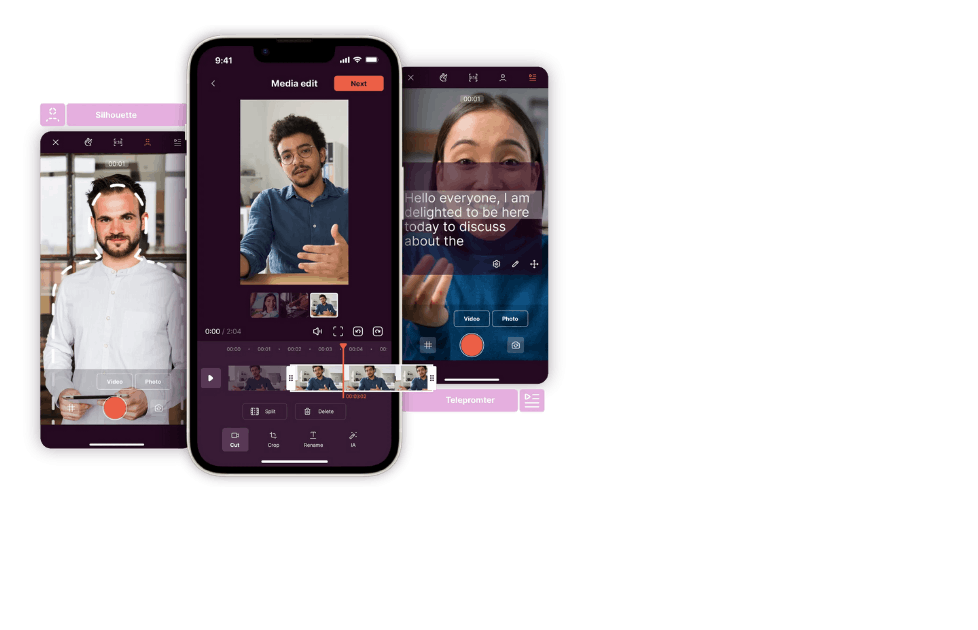
Unsure how to position yourself or someone on camera? Use the framing silhouette feature to place the subject professionally.

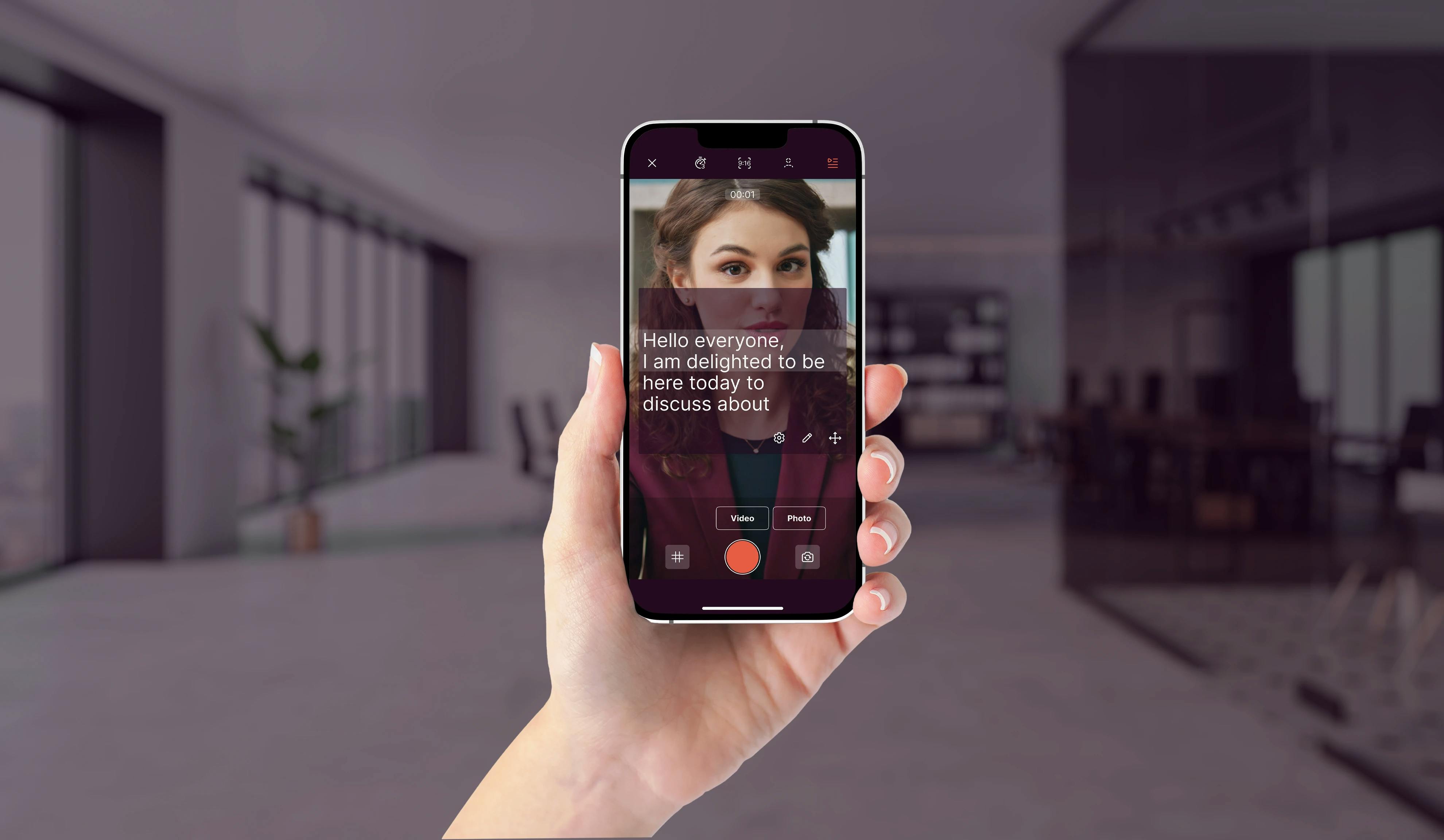
Teleprompter
Feeling uncomfortable memorising or improvising a script? Use the teleprompter to write your text, display it on your screen, and record yourself while reading it. The text scrolls at a moderate pace for a natural speaking flow.

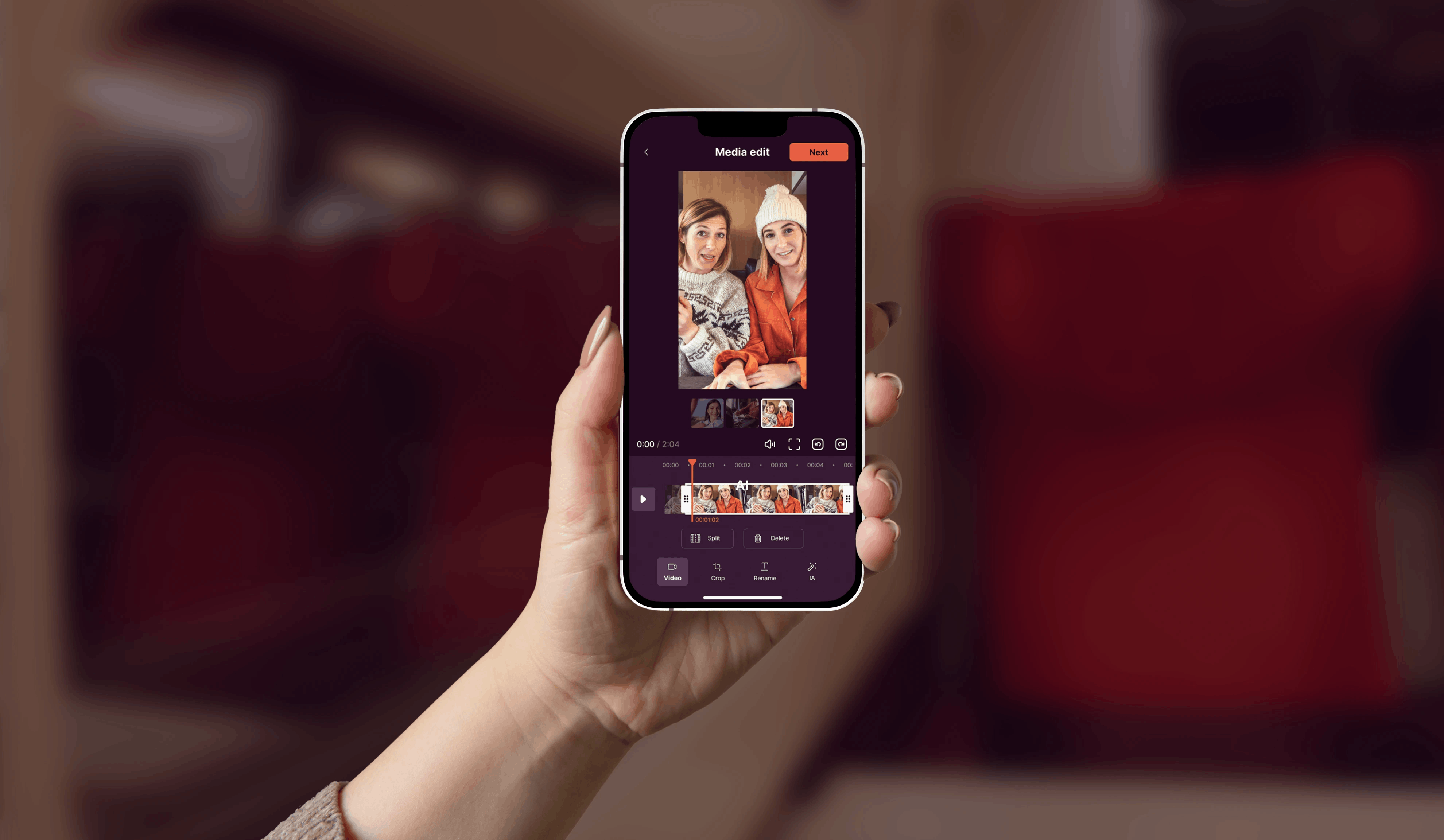
Video editing
Do you want to edit and trim your footage before moving on to video production? The Pitchy app allows you to cut and trim your videos effortlessly.

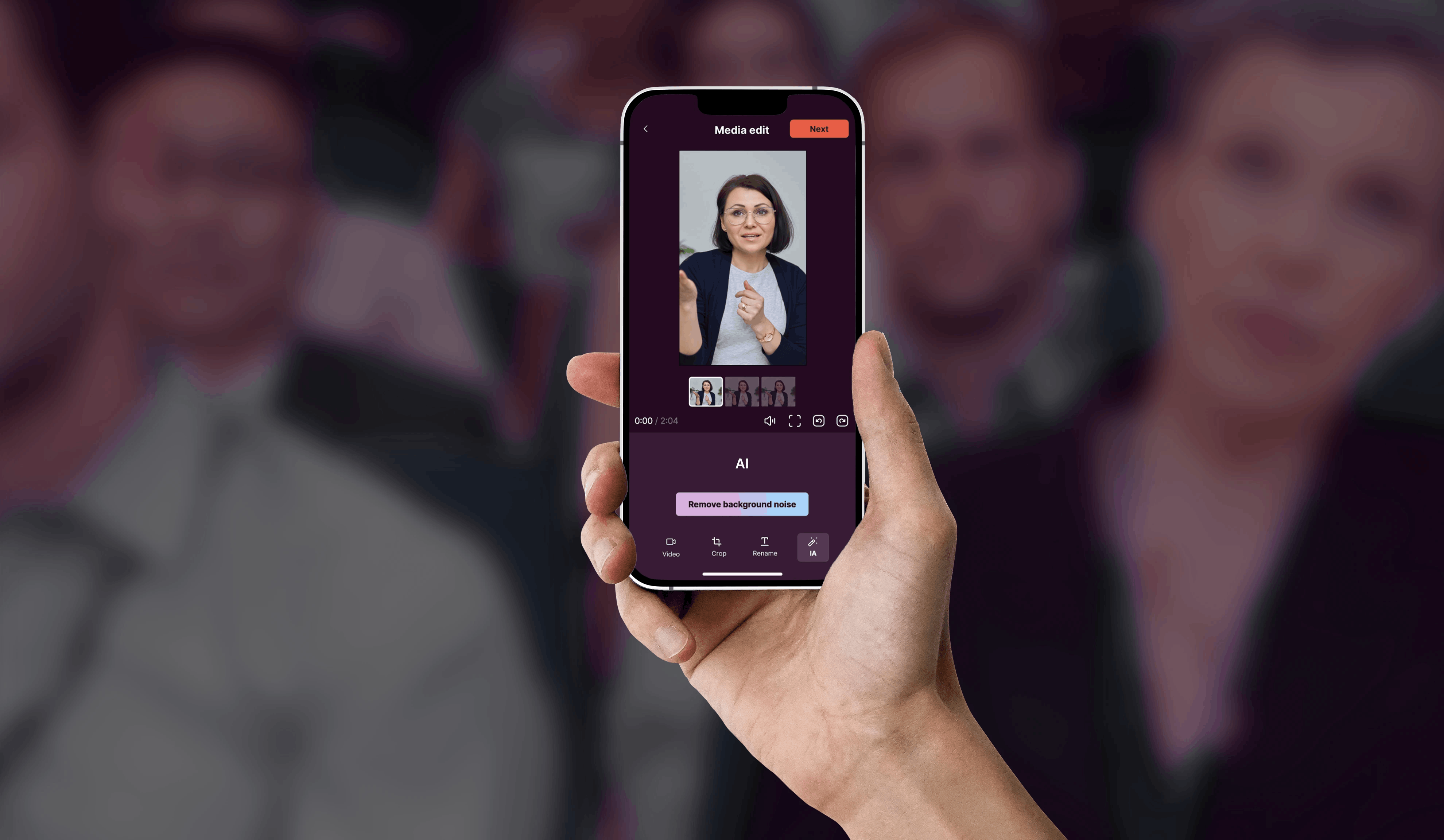
AI background noise removal
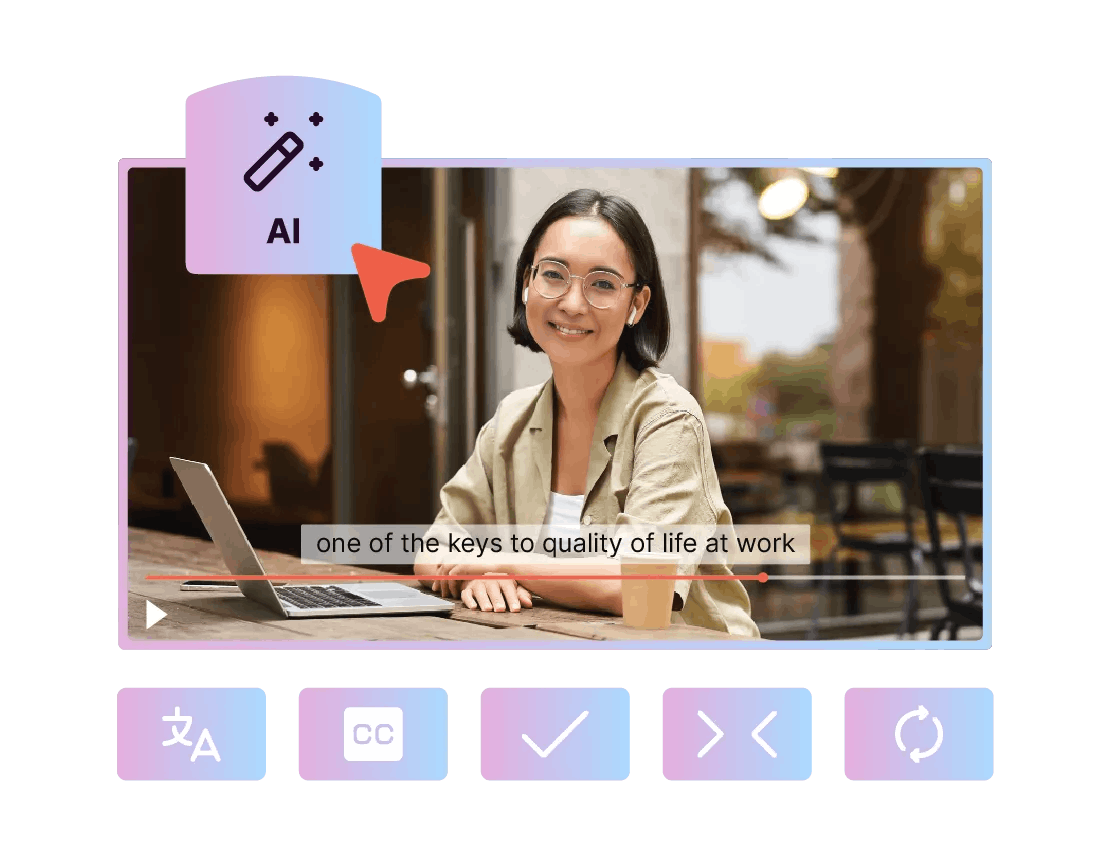
Want to remove background noise from your videos? With AI, you can get professional-quality audio recordings that are clear and free of unwanted sounds. 88% of companies that use AI in their video production do so primarily to save time (source: Video Barometer, Pitchy, 2026).

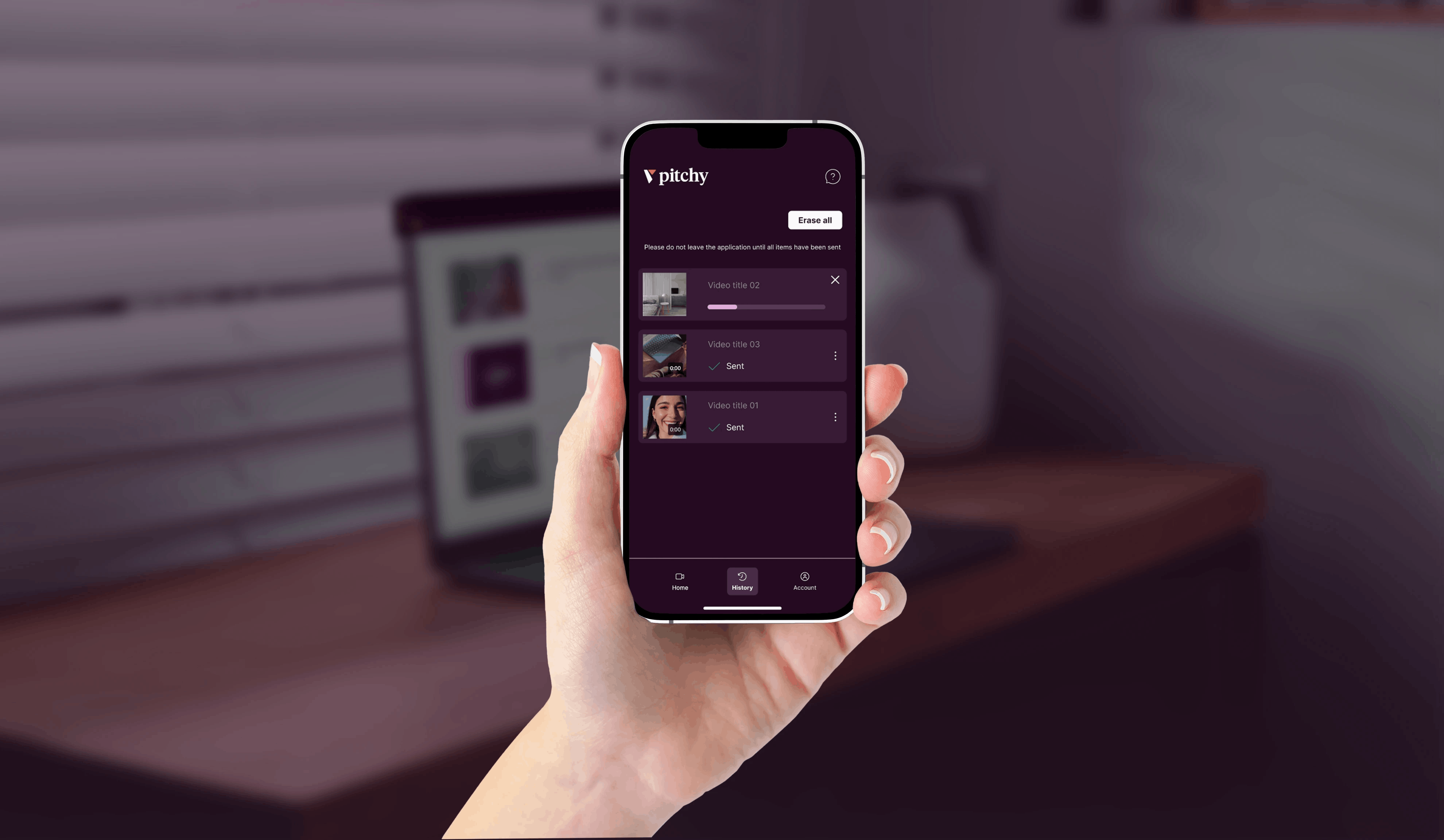
Photo and video media transfer
Do you prefer to edit your videos on a computer? With our video editing tool, you can easily and quickly transfer all types of media, whether videos or photos, from your phone to your PC.
Video creation platform
From mobile recording to professional HD video
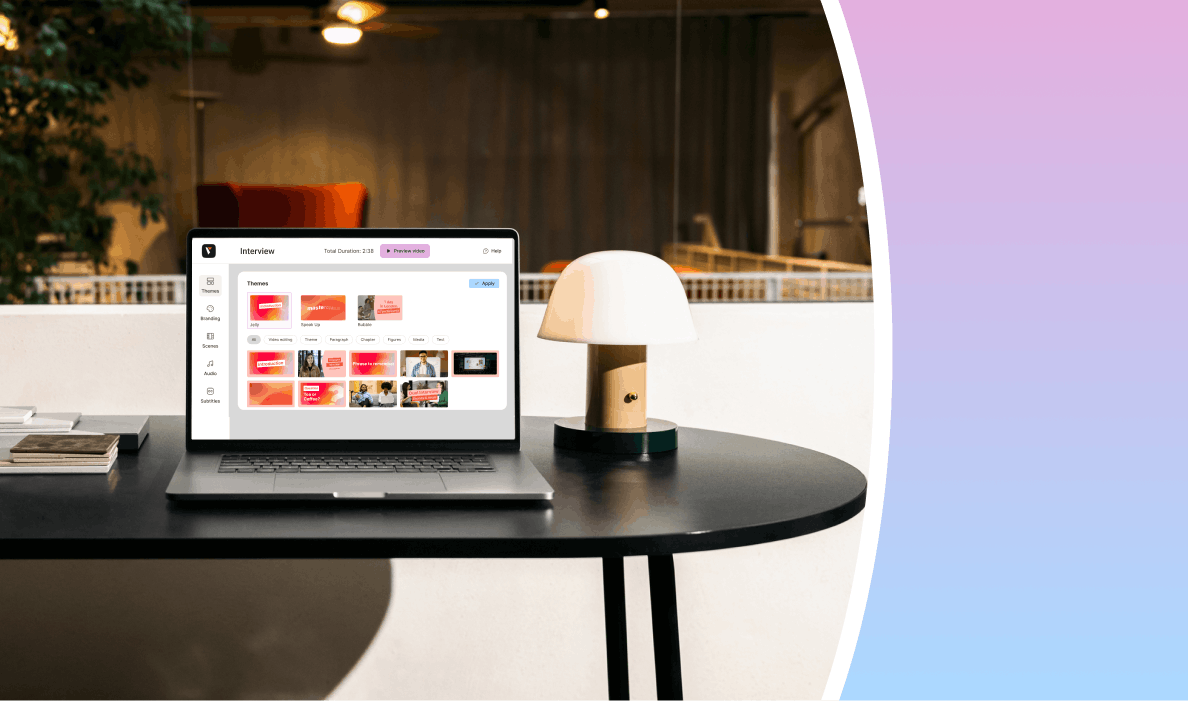
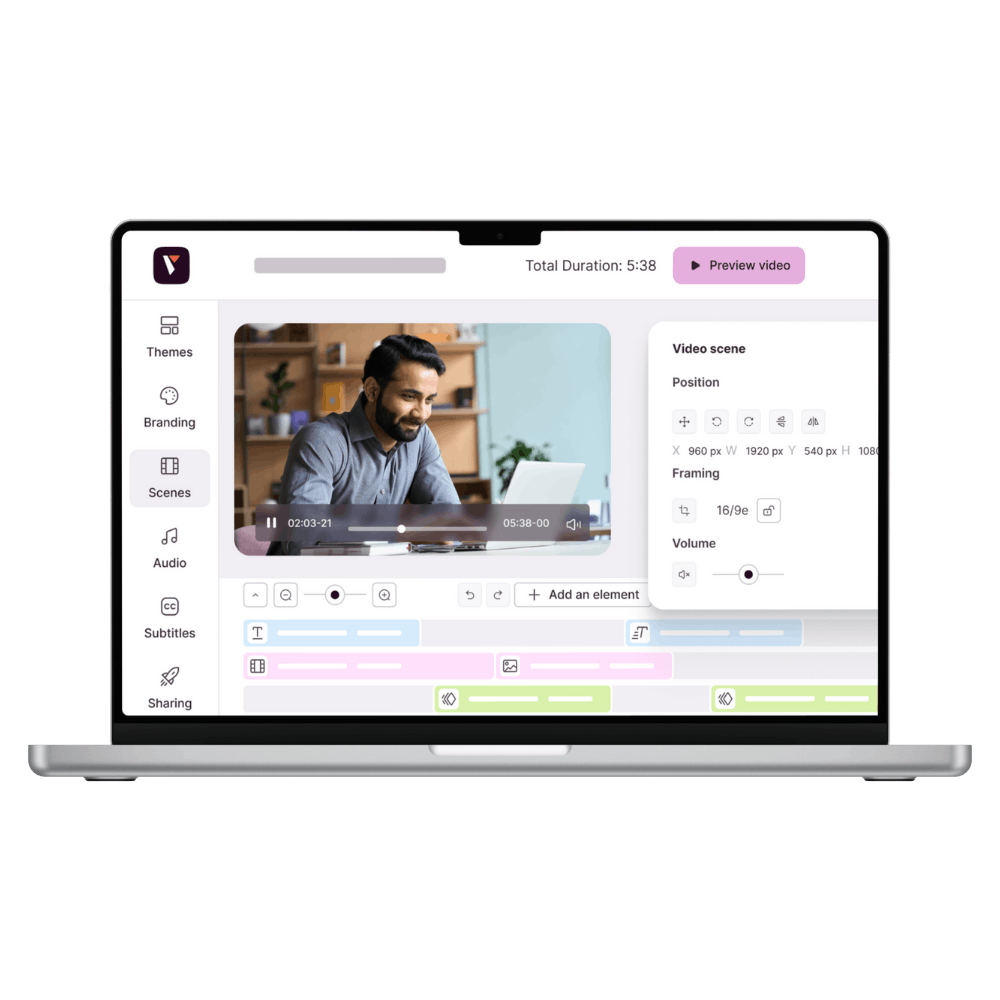
With the Pitchy mobile app, your field teams can film, frame, and rough-cut their footage directly from their smartphones, no matter where they are. Once filming is complete, transfer your videos to the web platform with a single click to finalize the edit: graphics, subtitles, music, and HD export.
The app is your pocket studio for on-site production, while the web platform takes over for complete post-production.
Pitchy mobile application
Collaborate anywhere, directly from your mobile
Integrated guides
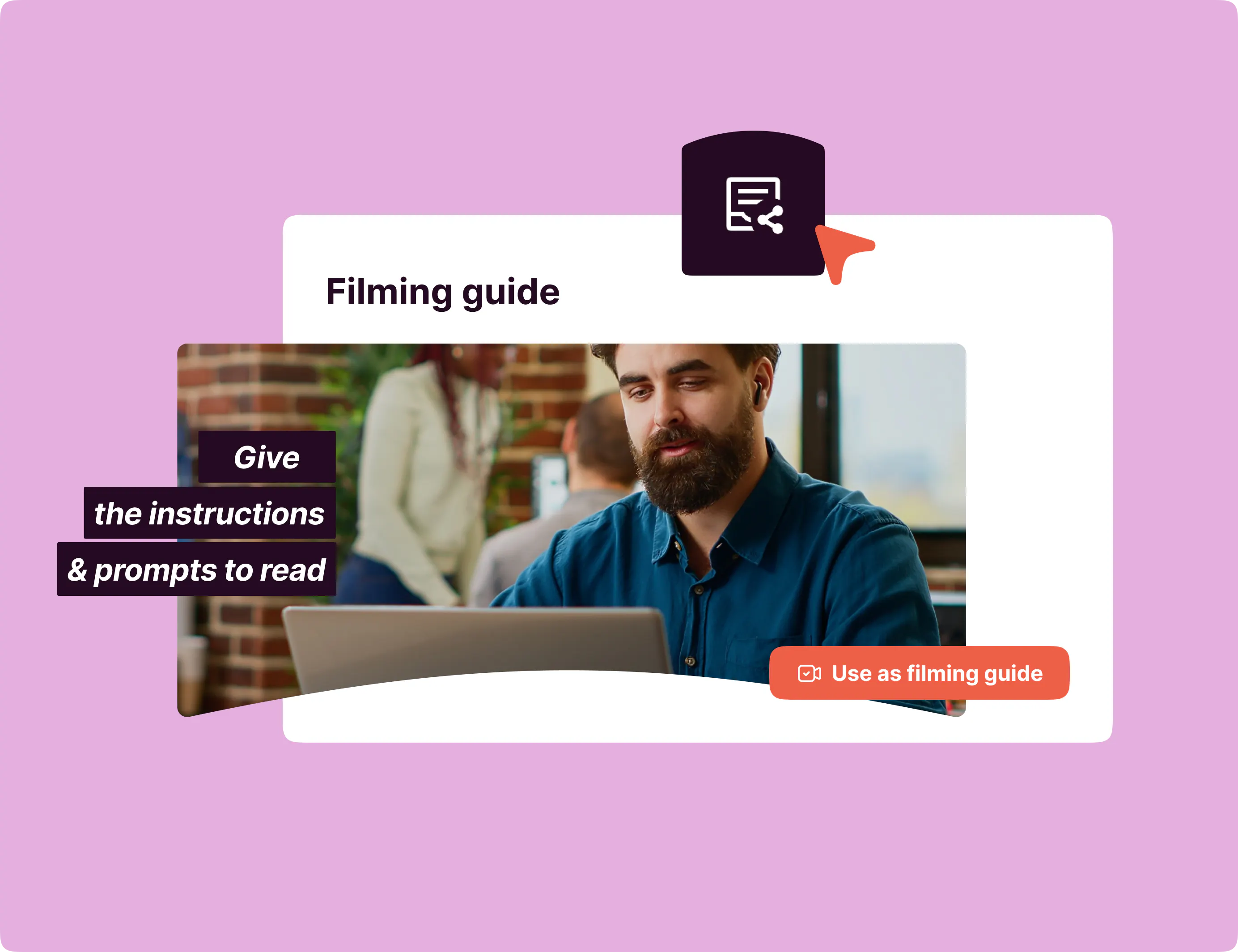
Designed for mobile video recording in a business setting, the app includes filming guides with framing instructions. The Pitchy mobile app guides your field teams. And it works: 68% of companies find videos shot with their employees more engaging (source: Video Barometer, Pitchy, 2026).

Co-publishing and mobile project transfer
Invite a colleague to take control of a project from his or her cell phone to finalize sequences, adjust a shot, add visual elements or rework the rhythm.

Video editing on a smartphone, without using a computer
Cut, edit, and finish a short video entirely on your phone, without needing a computer—ideal for field teams who need to produce content quickly between appointments.
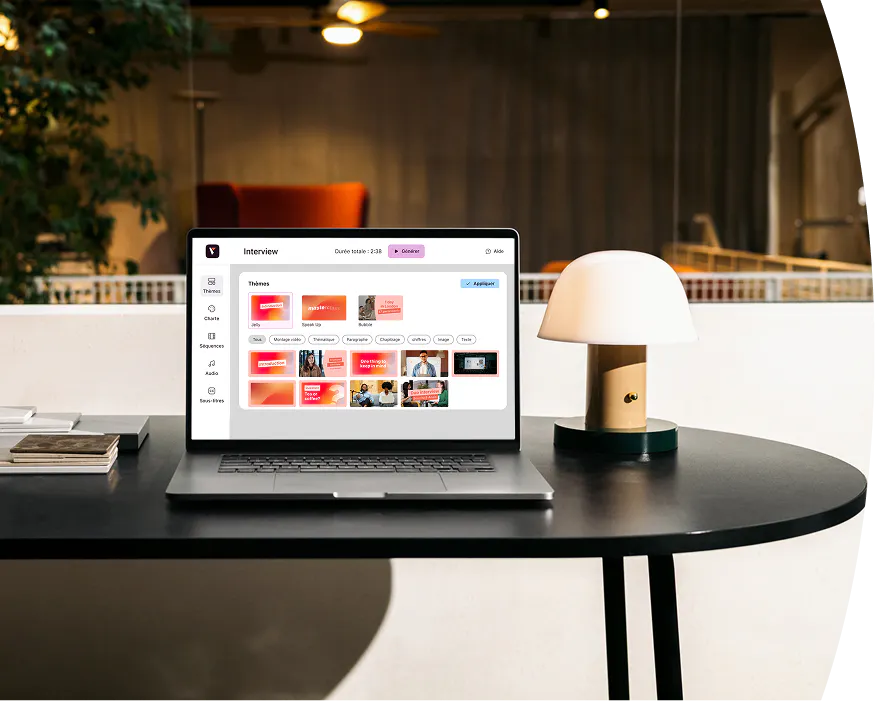
Choose a video editing app that suits your actual needs
Choosing Pitchy means becoming self-sufficient in video creation even without technical skills. It also means saving time and producing unlimited videos. Discover now if our video editing tool is the right fit for you!


Pitchy mobile application available on PlayStore and AppStore
Available everywhere, for our customers

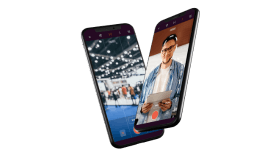
Is the Pitchy professional app available for download on iOS and Android?
Yes, the Pitchy video editing app is available on iOS and Android. Simply go to the App Store or Google Play to download it onto your smartphone or tablet. Please note that you'll need a Pitchy account (paid licence) to access the editing tools on Android and iOS. If you already have one, download our app now to edit your video content and adapt it to the video formats of your choice.
How do I download and use the Pitchy video editing app?
To use the Pitchy app, you first need a licence. If you’re already a customer and have an account, simply go to the App Store on your iOS device or Google Play on your Android device. Search for "Pitchy" and download the video editing app. Then, to start creating videos all you need to do is log into your account.
Is the Pitchy video creation app available in a free version?
Our mobile video editor is currently only available as a paid version on iOS and Android. This means you need a licence to use the app’s features. If you’re unsure about the best video creation method (video agency, freelance video editor, Adobe Premiere Pro, Adobe Premiere Rush...), let us give you a quick demo of our video editor. Choose a time slot by clicking here.
Is the Pitchy video app beginner-friendly?
Yes, our video editing app for businesses is designed to be easy to use with basic video editing features. This is made possible thanks to the app's numerous features. From video recording to editing, the app covers all types of needs your team might have. The tool allows you to use any photo or video media to create video content. Users can also adapt their videos to various social media formats (YouTube, Instagram, TikTok...). With Pitchy, you no longer need video editing skills. Our easy-to-use video editor allows you to save significant time by choosing an editor designed for beginners.
Can you create videos without a watermark using the Pitchy video editor?
Yes, our mobile video editing tool (and our video editing software on PC) allows you to create professional videos easily and quickly without a watermark. You can also add a watermark if you need to, such as your coloured logo or any other image of your choice.
Can you edit videos from photos with Pitchy?
Yes, with our mobile video editing app (iOS or Android), you can create videos using one or more photos. You can use the video editor in various ways to create your videos. All you need to do now is to download the app (you need a Pitchy licence in order to log in).
What’s the difference between the mobile video editing app and the desktop video editing software?
Our video editor on iOS or Android is a pocket version with basic video editing features shared with the desktop video editing software (adding and editing media, trimming footage, choosing a video format, etc.). Both are easy-to-use video tools. The mobile tool also has exclusive features like the framing silhouette and AI background noise removal. The desktop video creation software offers a wider range of features: custom video templates, a library of royalty-free images and videos, graphic styles, animated titles, a royalty-free music library, and much more to create professional videos! Our complete video solution combines the best of both worlds to provide fast and intuitive tools, even for beginners. We have created a dedicated page for our desktop online video maker to answer any additional questions you may have.
What’s the best video editing software?
The Pitchy video editing software has been adopted by thousands of clients in France and internationally, making this web tool a true reference in the video market. Customise all your videos to match your brand guidelines, collaborate in teams on multiple video projects securely, and more. Create professional-quality videos without any skills using our easy-to-use video editing software. In addition, Pitchy offers several ways to create your videos: get the help of one of our Customer Success Managers, take advantage of our video services (voiceover, filming, etc.), or creatine personalised videos at scale! You can also boost the power of the editing software by combining it with our mobile app.
A full-featured mobile app that fits in your pocket
Capture and edit your finest rushes with our video editing application.