








Pitchy vs CapCut: Which online video editor is best for your business needs?

🎬 Quick summary | 🕓 Updated on 12/19/2025
This article compares Pitchy and CapCut to understand what really sets them apart and help you choose the video editor that best suits your creative style: professional videos for businesses, or quick, trendy formats for social media.
🎯 Goal of this article: To give you a clear overview of the strengths of each tool so you can decide which one best suits your video needs.
🧰 What you’ll learn: The differences between Pitchy and CapCut, the types of content each tool can produce, their features (templates, animations, AI, collaboration, formats), and when to use each software.
✅ Bonus: An overview of key features to understand what each tool can really do for you and a simple summary to help you choose the editor that best suits your needs, your way of working, and your goals.
💻 Who's it for?: Content creators and social media managers, marketing/communication teams, trainers, HR, managers, project managers. Anyone looking to create high-quality videos.
This Pitchy vs. CapCut comparison helps you choose the video editor best suited to your professional projects and your video creation strategy.
If you're hesitating between Pitchy and CapCut for your video editing, it's essential to understand what really sets these two tools apart and determine which one best suits your needs. This comparison presents their features and strengths to give you a clear and structured overview.
This will help you identify the online video editor that best suits your creative needs and way of working.
In a context where video has become an essential format for communicating, engaging, and promoting your projects, this guide will help you choose the solution that is best suited to your business. By analyzing 10 key features, you will be able to identify the video editor that truly meets your creative needs and how you work.
Both 🔀 tools are easy to use, but their philosophies are not the same ❌.
Let's go! 👇:
Pitchy: a tool for creating professional videos easily and collaboratively with your team at work
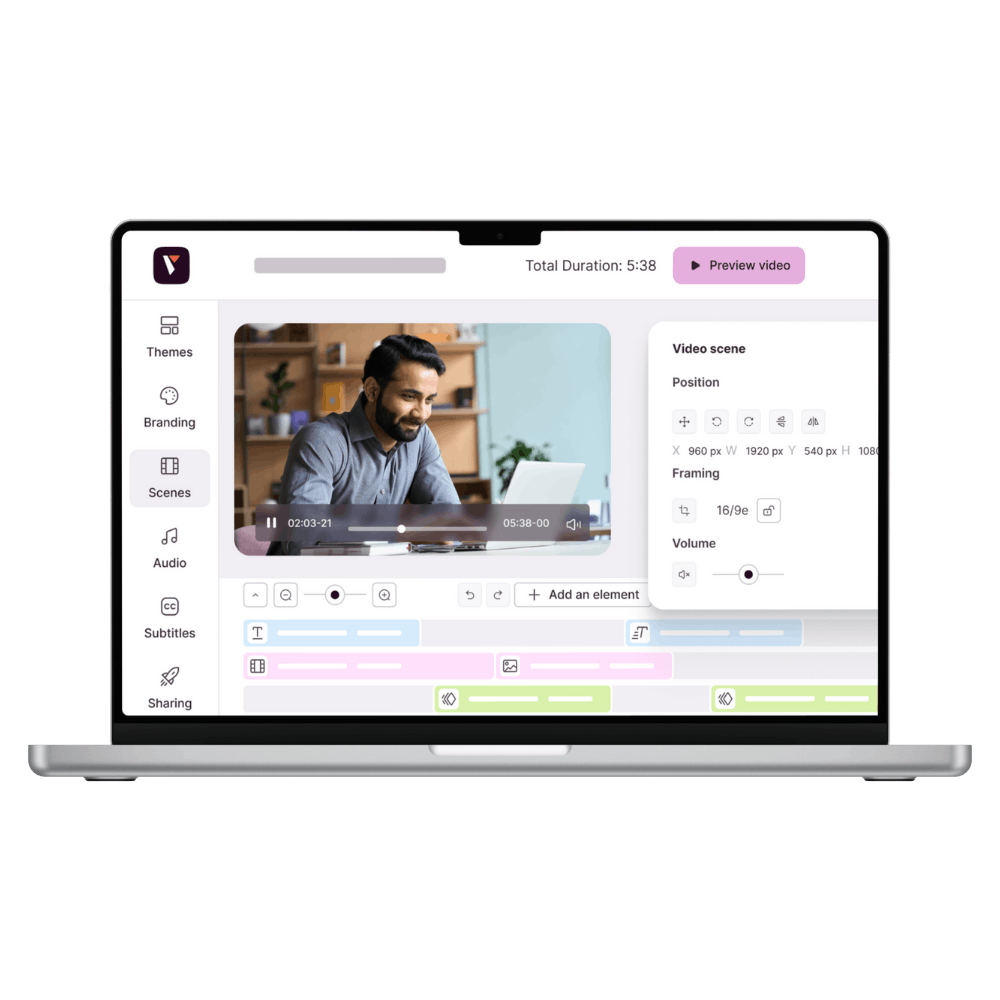
Pitchy is a tool dedicated to online video creation and editing, designed to simplify teamwork. It offers a guided experience that accompanies the user from start to finish, facilitating each step of the editing process with a simple and easy-to-use interface.
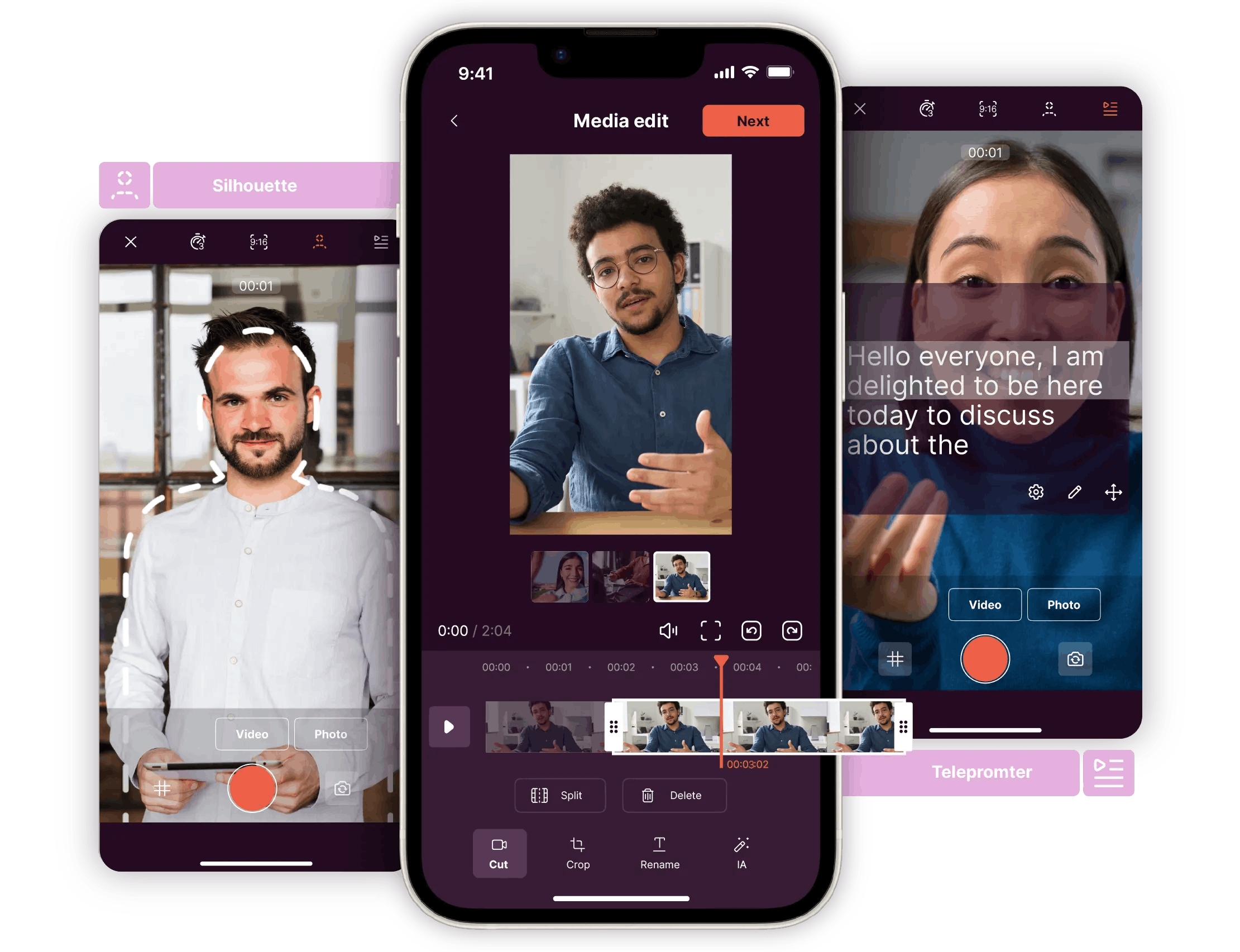
It allows you to create professional videos without needing to be an editing expert, thanks to an extensive library that provides the inspiration you need to create the perfect video. To simplify the creation process even further, Pitchy combines a web platform and a mobile app so you can easily switch from a video shot on your phone to editing on your computer.
You can also take benefit of over 800 customizable video templates for all purposes: marketing, internal or external communication, corporate videos, or training. It is also possible to add royalty-free music, animations, and collaborate with your teams to produce professional-quality videos.
With Pitchy, you can easily:
- Create videos from ready-to-use, customizable templates
- Add text, images, icons, or visuals to make your content more interesting.
- Customize your videos by integrating your logo, visuals, and various media (your graphic charter).
- Convert your videos into square, horizontal, or vertical formats so that they are perfectly suited to different platforms: websites, LinkedIn, internal distribution, or all social media channels.
- Work together on the same video, with real-time collaboration and clear tracking of updates.
CapCut: a video editing tool designed for B2C
CapCut, accessible to beginners and experienced creators, is available on mobile, computer, and via a website.
The tool makes it easy to create videos using a smooth interface and intuitive controls.
It offers a large library of effects, transitions, music, and ready-to-use templates, which makes editing easier and gives you a helping hand in creating a variety of content.
In addition to creating short formats, CapCut allows you to quickly produce modern videos tailored to creators' needs, without requiring advanced technical skills.
CapCut is used by most content creators to produce ready-to-use videos, adapted for social media, particularly TikTok and Instagram.
What kind of video can you create with each of these tools?
Because the choice of tool also depends on the result you want to achieve, it is essential to identify the type of video you want to produce. Each format has its own purpose, style, and needs.
With Pitchy, you can create different types of videos for different business use cases 👇:
- Employee branding videos: showcase everyday life, jobs, and company culture to strengthen your employer image
- Employee onboarding videos: welcome new arrivals, introduce the company, and facilitate their integration
- Marketing videos: present a service, a new product, or an offer with a clear, visual message for LinkedIn, your website, Instagram, and other networks.
- Commercial videos: show your product, its benefits, or a customer case study to support the sales team's activities
- Multi-format videos (web + social media): adapt your videos to vertical, horizontal, or square formats for LinkedIn, a website, or internal distribution.
- Event videos: announce an event, promote an important date, or create a professional aftermovie
- Recruitment/HR videos: promote a job, introduce your team, or inspire people to apply to attract top talent
With CapCut, you can create different types of videos👇 :
- DIY / do-it-yourself videos
- Handicraft creations / mini-businesses
- Multi-part storytelling videos
- TikTok/Reels videos with viral templates

Pitchy vs CapCut: which one should you choose for editing your videos?
The choice of a video editing tool depends mainly on your needs: the purpose of the video, what you are looking to achieve (brand awareness, product sales, training videos), the target audience, the distribution channels, and the type of content to be produced. The interface should be intuitive so that you can get started quickly.
The software you choose should be compatible with different video formats and able to integrate with other platforms. Collaboration options are also important, especially if several people are working on the same project.
- Choose Pitchy: if you need videos that are aligned with your brand, consistent with your graphic charter, and designed to help you in your daily work to create unlimited videos for all internal and external uses: for marketing, communication, training, HR, or employer branding teams. The tool is ideal for companies looking for a simple, easy-to-use, collaborative, and secure platform.
- Choose CapCut: if you want to quickly create short, dynamic videos that are suitable for social media (TikTok, Reels, Shorts). The tool is perfect for content creators and freelancers.
If you want to produce, edit, and create videos with peace of mind, CapCut does not provide any guarantees regarding data protection or where your media and projects are stored, which raises concerns, particularly regarding copyright and the future use of your content.
For videos intended for social media, this may be acceptable, as the video ultimately ends up on the internet. But when it comes to professional business projects, whether internal or external, Pitchy remains the ideal platform for protecting all your projects and videos: all data is hosted in Europe and GDPR compliant, guaranteeing complete control over your content and total transparency regarding its use, so that you retain ownership of your rights, even when using AI features.
Discover how Pitchy, the online video editing platform for businesses, can help you produce secure professional videos.
Comparison table between Pitchy and Capcut Video Editors
| Business Criteria | Pitchy | CapCut |
|---|---|---|
| Locked brand guidelines & templates | ✔️ | ❌ |
| Internal collaboration | ✔️ | 🟠 Limited |
| Multi-team branding | ✔️ | ❌ |
| Hosting & GDPR compliance (EU) | ✔️ | ❌ |
| Professional support | ✔️ | ❌ |
| Business-oriented solution | ✔️ | ❌ Consumer-focused |
| Ease of use / creative autonomy | ✔️ | ✔️ |
The main features Pitchy offers for creating your videos:
- Animate videos with over 1,500 trendy animations created by motion designers.
- Add titles, subtitles, images, pictograms, stickers, banners, and filters
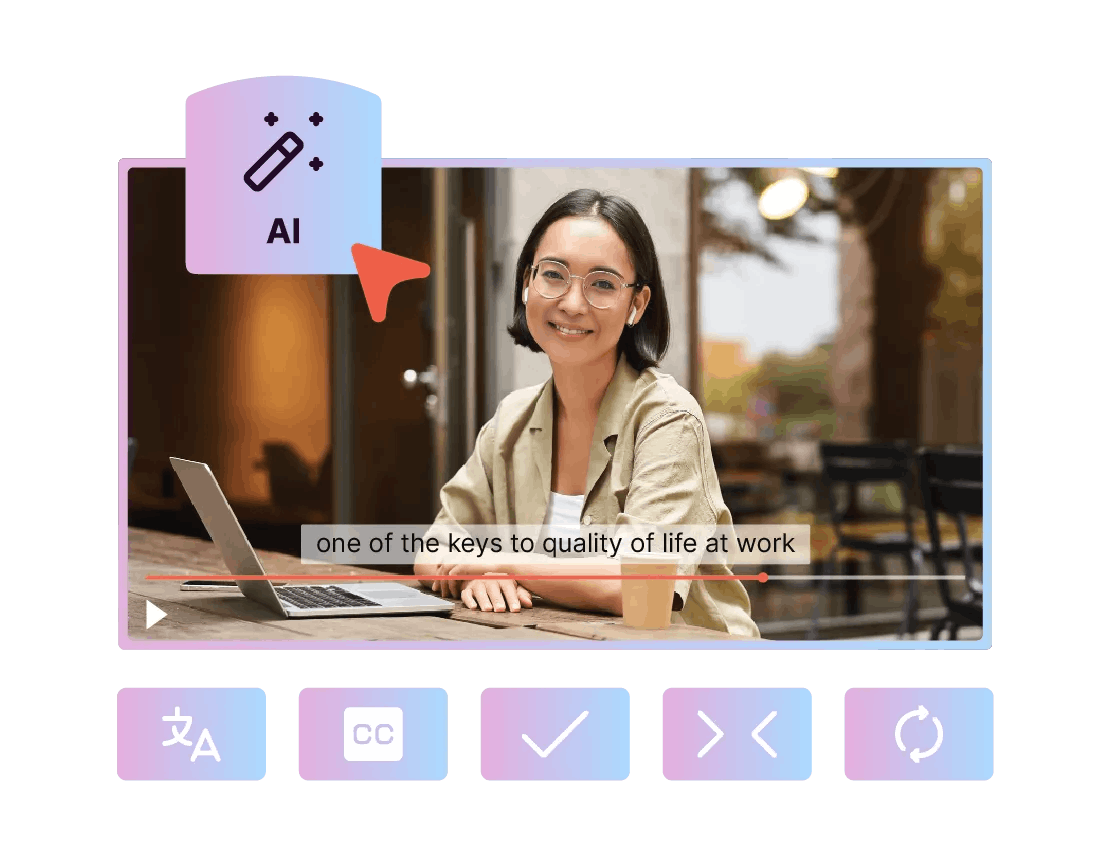
- Translate your videos into 48 languages, with text, subtitles, and a smooth and natural voice over
- Access over 800 ready-to-use video templates to change your style in one click, without ever losing your visual consistency.
- Choose from over 4 million royalty-free photos and videos in the library and hundreds of music tracks
- Leverage advanced artificial intelligence features to create your subtitles, translate them into over 50 languages, and make your videos international
- Generate a voice-over available in around twenty languages from an audio file or text-to-speech
- Record your screen to produce interactive tutorials and demonstrations
- Download your videos in Full HD in MP4 or SCORM formats, or embed them via an iFrame
- Optimize and correct your texts with AI by automatically rephrasing, shortening, or correcting them for a professional result
Writer’s Note
CapCut and Pitchy serve two different purposes. CapCut remains a good editing tool for your B2C social media content.
Pitchy, on the other hand, offers a more comprehensive solution for controlled video creation that is very easy to use and allows you to produce videos that are consistent with your brand and tailored to your professional needs.
The platform ensures the security of your video projects and offers advanced AI features to facilitate subtitling, translation, voice-overs, and other functions.
Want to produce more videos in the shortest time possible? And with zero editing skills? Ask for your demo of Pitchy software!

Resources
Related resources

Master the initial phases of a video project

The right marketing videos are the ones that turn viewers into customers. Check our article about 5 Ways to Convert More Leads with a Video Marketing Agency.

Top list of the trendiest videos