







5 Beginner video editing software programs: which one is right for you?

🎬 Quick summary | 🕓 06/03/2026
🎯 Goal of this article: helping you choose the best beginner video editing software to create your first videos without any hassle.
🧰 What you’ll learn: The key features and limitations of 5 beginner video editing software (Pitchy, iMovie, Shotcut, VSDC, Filmora).
✅ Bonus: Practical tips to avoid common mistakes and make rapid progress.
👥 Who is it for?: Students, apprentices, communicators, or managers who want to publish a professional video without becoming Spielberg.
Editing a video has never been easier... in theory. In practice, when you open a beginner video editing software for the first time, you quickly find yourself overwhelmed by buttons, menus, and technical terms that are scarier than a horror movie.
When social media like LinkedIn, Instagram, and YouTube are all about visual content, mastering beginner video editing software is almost as important as knowing how to write an email.
The good news is that there is now video editing tools available for beginners. You don't need to be an audiovisual expert or spend nights reading tutorials. With the right tool, you can add text, insert music, choose a suitable format, apply a filter, and export your video in just a few clicks.
This article offers a clear and comprehensive comparison of the 5 essential tools for beginner video editing software. The goal? To help you choose the solution best suited to your project, whether you're a student, a communications professional, or simply curious to get started. Spoiler alert: one of them could well become your new creative ally.
Why should you start with beginner video editng software?
It's hard to ignore the trend: video now dominates social media. LinkedIn favors short, professional content, YouTube remains the go-to platform for tutorials and long-form videos, while TikTok, Instagram, and Facebook thrive on fast-paced, impactful formats. No matter the platform, one thing is clear: publishing videos attracts more views and builds more credibility than static images.
But to get started, you need the right beginner video editng software. And that’s where make all the difference. Unlike industry giants like Adobe Premiere Pro or Final Cut Pro, these tools are designed to be accessible from day one. What makes them so powerful? An intuitive interface, ready-to-use filters, the ability to add text and music in just a few clicks, and above all, fast exports in multiple formats (HD, 4K, square, vertical).
For a beginner, the advantages are clear:
- Time savings: no need to spend hours figuring out how to insert a transition.
- Universal compatibility: whether you're on Windows, Mac, Linux, iOS, or Android, there's a solution for you.
- Accessibility: many offer a free version, ideal for testing before investing.
Even when we already knew that video was a must, the numbers confirm it loud and clear: 89% of companies now include video in their marketing strategy, and 95% of marketers consider it essential to their digital communication.
What we explore in more detail perfectly meets the needs of budding creators: video is no longer reserved for editing experts. In our article “What are the best practices for an effective video strategy?” we show you how to choose simple formats, short interviews, quick tutorials, or light teasers that immediately capture attention.
And for those embarking on their first projects, our guide “ 7 Steps to create a marketing video” describes a clear and accessible method for structuring content without getting lost in the technical details.
By making creation more intuitive, video becomes not only accessible to everyone, but also a way to learn and progress quickly, in order to give visibility to one's first creations.
Criteria for choosing the beginner video editing software
Not all tools are adapted to beginner video editing software, especially when you’re just starting out. To avoid wasting time with a tool that’s too complex or unsuitable, it’s best to define a few criteria before you get started.
- Compatibility first :
Nothing is more frustrating than downloading software that doesn't work on your device. Check from the outset whether the program is compatible with your system: Windows 10, Windows 11, macOS, Linux, iOS, or Android. Some software is exclusive to Apple (such as iMovie), while others are available to everyone (such as Shotcut). - Ease of use:
Good software should offer a simple and intuitive interface, possibly with a short built-in tutorial. Predefined filters and the ability to quickly add text or integrate music are game-changing features. - Basic features
Even in its free version, software must cover the essentials: Audio: adjust the sound or add background music. Text and titles: insert written content with ease. Transitions and colors: create a smooth visual effect. Some special effects to make your videos more dynamic. - Fonctionnalités avancées:
With time, your needs change. Opt for a tool that can export to multiple video formats (HD, 4K, vertical, square), offers creative tools, and provides a choice between a free and paid version so you can scale up without changing software. - Accessibility and availability:
Price is important, but so is how you access the software: traditional download for PC and Mac, or an online solution accessible anywhere. In short, the right software is one that combines ease of use, compatibility, and a balance between free and advanced options, so you can progress without feeling limited.
Comparison of the 5 best beginner video editing software
Pitchy: The premium and intuitive partner
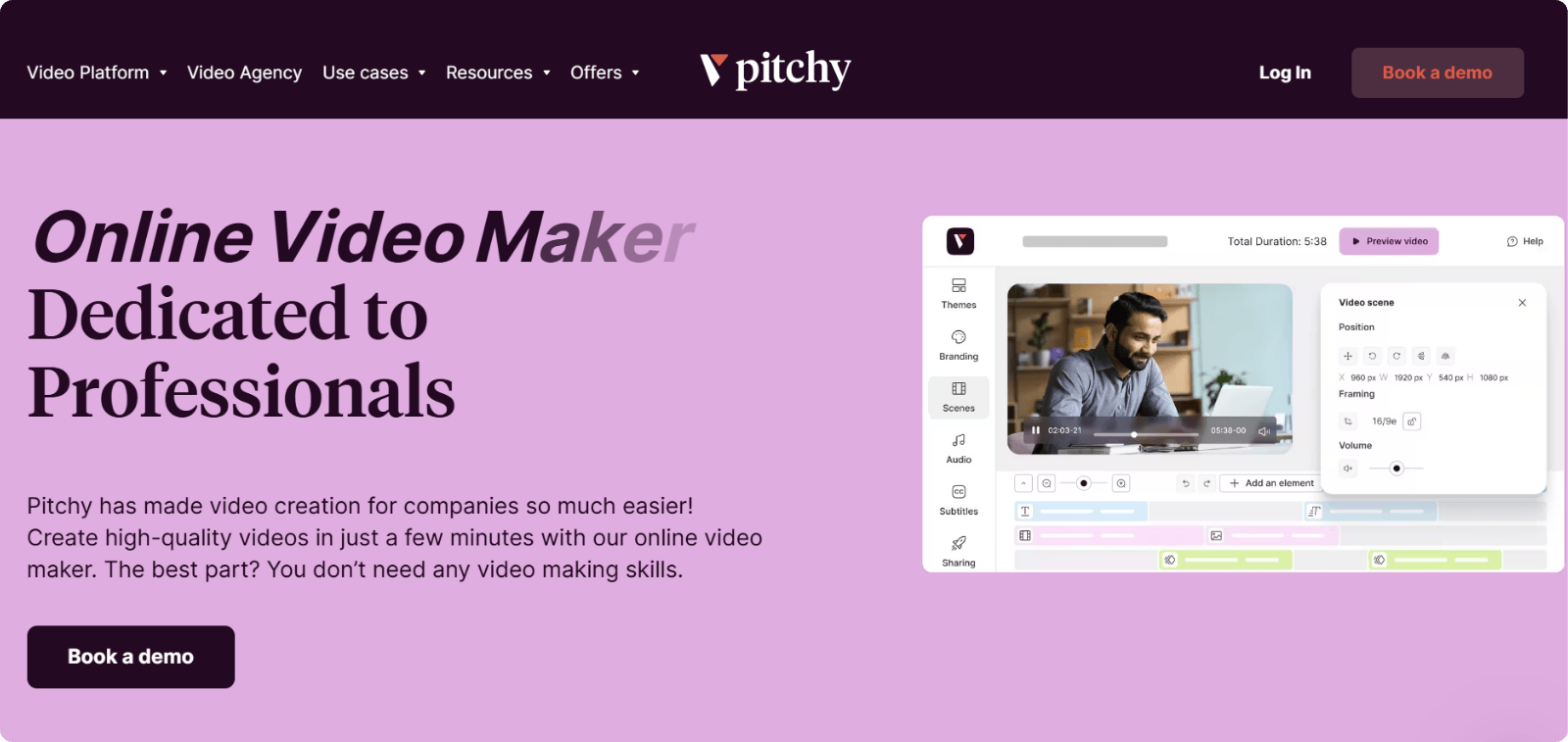
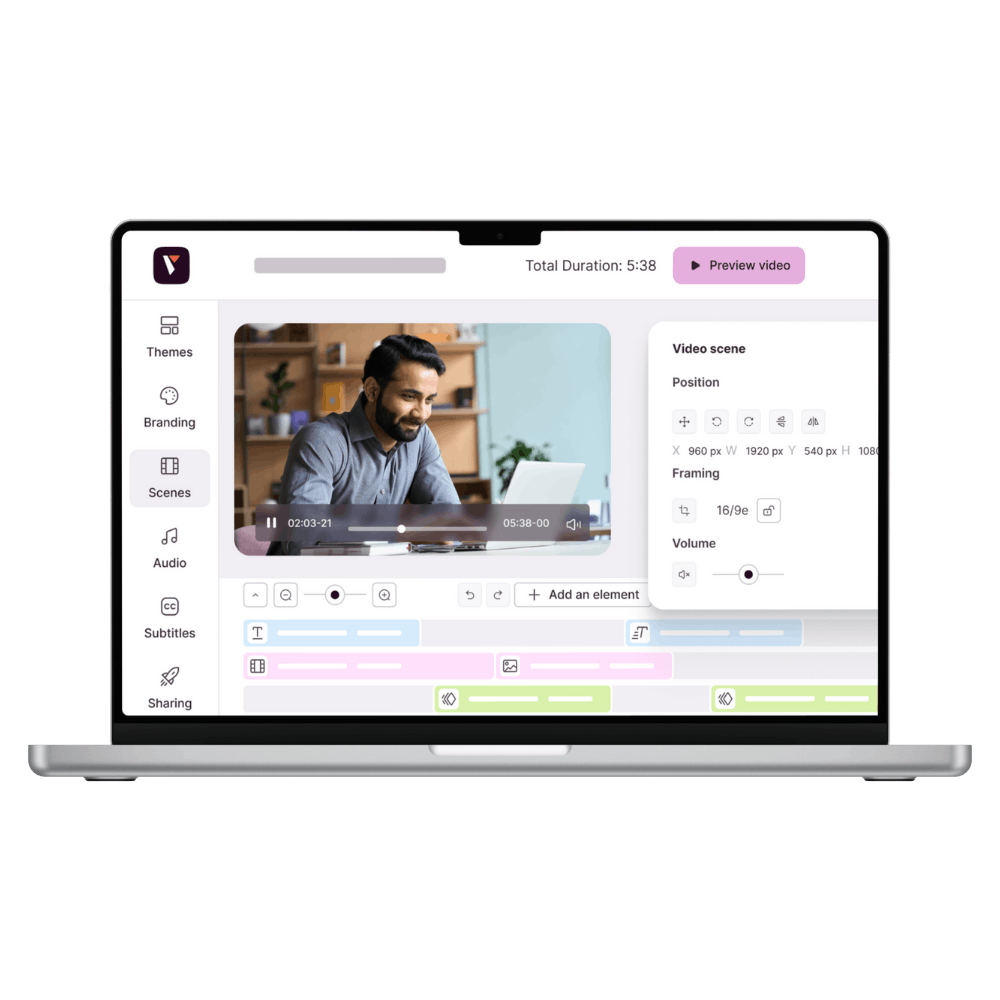
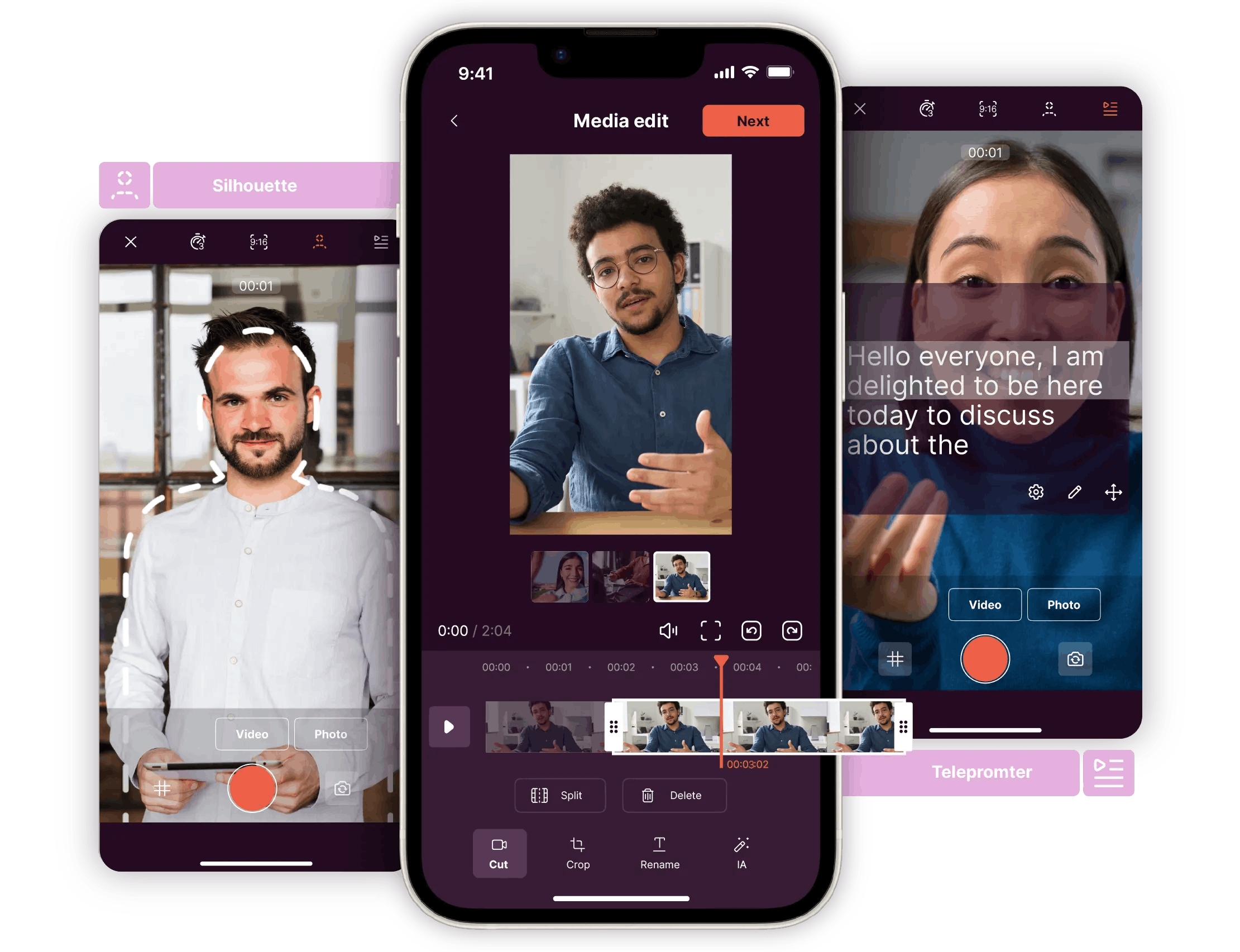
Pitchy is kind of like a dream come true for anyone who wants professional results without becoming a Hollywood editor. Everything is designed for speed, while maintaining a level of quality worthy of the biggest brands. And the bonus? No need to install anything: Pitchy is a 100% online solution, accessible from Windows 10, Windows 11, macOS, iOS, or Android.
Key features:
- An intuitive interface that guides beginners step by step. Even your colleague who is allergic to software will be able to create a decent video.
- Ready-to-use templates adapted to the formats of different social networks.
- Simply add text, music, and predefined filters to boost the rendering.
- Multi-format video export (HD, square, vertical, 4K), perfect for juggling between social networks.
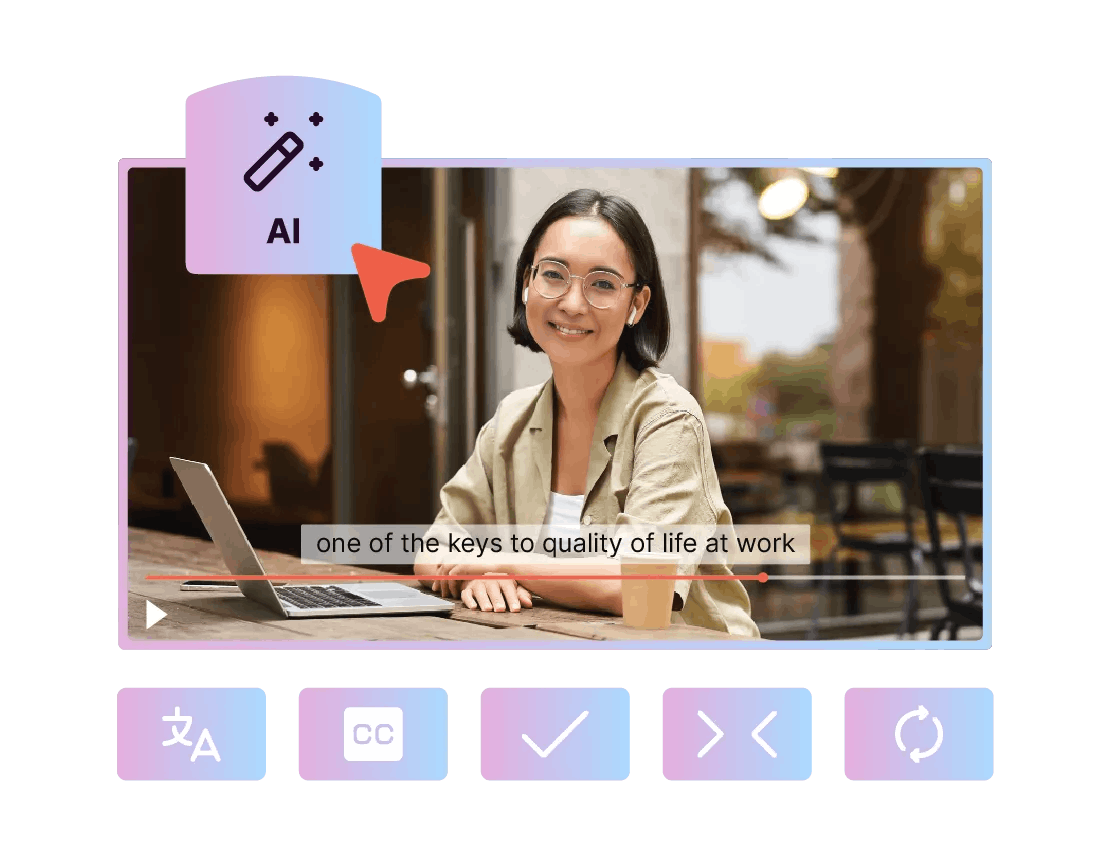
- Advanced features available: automatic subtitles, color customization, and compliance with graphic guidelines.
Example: An HR team can create a LinkedIn recruitment video in an hour, complete with subtitles and professional design. With Pitchy, editing is no longer a barrier but a communication accelerator.
iMovie: the free option for Apple users
With Apple, video often starts with iMovie. The software comes pre-installed for free on Mac, iPhone, and iPad, and lets you explore editing without stress.
Key features:
- A simple, clean interface, typical of the Apple universe.
- Elegant filters, built-in music, and smooth transitions.
- Fast export to multiple video formats, ideal for your first upload to YouTube or Instagram.
The limits:
- Exclusive to macOS and iOS → not available on Windows or Linux.
- Few advanced options for going beyond basic editing.
Example: a student can create a video presentation for LinkedIn in just 30 minutes with iMovie. It’s smooth, polished, and effective. But if you’re dreaming of Netflix-level special effects… you may be disappointed.
Shotcut: powerful and free open source software
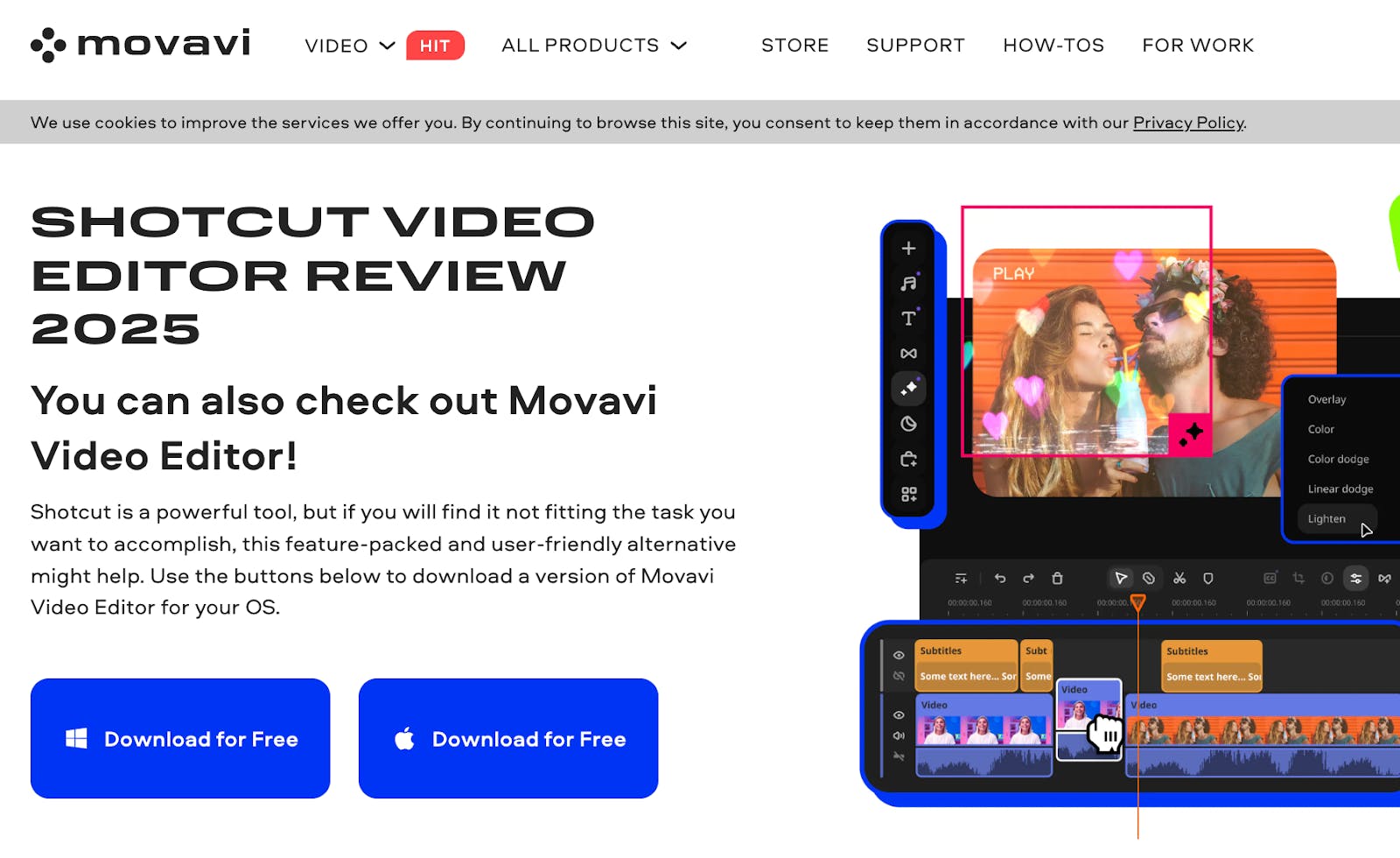
Shotcut is the option for more experienced users. Free, open source, and compatible with Windows, Mac, and Linux, it appeals to those who want a robust tool without pulling out their credit card. But be warned: it can take some time to learn.
Key features:
- Compatibility with a wide range of video formats (including HD and 4K).
- Advanced tools for audio, color correction, and special effects.
- Flexible export options for all types of projects, from YouTube videos to professional tutorials.
- 100% free, with no watermarks, even in the basic version.
The limits:
- A less intuitive interface, which can discourage true beginners.
- A steeper learning curve
Example: an enthusiast can create a complete short film with multiple audio and video tracks. But for quickly publishing an Instagram teaser, Shotcut may feel as complex as an airplane cockpit.
VSDC Free Video Editor : the Windows alternative
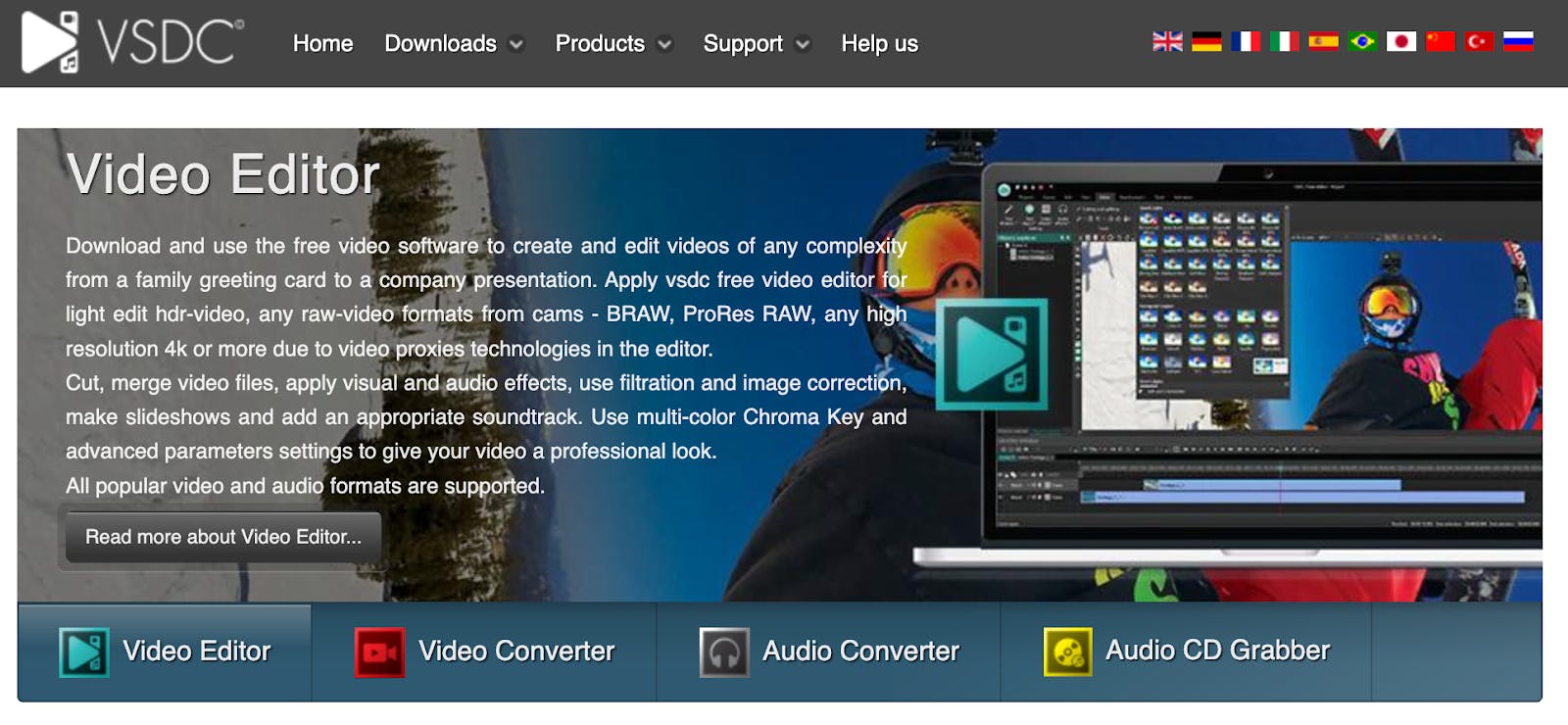
For Windows PC users, VSDC Free online video editor is a free option that offers many useful features. It is only available on Windows 10 and Windows 11, which makes it useless for Mac users, but it is still very powerful.
Key features:
- Many special effects and filters to enhance videos.
- Advanced management of audio and video tracks.
- HD and 4K export, ideal for YouTube, Facebook, or Instagram.
- Complete free version, with the option to upgrade to Pro to unlock more tools.
The limits:
- An interface that is outdated and not very intuitive, reminiscent of Windows software from the 2000s.
- Some advanced options are only available in the paid version.
Example: a professional can edit a corporate video with music and animated graphics. But for a true beginner, VSDC can feel about as welcoming as a colorless Excel spreadsheet.
Filmora: the balance between simplicity and creativity
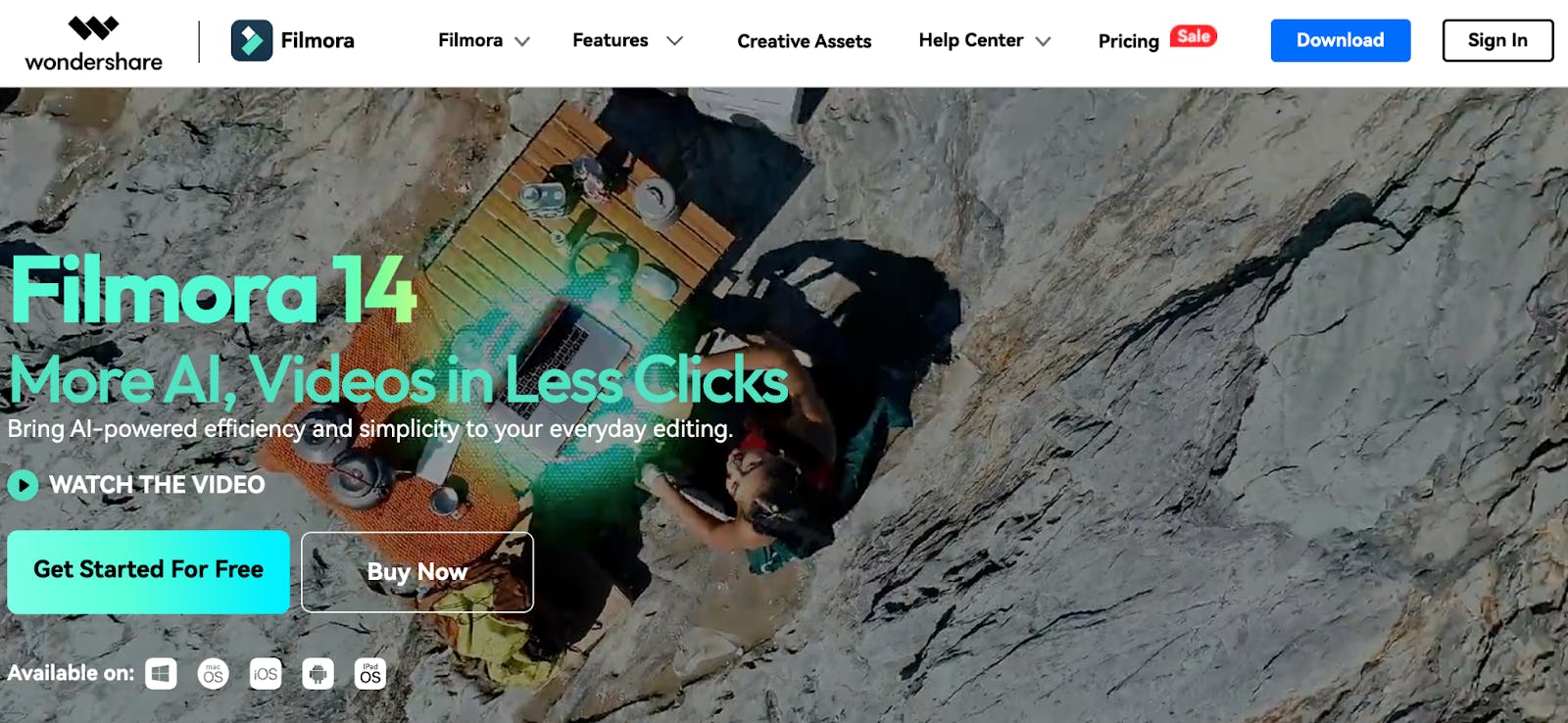
Filmora by Wondershare is a favorite of aspiring creators. Available on Windows and Mac, it comes in a free version (with watermark) and a paid version to unlock all features.
Key features:
- An intuitive and simple interface, ideal for a first video edit.
- A large library of filters, music you can use for free, and special effects.
- Animated title templates to add rhythm to videos.
- Fast export, compatible with all video formats (HD, 4K, vertical, square).
The limits:
- The watermark in the free version is a real obstacle for professional videos.
- Less technical flexibility than Shotcut or VSDC.
Example: a YouTube creator can publish stylish videos every week, with animated intros and punchy music. It's kind of the ideal creative playground for social media.
Verdict
After reviewing these 5 beginner video editing software, one conclusion stands out: everything depends on your needs and your profile
- Are you an Apple fan looking for a simple, free solution? iMovie does the job perfectly.
- Do you like open source and have time to learn? Shotcut will give you total freedom.
- Are you a Windows-only user who likes powerful free software? VSDC could be your ally.
- Want to create creative content for YouTube, TikTok, or Instagram without any hassle? Filmora offers a good balance.
But if you're looking for a premium solution that's intuitive and suitable for both businesses and beginner video editing software, Pitchy remains the best option.
Because Pitchy offers more than just features it delivers something others don’t: a platform built to save time, ensure visual consistency, and publish high-quality videos… without sacrificing simplicity.
Common mistakes to avoid when you start video editing
Getting started with video editing is exciting... but the first few times are often challenging. To keep your project from becoming a headache, here are the pitfalls that almost all beginners fall into.
Believing that free software is always enough
We all love the word “free.” And yes, iMovie or Shotcut can help you out. But after a few projects, you quickly reach their limits: watermarks on your videos, endless export times, or locked features.
The result: you end up wasting more time than you save. It's better to go for a tool that offers a free version to get you started and a pro version to help you evolve without changing your habits.

Forget compatibility
You're using Windows 11, your colleagues are on Mac, and the client sends you a file designed for Linux.
Guess what? Nothing opens. This is one of the most common mistakes: not checking multi-system compatibility from the outset. And it can cost you a lot of wasted time.
Don't worry about the export format
Each platform has its own codes: YouTube loves 16:9, TikTok and Instagram prefer vertical, while LinkedIn values clear and simple formats. Publishing without adapting the video format risks creating an unbalanced result that instantly loses attention.
Lgnoring audio and subtitles
A beautiful image with crackling audio? No one sticks around. And on mobile, many users watch without sound. Not adding automatic subtitles means depriving half of your audience of the message.
Practical tips to improve faster
Learning video editing is like learning to cook: it’s better to start with a simple recipe before attempting a full banquet. With the right habits, you can make fast progress, even with no experience.
- Take advantage of built-in templates and tutorials
Modern software such as Pitchy or Filmora are packed with ready-to-use templates and step-by-step tutorials. By using them, you will quickly learn how to add text, music, apply filters, or adjust colors. This is the easiest way to learn without getting lost in the technical details.
- Start with simple projects
An Instagram story, a short LinkedIn video, or an internal mini-tutorial are more than enough to test a software program's intuitive interface. This will familiarize you with multi-format video export (HD, vertical, square) and help you quickly understand what works on each social network.
- Try multiple software programs before choosing one
The good thing about the current market is that free versions are available on Windows, Mac, iOS, and Android. Compare the fluidity, export quality, and ease of use. A tool may seem perfect in theory, but only testing it in real-life conditions will allow you to judge its true value.
- Opt for software that can grow with your needs
Needs change faster than you might think: a simple school video can turn into a professional project. Choosing a tool that can grow with you, like Pitchy (simple but powerful) or Filmora (creative and accessible), lets you progress without having to learn a whole new software program.
After comparing these 5 beginner video editing software, my main observation is that the barrier to video editing no longer really exists. Free solutions such as iMovie or Shotcut are ideal for beginners, but they quickly show their limitations when you start looking for more fluidity or creative options.
Writer’s opinion
VSDC and Filmora offer a good compromise, but each one requires either a learning curve or accepting certain limitations.
Pitchy truly simplifies the experience. Its intuitive interface, ready-to-use templates, and multi-format export options make it a tool that meets the needs of both students and businesses.
And that’s what makes the difference: when you’re just starting out, you don’t want to waste time figuring out the tool you want to publish quickly and do it well.
Finally, Pitchy stands out for its ability to combine simplicity and power. A clean interface, advanced features, and formats designed for each platform make it a true communication accelerator.
Video creation is no longer reserved for experts. With the right tools, even beginners can quickly produce engaging content for LinkedIn, YouTube, TikTok, or Instagram. The key is to choose an intuitive solution that simplifies exporting, offers ready-to-use templates, and allows you to evolve as your projects evolve.
A Pitchy demo will show you how to turn your ideas into powerful videos without wasting time on technical details. Discover Pitchy now and create your first video in minutes!


Resources
Related resources
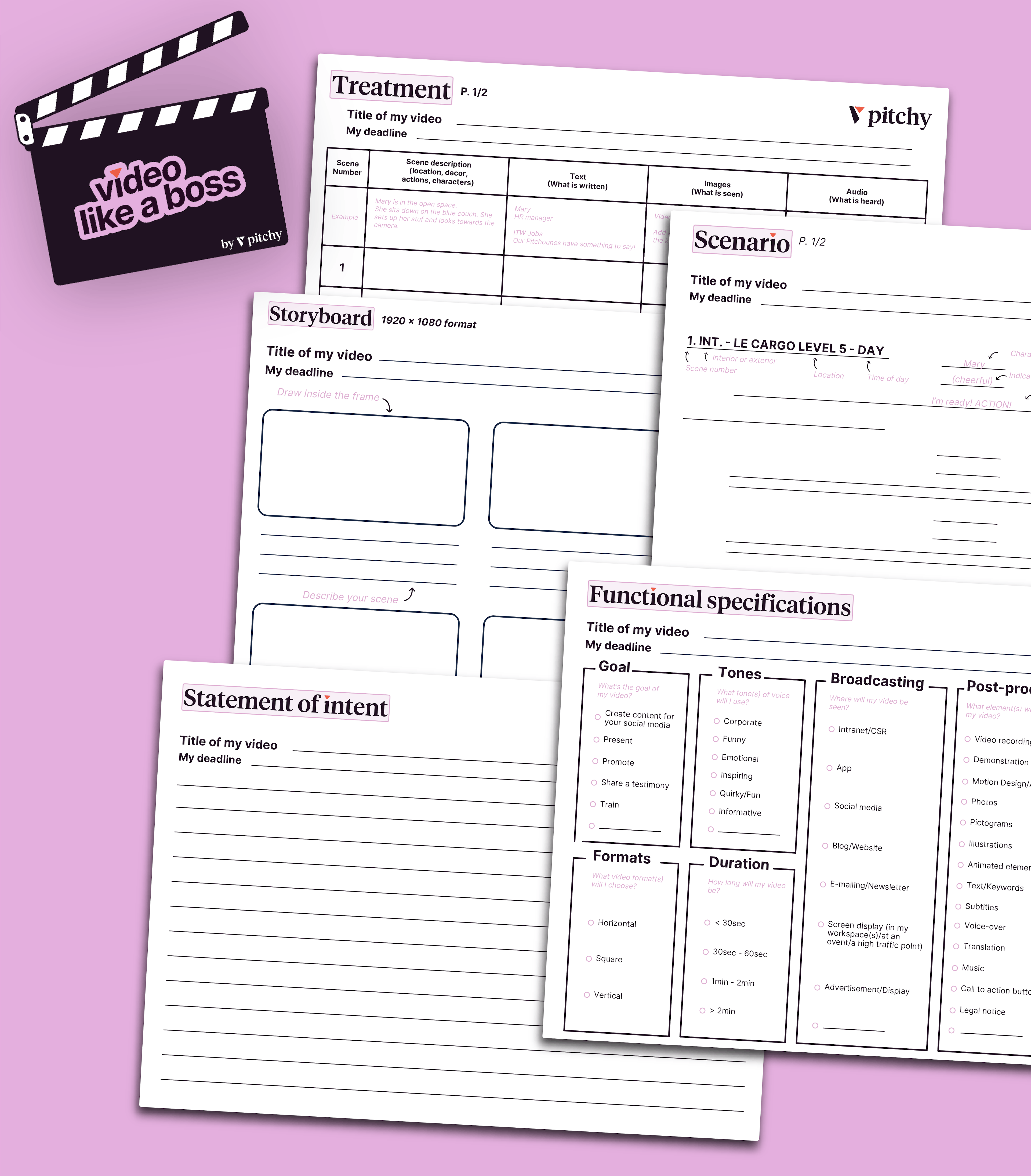
Get our all-in-one kit to kickstart your video projects effortlessly!

Discover 3 User-friendly video editing tools to create professional content in under 10 minutes perfect for YouTube and Instagram.

We've listed the major trends in terms of video formats for you, and it's good timing, because Pitchy allows you to cover them all!

Discover the 7 key steps to edit a video: choosing the right software, creating a storyboard, reviewing your footage, and more.