







The Filming Guide: help your on-site teams film to your standards
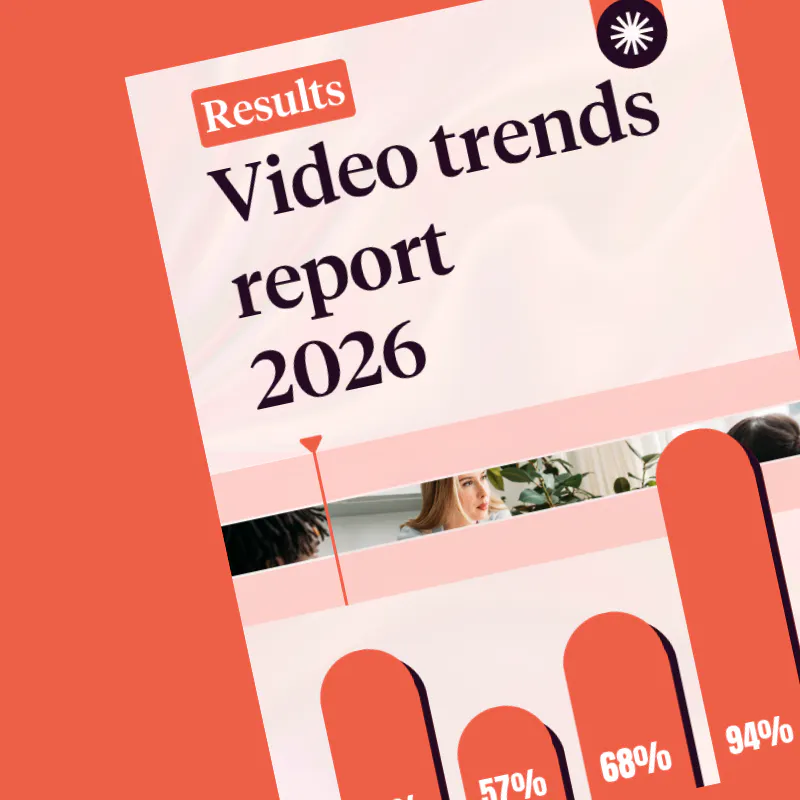
Your staff can access the scenes to film, visual guidelines and key messages on their mobiles, ensuring consistent videos even when working remotely. 68 per cent of companies believe that videos filmed by their own staff are the most engaging (Source: Video Barometer, Pitchy, 2026).
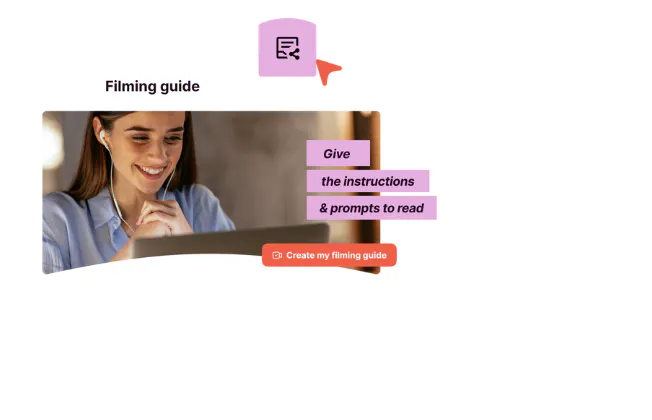
How does it work? A simple process

Create your guide directly on your desktop
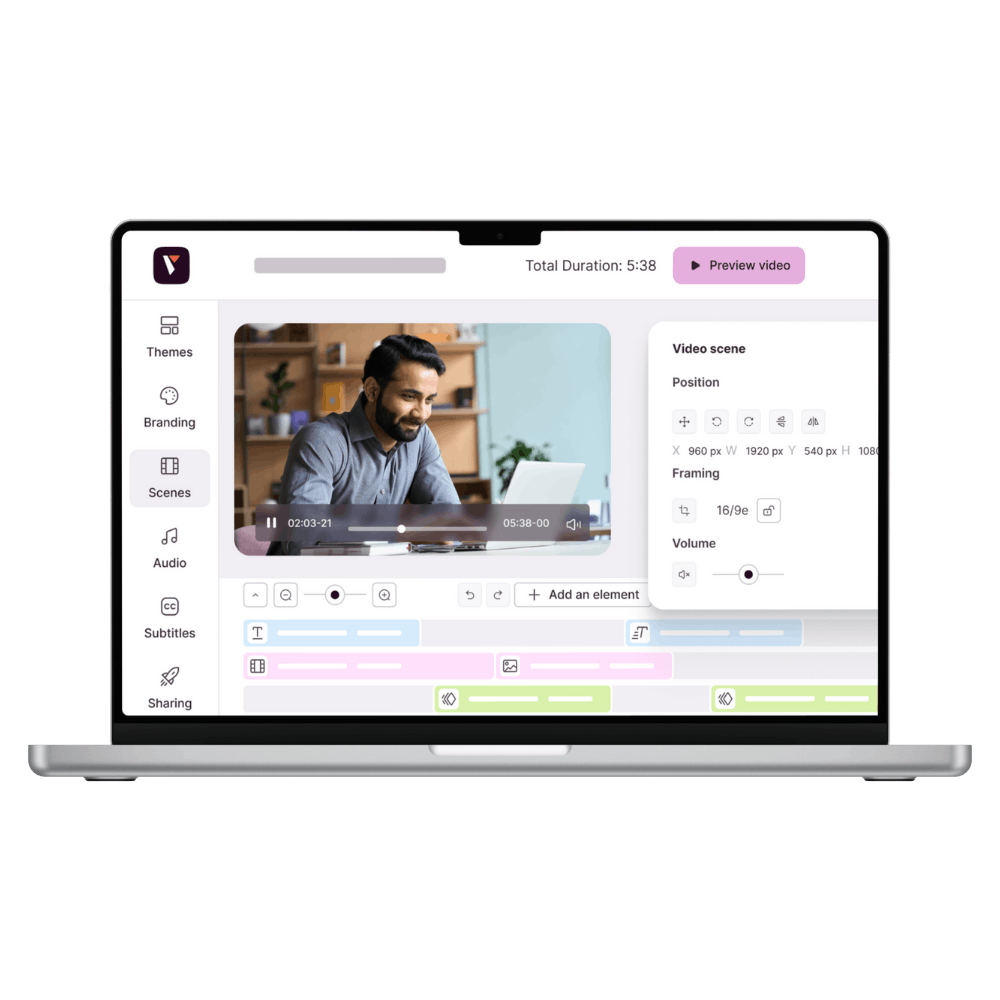
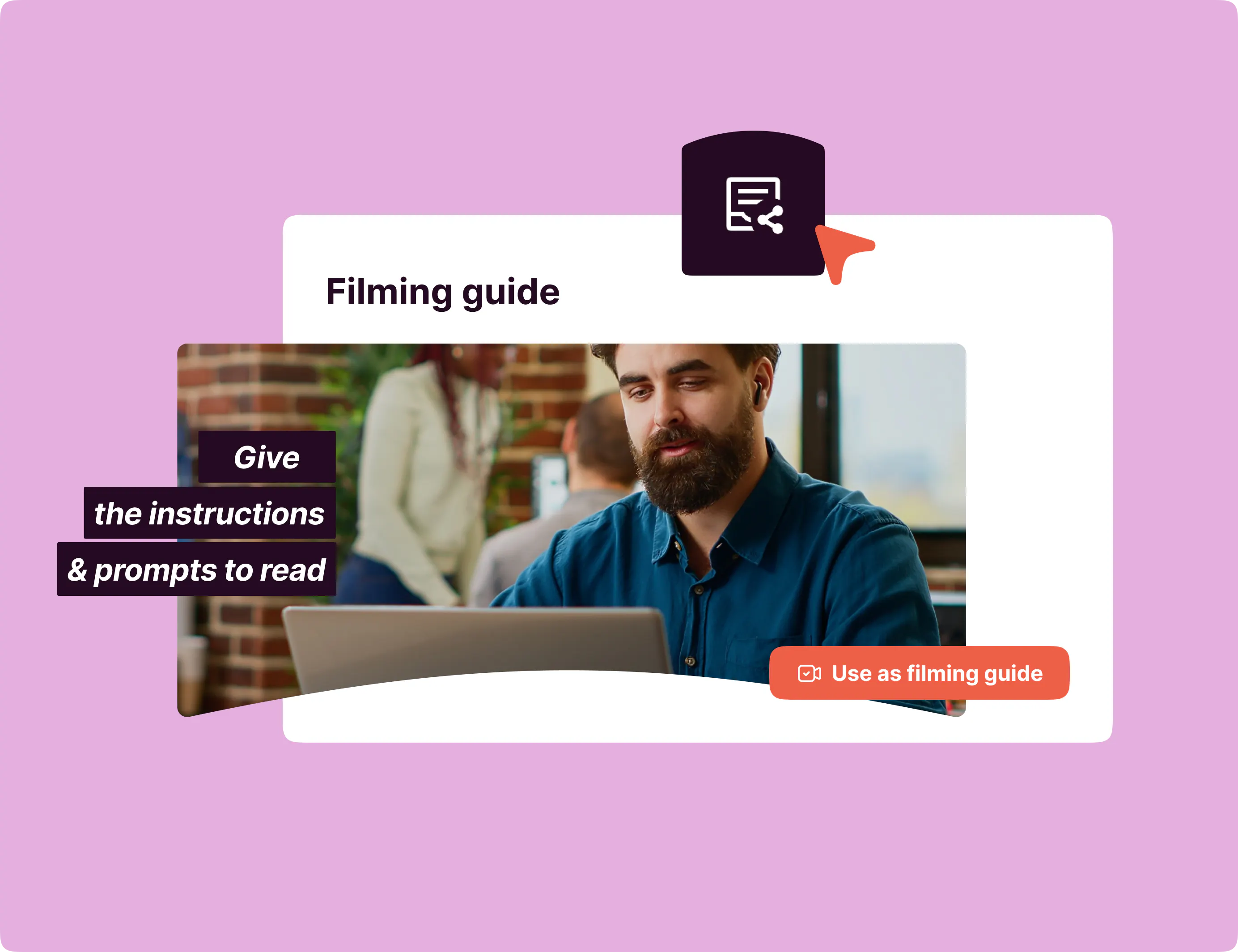
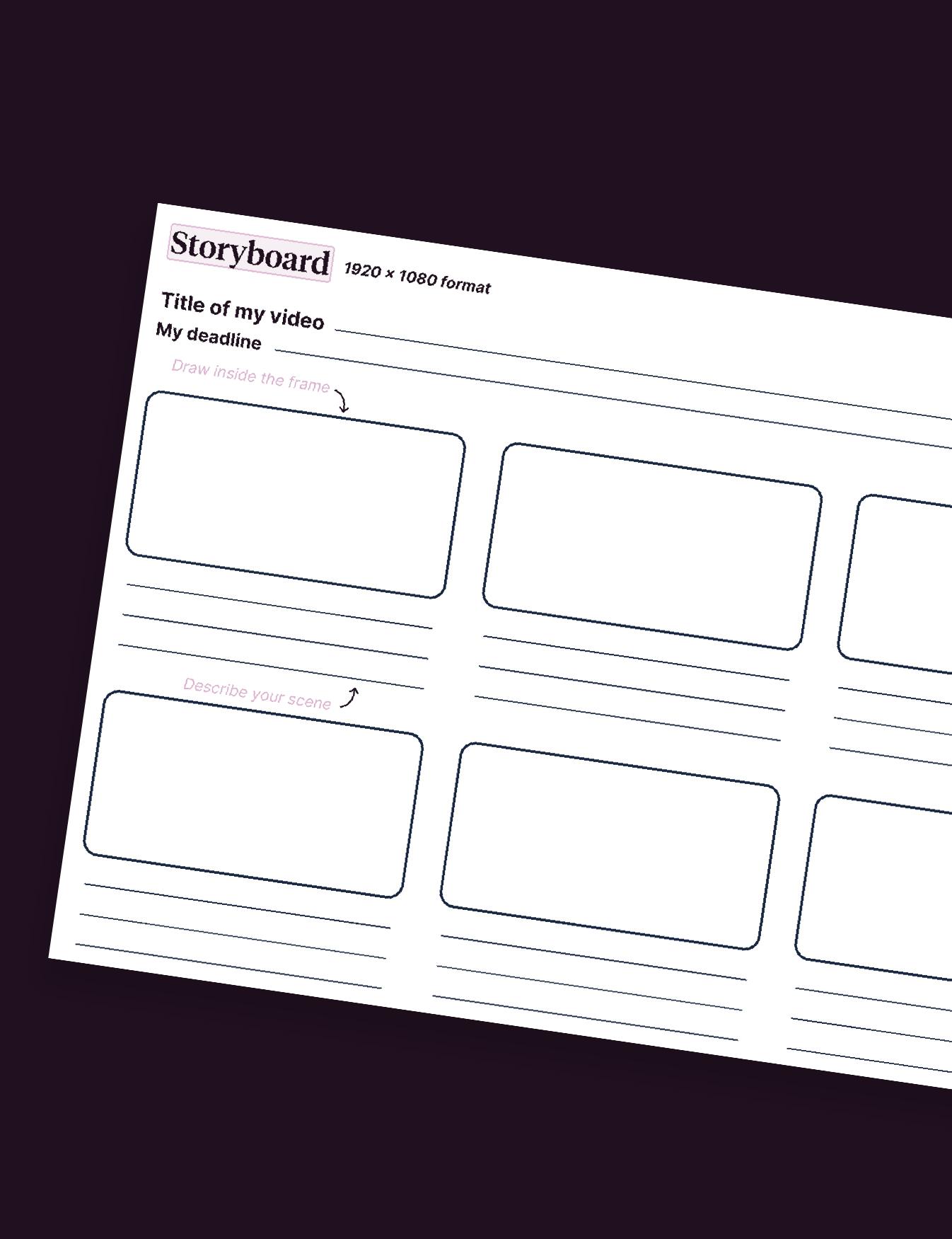
From any project, you can generate a personalised shoot guide in just a few clicks. Add your instructions, video clips, photos and text to provide a clear framework for your project.
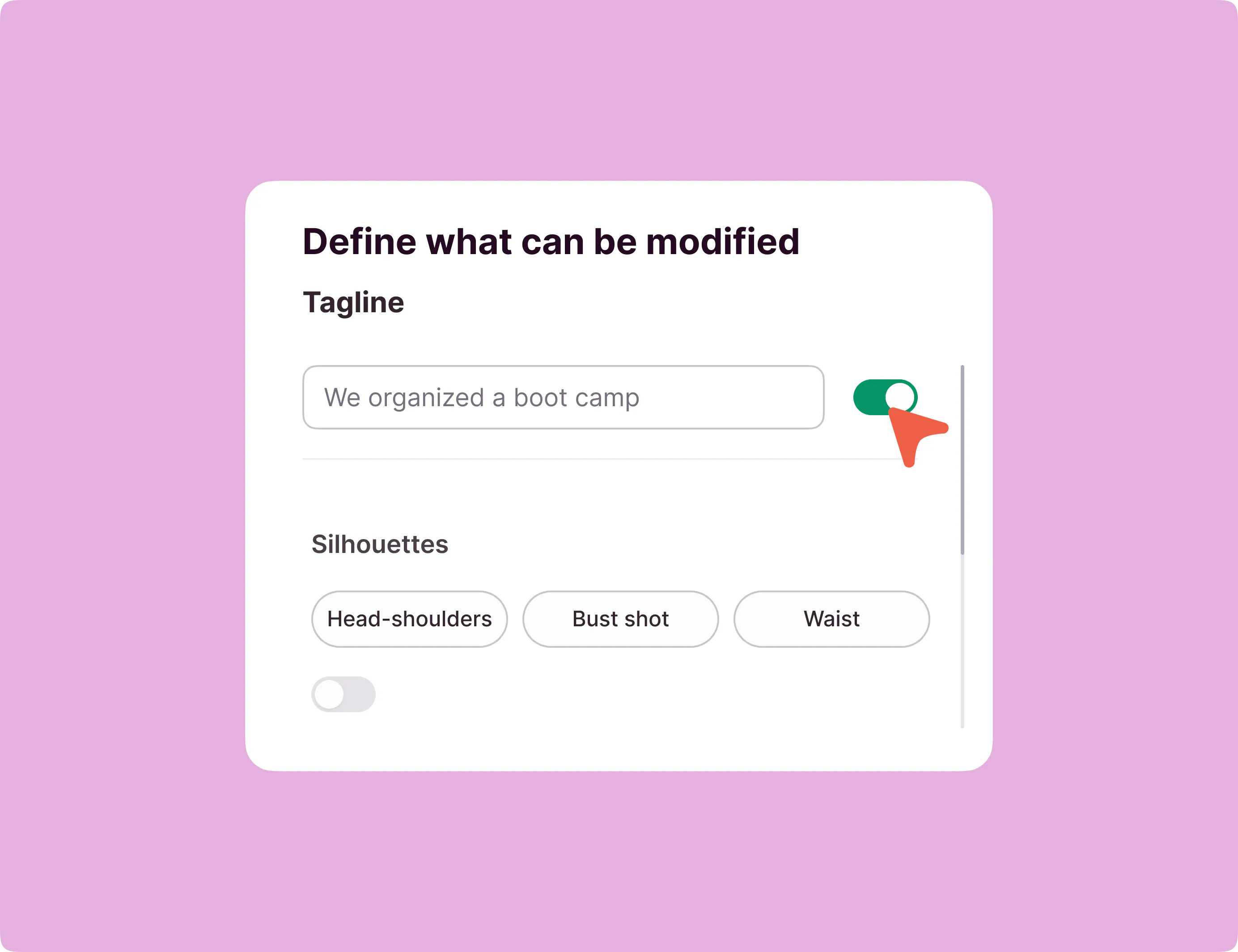
Customise each sequence
Decide which parts can be edited (video, photos, text) and maintain the overall structure, whilst allowing your team some flexibility.
Share the filming guide with your colleagues
You can then share this guide with whoever you like via the Pitchy mobile app, whether they already have a Pitchy account or not.
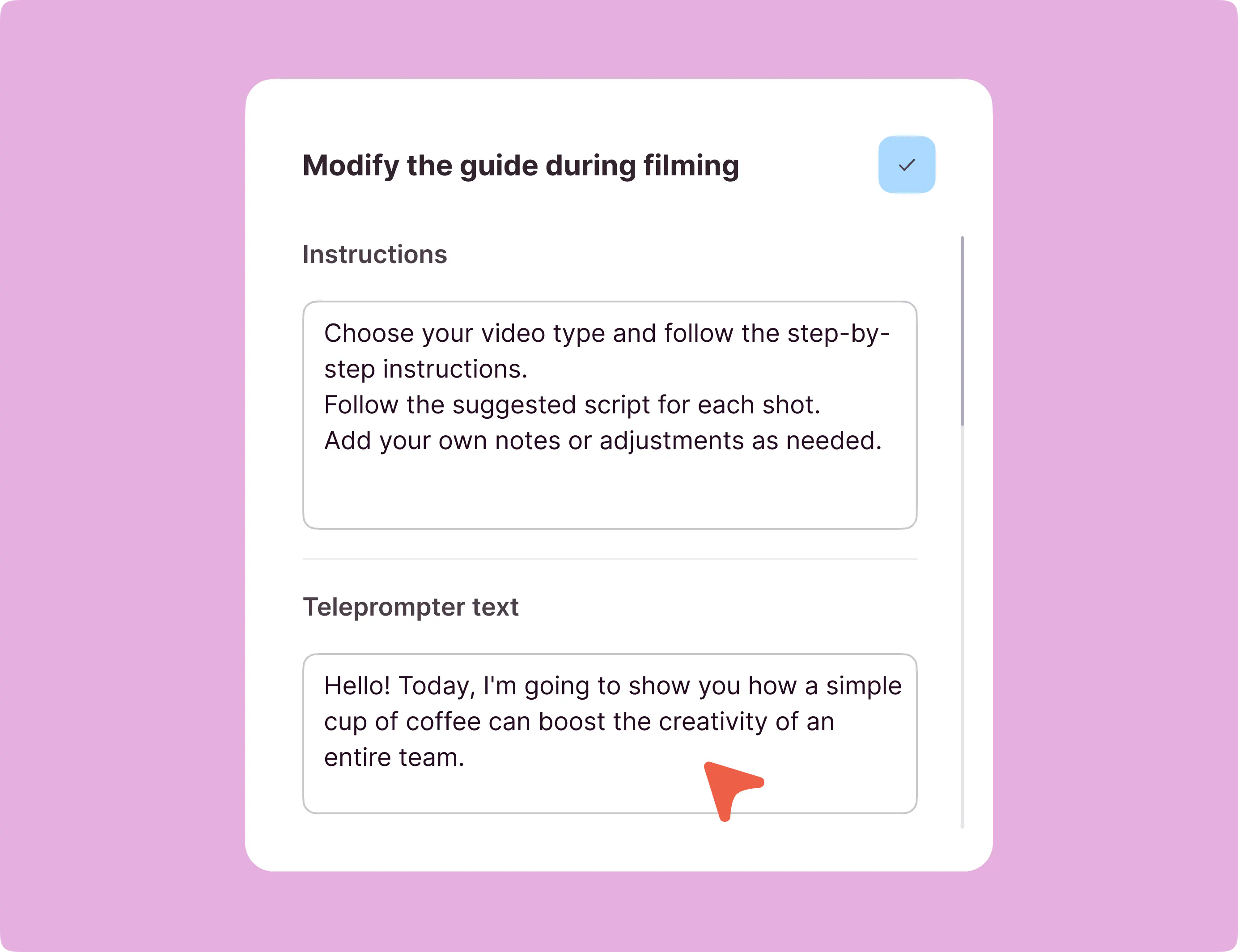
Complete the guide whilst filming
Your staff can now replace editable sequences.
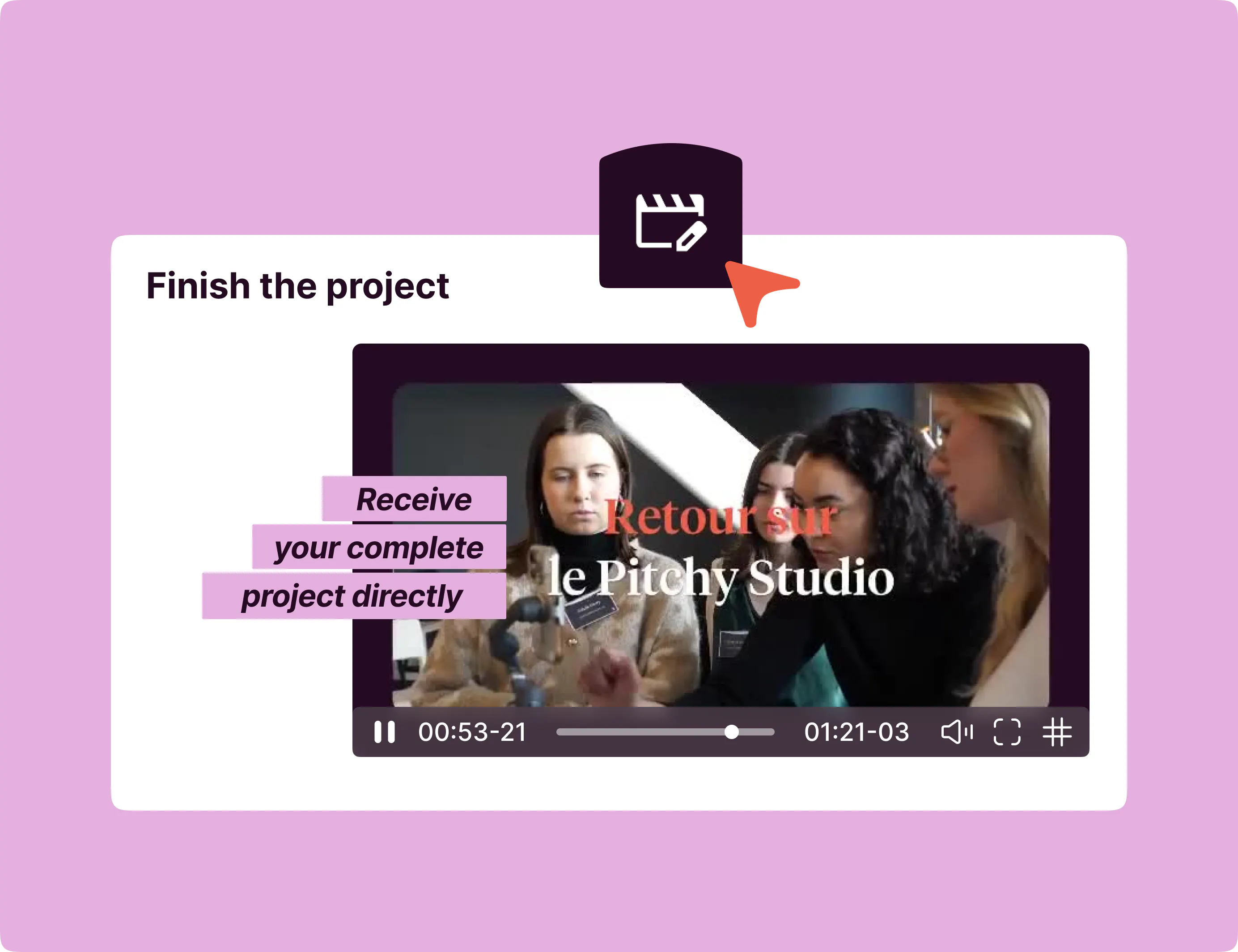
Receive desktop content ready for editing
Once the guide has been completed, the content is automatically shared with you via the web app. You receive a turnkey project, ready to be generated in high definition or edited to suit your needs.
A collaborative design workshop for desktop, a handy tool for mobile

On desktop
Use the workshop to create your own shoot guide templates, incorporating videos, photos and text.

On mobile
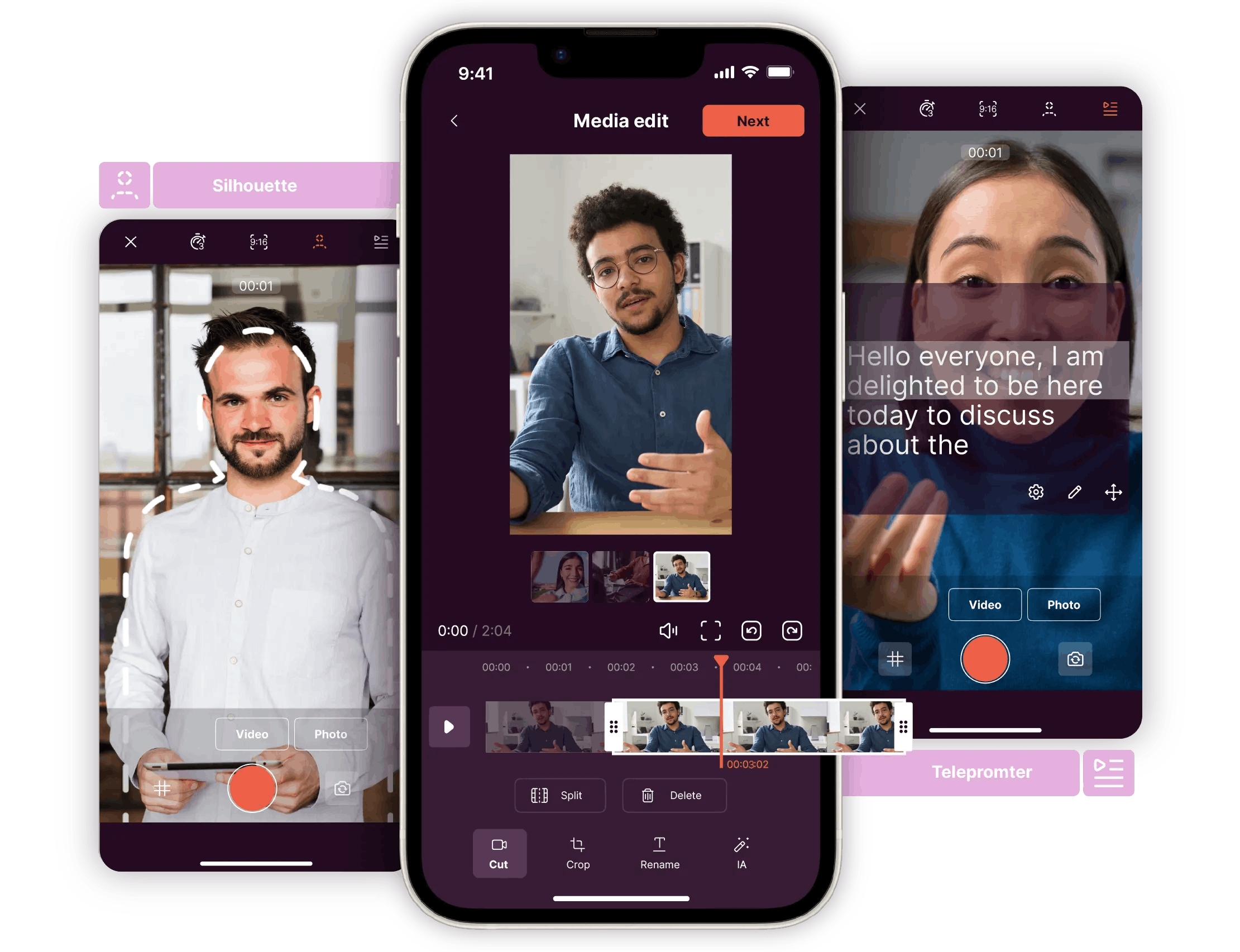
Your teams will receive the ready-to-use guide and can fill it in whilst out in the field.
Customise, share and film efficiently
Adapt the text for each project
Amend the instructions and descriptions for each step to make them more precise or tailored to your shoot.

Edit the sequences authorised by the creator
You can only adjust those parts of the guide that the creator has made editable, allowing you to customise the content without altering the overall structure.

Add or change the videos and photos for each step
Replace or enhance the media in each sequence directly within the app so that your guides accurately reflect the flow and style of your project.

A clear shoot for your whole team

Saves time in preparation and filming
Visual and narrative coherence
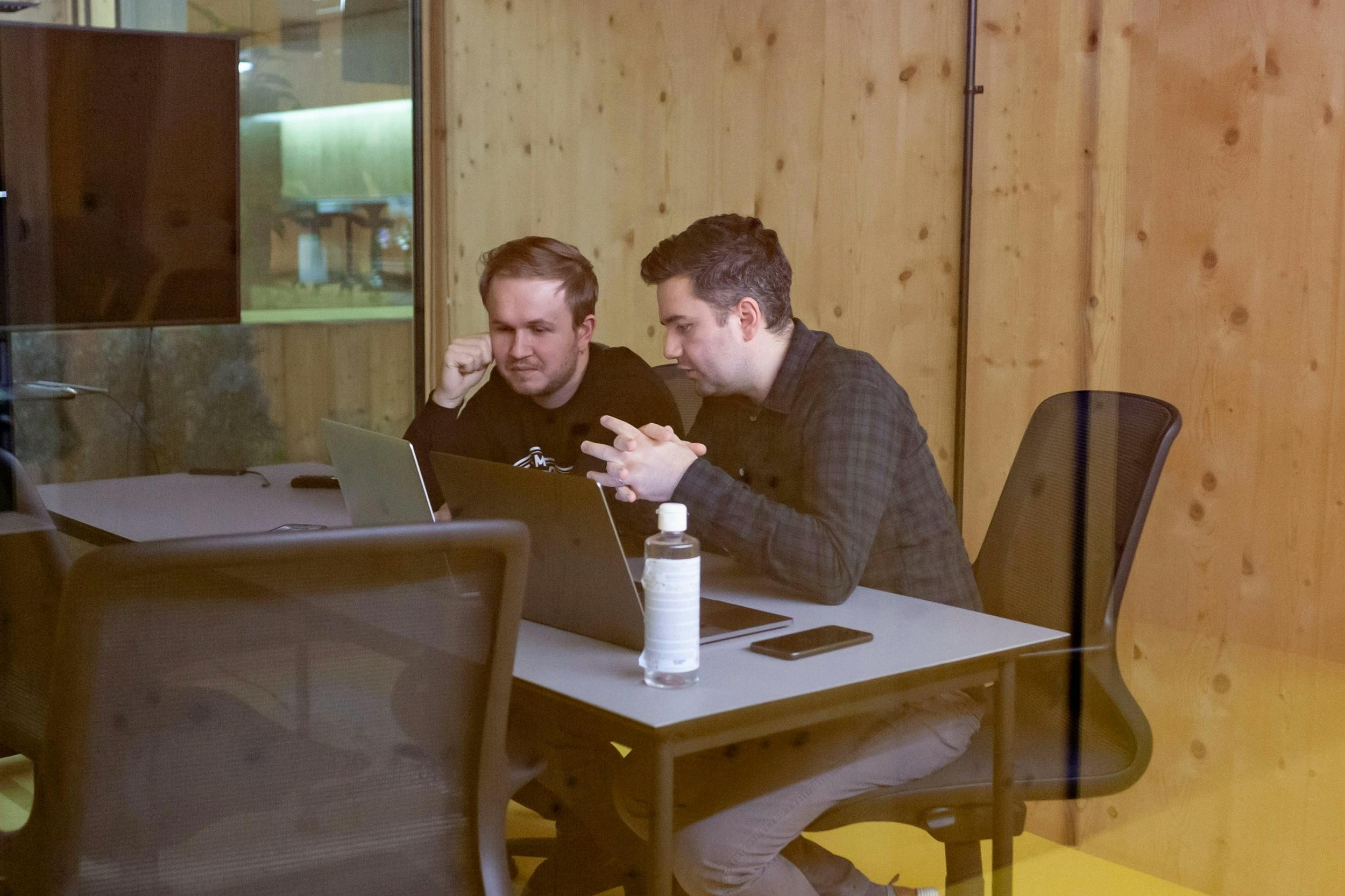
Seamless collaboration
Fewer errors and inaccuracies in the field
Do you have to use the mobile app to access the filming guides?
Yes, the Pitchy mobile app is essential for filming a scene based on a script.
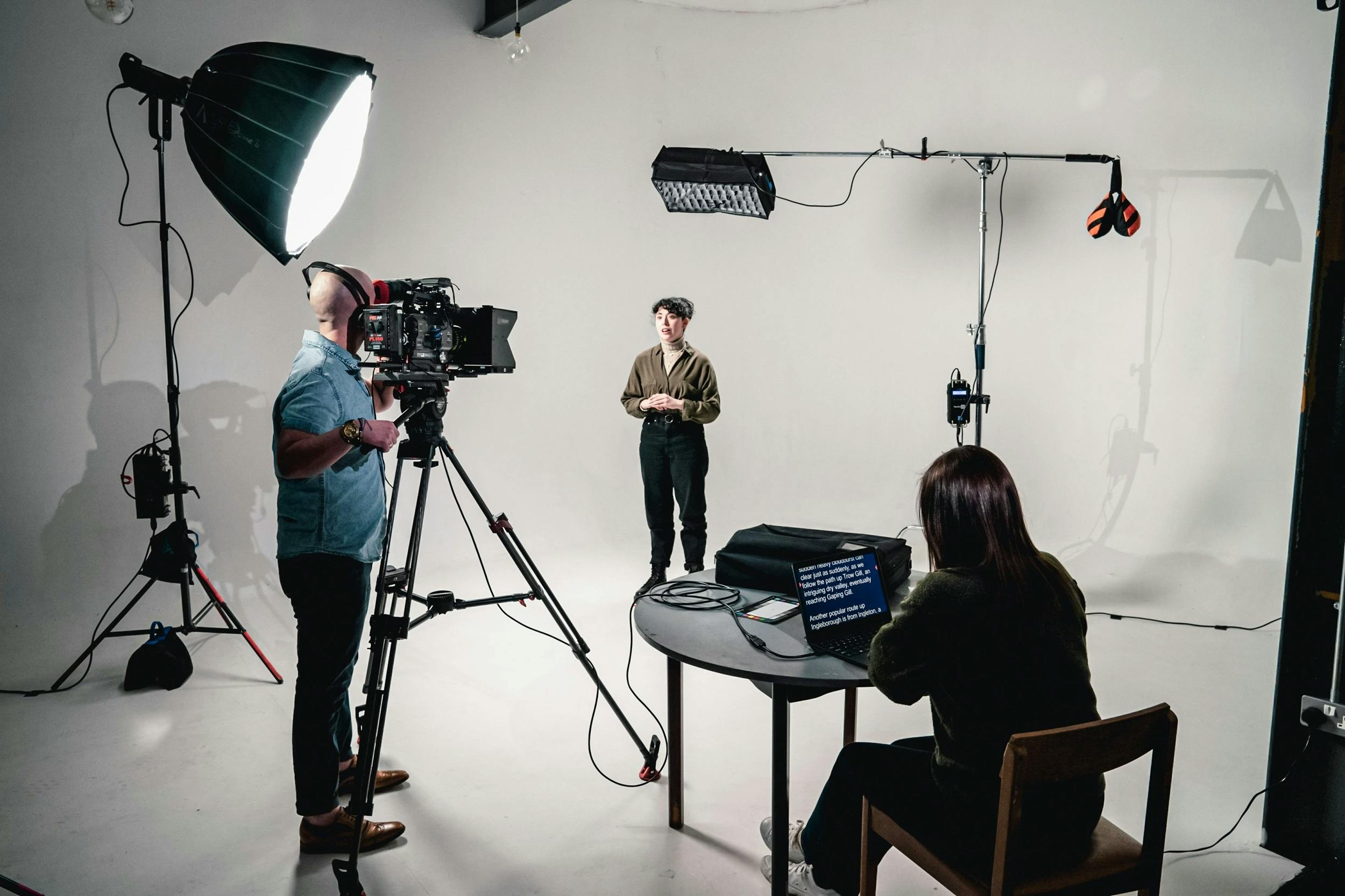
It is through the app that users receive instructions, film their takes, use the teleprompter and submit their finished project.
Is this feature only suitable for large-scale film shoots, or is it also suitable for simpler projects?
The filming guidelines are suitable for all types of projects, from a simple customer testimonial to the filming of a major event.
They are designed to ensure visual and audio consistency, regardless of the project’s level of complexity.
Can I assign specific sequences to a team member?
Yes.
When setting up the guide, you can define several sequences and assign them to different users.
Each user then receives only the instructions relevant to them, directly in their mobile app.
Is this feature useful for teams spread across multiple sites or countries?
Yes! Filming guides are ideal for organisations with multiple sites or international operations. Staff all receive the same instructions, sent directly to their mobiles, ensuring overall consistency in the videos produced, wherever they are. This approach is part of a wider trend: according to our 2026 Corporate Video Barometer, 68 per cent of companies consider videos shot by their own teams to be the most engaging, but it is still essential to be able to guarantee their consistency on a large scale.
Can the guidelines in the handbook be tailored to the specific film shoot?
Exactly.
You can set specific instructions for each take: teleprompter text, the pose to adopt, recommended duration, or even customisable fields (title, name, location, etc.).
This allows you to adapt the guide to each context without having to start from scratch.
How can filming guides help me produce more videos?
Filming guides help to standardise and simplify video production within your organisation.
You can easily delegate filming tasks to your staff, without the need for technical expertise.
The result: more videos produced, more quickly, whilst always adhering to your brand guidelines and quality standards.
This is all the more strategic given that 69 per cent of companies now produce videos at least once a month (Source: Video Barometer, Pitchy, 2026), a pace that is difficult to maintain without standardising the filming process.
Customise, share and film efficiently with our filming guide
Capture, edit and share your best footage using our tool.