





Accessible video: 7 best practices for making your content accessible to everyone

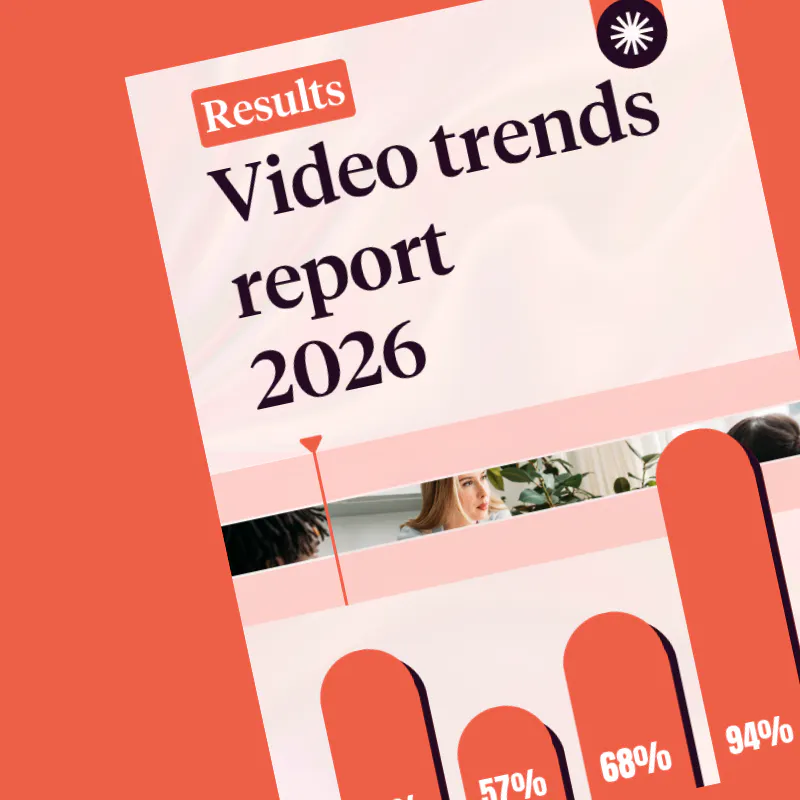
Video has become an essential format for businesses. According to Pitchy’s 2026 Corporate Video Barometer, 85 per cent of the companies surveyed now produce videos. And amongst those that publish regularly, 94 per cent consider this format to be effective.
But simply producing a video is not enough: its content must also be understandable and accessible to as many people as possible.
An accessible video takes into account the needs of people who are deaf or hard of hearing, visually impaired or have cognitive difficulties, as well as the different contexts in which a video might be watched: with the sound off, on a mobile device, in a noisy environment or with the aid of assistive technology.
Subtitles, transcripts, contrast, audio quality, playback speed… Discover the best practices to incorporate right from the design stage to create more accessible and inclusive videos.
What is an accessible video?
An accessible video is one that is designed so that its content can be understood by people with different needs and abilities.
This means not relying on a single channel to convey essential information. If important information is provided solely through speech, someone who cannot hear the video may be unable to access it. Conversely, if it is conveyed solely through an animation or on-screen text, it may be difficult for a visually impaired person to perceive.
Accessibility therefore involves providing alternatives and paying careful attention to various aspects of the content:
- audio, to ensure a clear and comprehensible voice;
- subtitles, to make dialogue accessible without sound;
- transcripts, to provide a text-based alternative;
- visual elements, which must be sufficiently legible;
- pace and structure, to facilitate understanding;
- the viewer and the viewing context, to ensure the content can be accessed under suitable conditions.
The aim is not to create a different experience for each audience, but to design a video from the outset that can be used by as many people as possible.
Why create an accessible video?
Accessibility is, above all, a matter of inclusion: information published by a company must be accessible to all its audiences.
But it also addresses new ways of using video.
Someone might watch a video whilst travelling, in an open-plan office, on their smartphone, or in an environment where they cannot turn on the sound. Similarly, a video intended for a company’s staff may be viewed by people with different levels of understanding or different needs.
Figures from the 2026 Corporate Video Barometer also show just how strategic the format has become: 83 per cent of companies surveyed consider video to be effective for their marketing initiatives, whilst 68 per cent believe that videos featuring their staff are the most engaging.
The more prominent a role video plays in a company’s communications, the more important it becomes to ensure that this content leaves no one behind.
How can you make a video accessible?
1. Add subtitles to your videos
Subtitles are one of the first things to consider when making a video accessible.
They enable deaf or hard-of-hearing people to follow the spoken content. They also allow all viewers to watch a video when sound is unavailable or cannot be turned on.
But simply adding subtitles is not enough. For them to be truly accessible, they must be:
- properly synchronized with the video;
- accurate to the spoken words;
- large enough to be read easily;
- displayed with sufficient contrast;
- presented at a pace that allows them to be read comfortably.
It is also important to ensure that they do not obscure important information on the screen.
Automate the generation of your subtitles
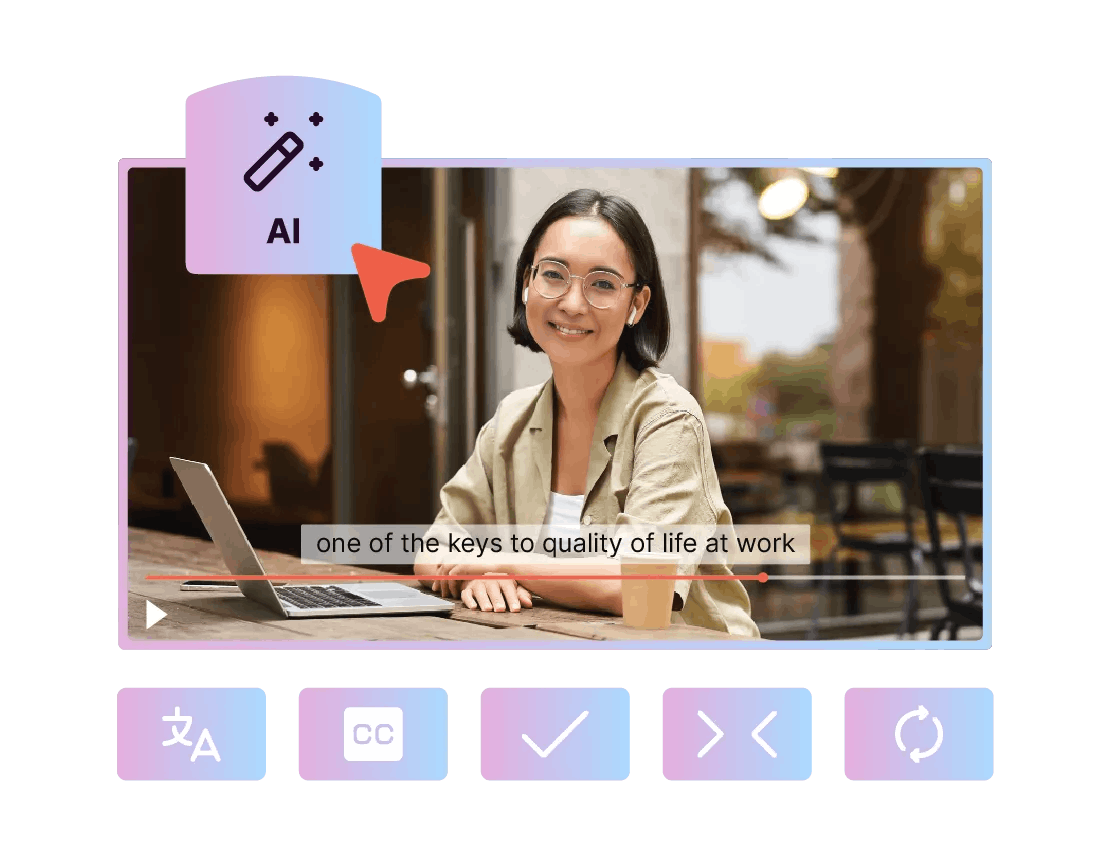
Automatic generation can significantly simplify this step, especially when companies produce videos on a regular basis.
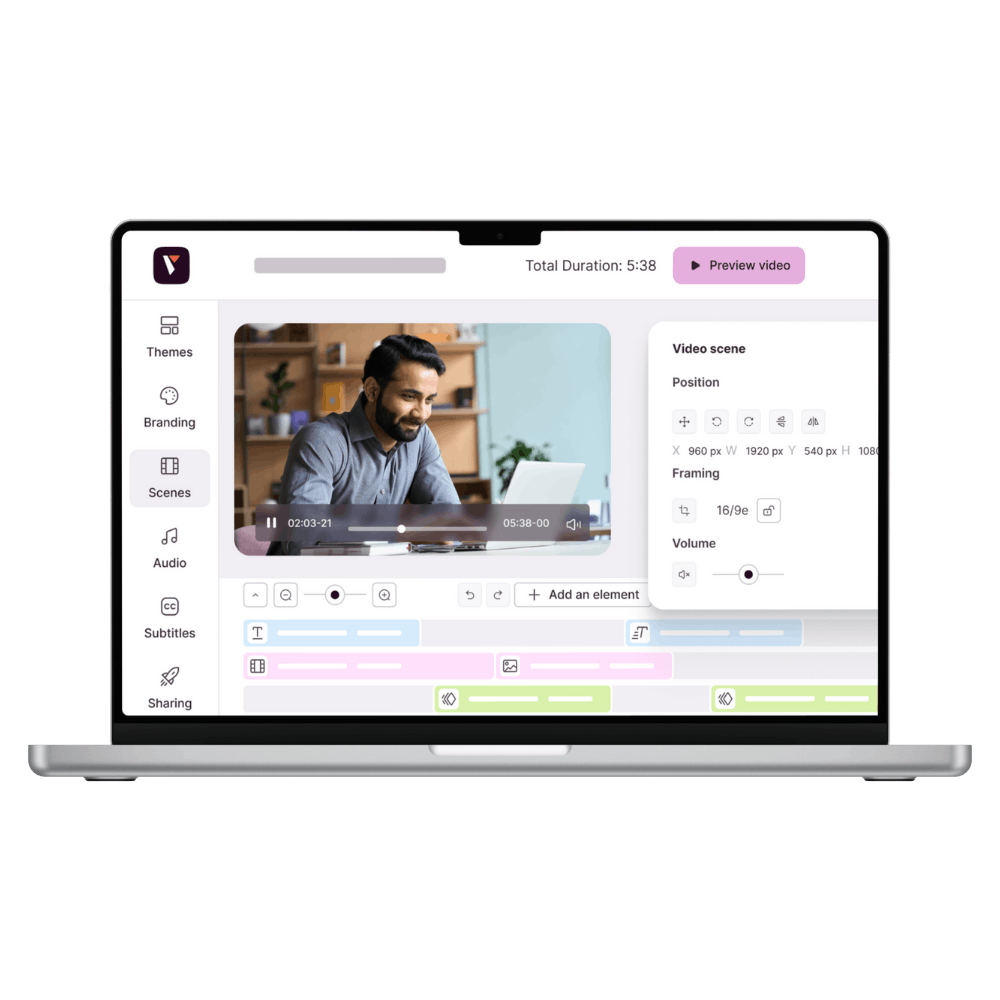
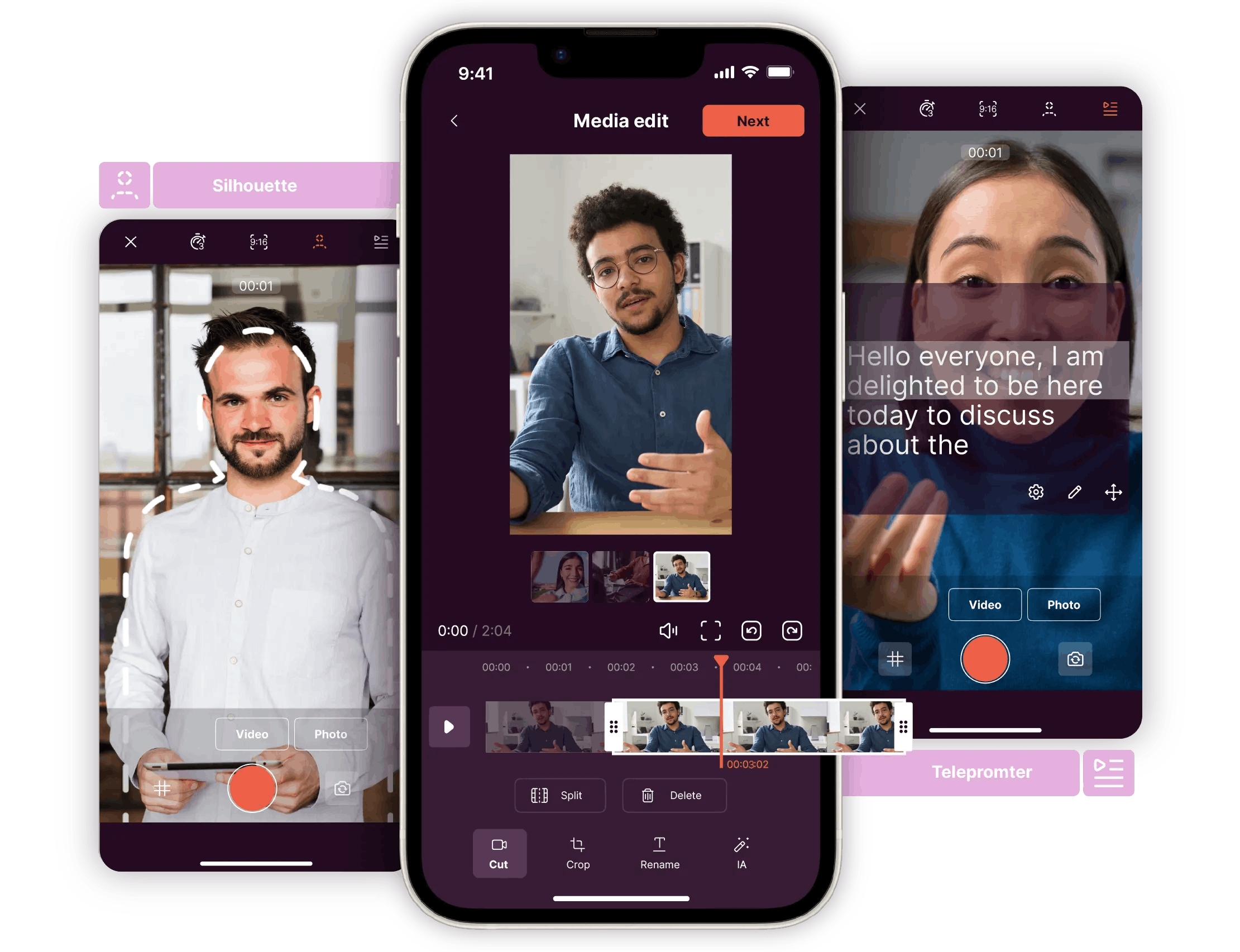
With Pitchy, you can automatically generate captions for your videos and then customize them directly in your editing software.
This allows you to integrate accessibility into the production process rather than having to create captions separately after each video.
👉 Automatically Generate Subtitles with Pitchy
2. Provide a transcript
Subtitles and transcripts serve different purposes.
Subtitles are embedded in the video and allow viewers to follow along as they watch. A transcript, on the other hand, converts all spoken content into text.
It can be particularly useful for:
- interviews;
- webinars;
- training videos;
- tutorials;
- long presentations;
- information-rich content.
In particular, it allows viewers to review the information at their own pace and serves as an alternative to watching the video.
Transcripts can also be beneficial for SEO when published on a web page: they provide search engines with textual content related to the topic covered in the video.
As part of a content strategy, a single video can thus be adapted into several formats: video, transcript, excerpt, or editorial content.
3. Pay attention to the contrast and readability of the text
An accessible video should be easy to watch.
This applies in particular to text included in the footage, titles, numbers, captions, graphics, and subtitles.
Before publishing your video, be sure to check the following:
- that the text stands out sufficiently from the background;
- that the font size remains legible on mobile devices;
- that the information remains on screen long enough;
- that the typography is easily recognizable;
- that the screens are not cluttered.
Also, be careful not to use color as the sole means of conveying information.
For example, if a chart distinguishes between three categories using only three colors, someone who has difficulty distinguishing certain colors may miss some of the information. Labels or pictograms can then be used to supplement the color-coding.
4. Don't base a piece of information solely on an image
A video may contain essential information that is never spoken aloud.
A number displayed on screen, a demonstration, a graph, an animation, or an action performed by an employee can all convey an important message.
So ask yourself a simple question during the design phase:
If I couldn’t see this clip, would I still understand the key information?
If the answer is no, it may be a good idea to describe the information verbally or provide a text-based alternative.
This consideration is particularly important for training videos, tutorials, and educational content.
It also ties into one of the primary uses of video in the workplace: 68% of respondents to the 2026 Barometer consider videos featuring employees to be the most engaging.
Whether you’re introducing an employee, a procedure, or business-related information, the essential content must remain understandable beyond the visuals alone.
5. Work on sound quality
Accessibility also depends on audio.
A voice that’s hard to understand, music that’s too loud, or background noise can make a video difficult to follow.
To improve sound quality:
- Choose a quiet environment when recording;
- Use a suitable microphone whenever possible;
- Minimize background noise;
- Make sure the voice is more audible than the music;
- Check the sound levels before publishing.
Good audio quality obviously enhances the experience for people with hearing difficulties, but also for all viewers.
And when the content is important, don’t choose between good sound and subtitles: the two complement each other.
6. Adjust the pace and structure of your video
A video can be technically accessible yet still difficult to understand.
If information appears too quickly, if multiple messages are displayed at the same time, or if the video lacks a clear structure, viewers may have trouble following along.
To make it easier to understand:
- Clearly state the video's topic;
- Organize the content into several sections;
- Avoid displaying too much information at once;
- Allow enough time to read the text;
- Use consistent visual cues;
- Use simple, direct language.
This approach is particularly important for videos intended to be viewed by a large number of employees.
An accessible video must also be easy to understand
Accessibility, therefore, is not just about meeting specific needs. It also aligns with a fundamental principle of communication: a clear message is one that is more easily understood.
7. Consider the different viewing contexts
A video is not always viewed under the conditions intended by its creator.
It can be viewed:
- on a computer;
- on a smartphone;
- on public transportation;
- in an open-plan office;
- with or without headphones;
- with the sound turned off;
- on a limited internet connection.
An accessible video must therefore be designed with these different contexts in mind.
For example, captions allow viewers to follow the content without turning on the sound. Text that’s large enough improves readability on mobile devices. A clear structure helps viewers quickly grasp the subject matter.
Accessibility thus goes hand in hand with user experience: the more your video adapts to your audience’s actual usage patterns, the more likely it is to be understood and watched all the way through.
When should you start thinking about a video's accessibility?
As soon as possible.
Waiting until editing is complete to consider how to make a video accessible can lead to additional changes: adding text, re-recording a voice-over, adjusting the pacing, or creating captions.
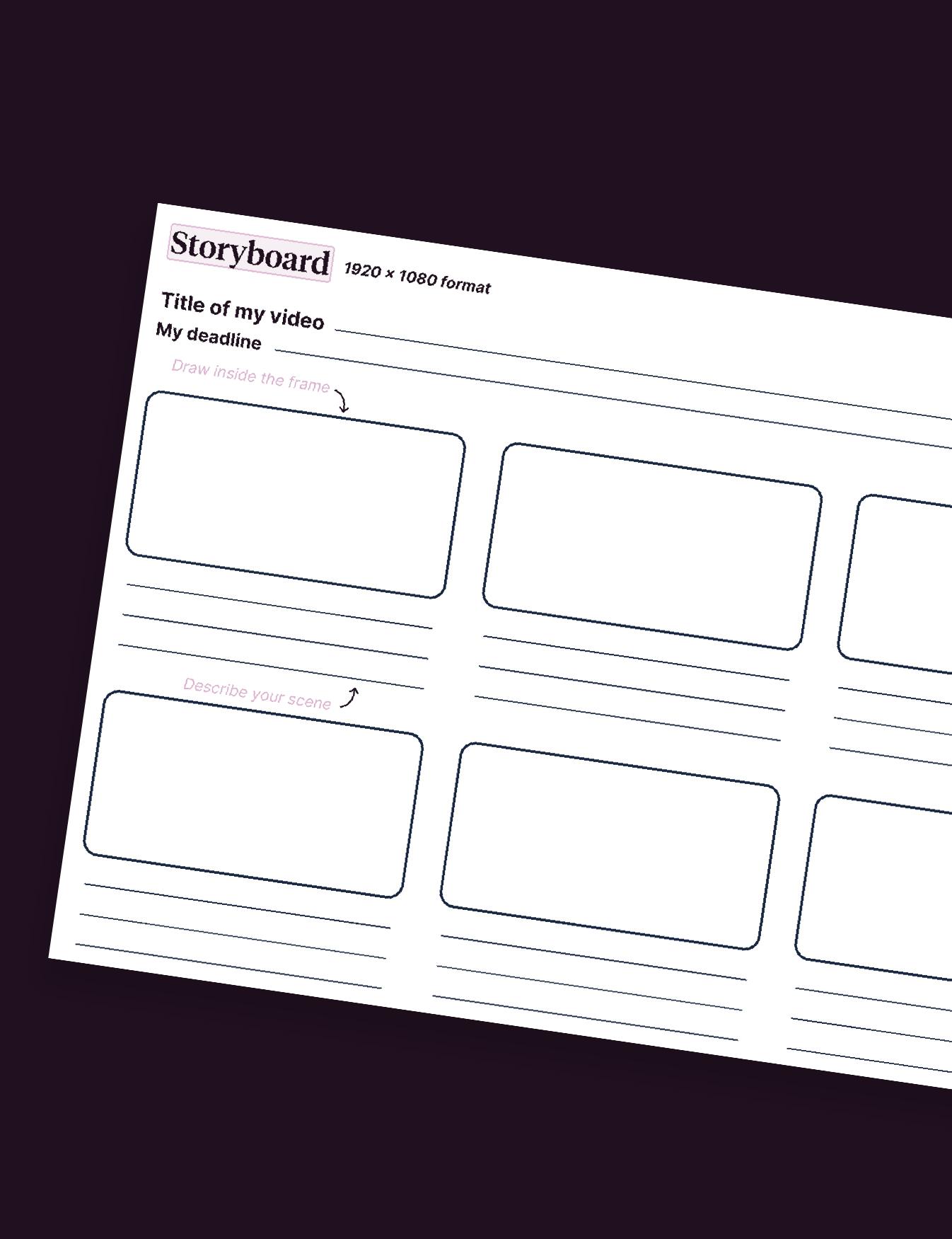
It is therefore best to address these issues as early as the script and storyboard stages.
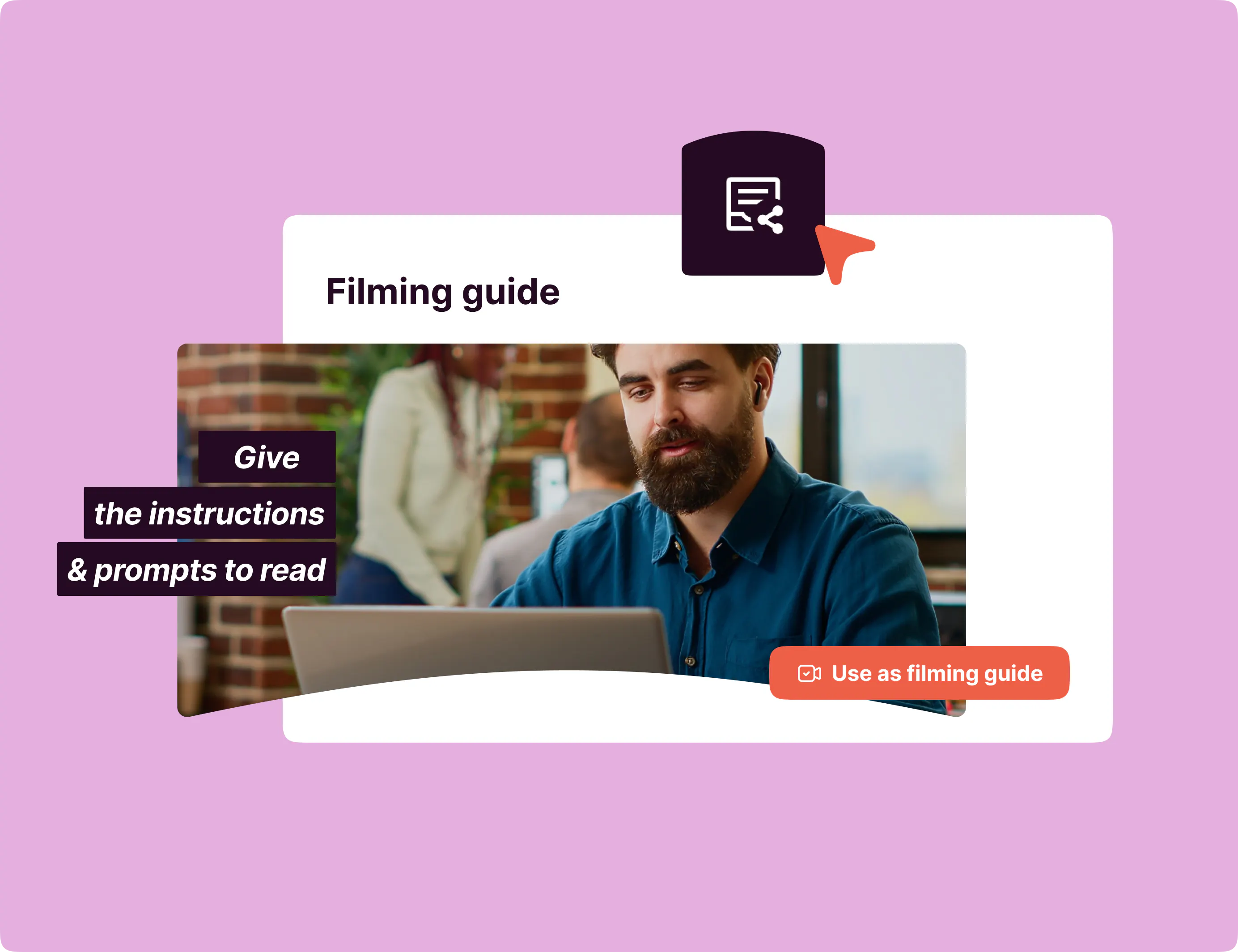
Before you even start the assembly, check the following:
☐ Is the essential information available in a format other than an image?☐ Les dialogues seront-ils sous-titrés ?
☐ Will the text be legible enough?
☐ Does the pace allow enough time to understand the information?
☐ Is the sound quality good enough?
☐ Will the video make sense without the sound?
This simple checklist can become a standard step in your production process.
Accessibility in All Video Applications
Accessible video isn't limited to any one type of content.
It can be used for internal communications, training, external communications, marketing, or even human resources.
In fact, Pitchy's clients use it in a wide variety of ways.
France Travail, for example, created 975 videos using Pitchy and rolled out the solution across four divisions to support its 54,000 employees nationwide.
This large-scale production demonstrates the importance of incorporating best practices directly into the creative process rather than addressing them on a video-by-video basis.
You can also check out Pitchy's customer case studies to see how different organizations use video in their communications.
An accessible video is one designed for everyone
Creating an accessible video involves more than just adding captions.
Accessibility depends on several factors: sound quality, text readability, contrast, transcription, pacing, content structure, and the ability to understand essential information through more than one channel.
The most effective approach is to consider these elements right from the video’s conception.
After all, the goal isn’t just to make your content comply with certain criteria—it’s to enable as many people as possible to understand your message and fully enjoy your content.
And while 94% of companies that publish regularly consider video to be effective, making this content accessible ensures that its reach isn’t limited to just a portion of your audience.
Ultimately, a more accessible video is one designed for a wider range of situations, audiences, and uses.

With six years' expertise in Content Marketing, Margaux embodies the quintessence of B2B editorial strategy. Ready to take on new challenges, she is the creative force that will propel your content to new heights.
Resources
Associated resources

Armed solely with their graphic charter, companies mistakenly venture into video production without having taken the time to establish a video charter. A video charter comprises a set of elements to be defined in order to effectively design your video:movement, changes in typography and colours, transitions, etc. This section lists all the prerequisites for venturing into video creation, through 10 questions.

Today, thanks to a video montage maker, making videos has never been easier for companies. We explain how!

In a period where telecommuting is widespread, the corporate video allows you to announce the arrival of new employees and the departure of old ones