






How to easily edit videos

🎬 Quick summary | 🕓 Updated on 05/03/2026
🎯 Goal of this article: help you know how to easily edit videos and succeed with online video editing using simple tips and 6 easy-to-follow key steps.
🧰 What you’ll learn: how to choose the right online video editor, create a clear storyboard, review and trim your footage, add subtitles, customize your video with your brand guidelines, and export in HD.
✅ Bonus : practical tips to adapt your videos for each platform (LinkedIn, Instagram, YouTube) and avoid common mistakes that reduce impact.
👥 Who is this for? Communication managers, marketers, HR teams, trainers, or anyone who wants to create professional videos easily without using an agency.
Video creation is simple with an online video editor that’s easy to use and delivers professional results.
Today, video creation is easy for businesses. To create a video, you no longer need to go through a filming agency, which is often costly in both time and money. On top of that, working with this type of provider can lead to misunderstandings in the brief and a lot of back and forth.
In this article, we’ll show you how to easily edit videos with an online video editor.
Let’s get started 👇
Why choose an online video editor?
Your video editing tool should offer basic, essential features.
For more advanced needs, to learn how to easily edit videos, you’ll want an online video editor with:
- An interface that is easy and fast to use. The main benefit for your teams, when using this type of tool, is saving time compared to working with a video production agency (and benefiting from economies of scale). Once they are trained on the online video editor, they should be able to quickly create their own videos that’s exactly what how to easily edit videos is about.
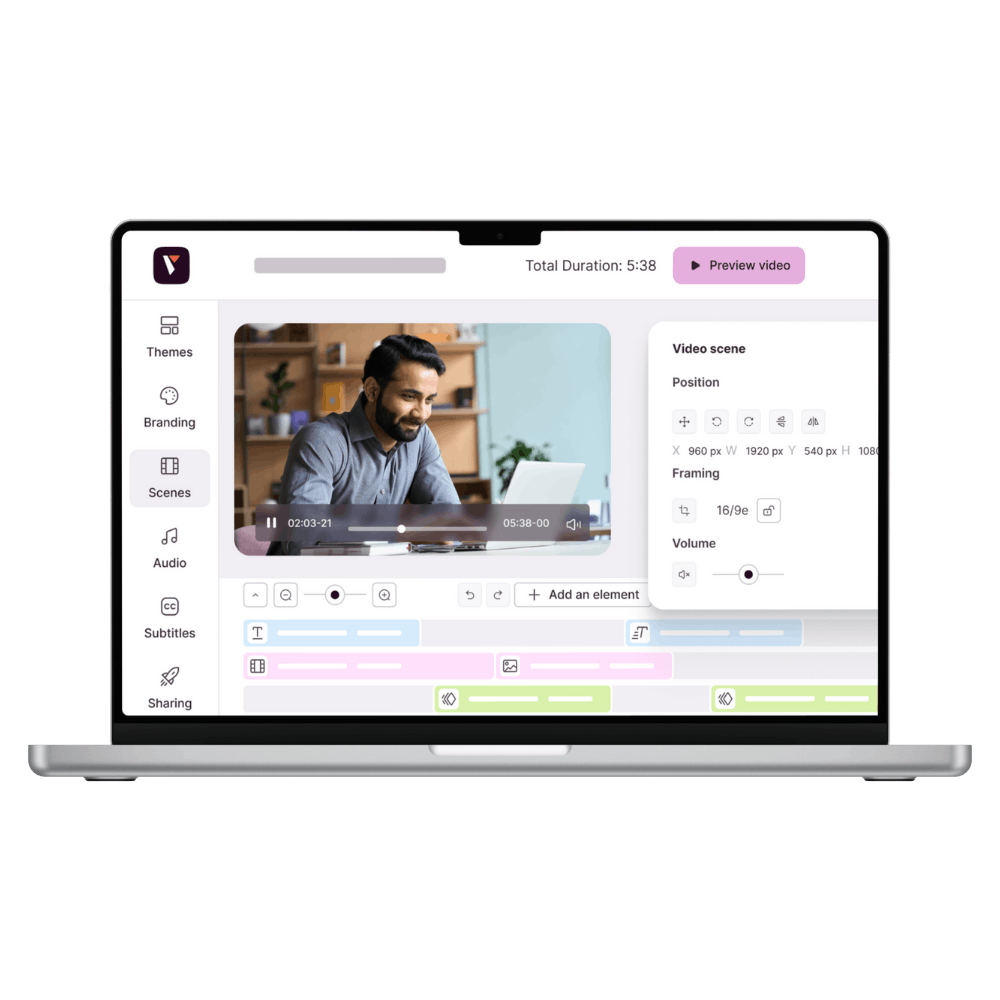
- Basic features: the ability to choose a pre-designed, customizable template (depending on your use case), cut and move raw footage on the timeline, add title banners, subtitles, a voice-over, and royalty-free music.
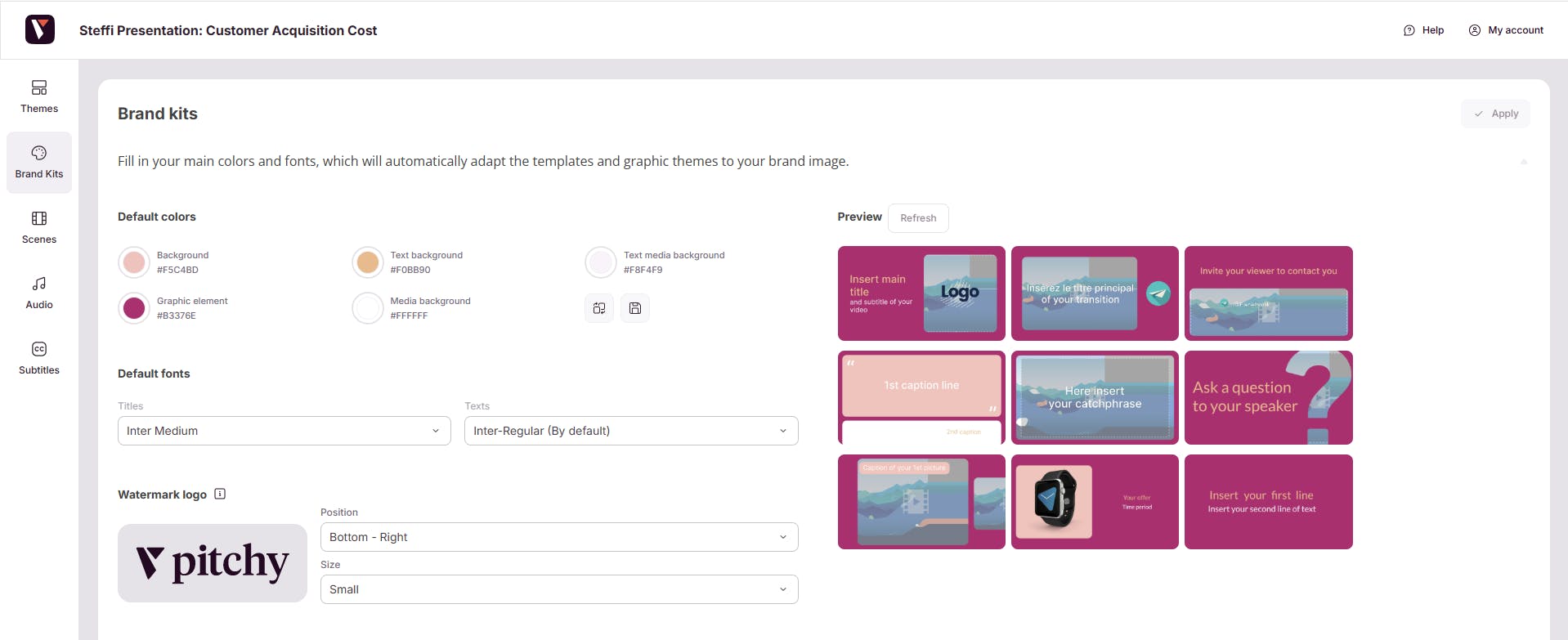
- The ability to create videos that follow your brand guidelines: your audience should recognize your brand just by watching your videos, whether through visual elements (motion design, colors, symbols, logo, etc.) or audio elements (music, jingles…). The online video editor you choose to create a video should allow you to import your color palette and your fonts which is exactly what you expect from an online video editor when learning how to easily edit videos.
- This tool must be compatible with common video file formats. If you use different devices (cameras, smartphones, or even drones), these tools can generate videos in different formats. An online video editor that supports common formats allows you to easily import your video files without having to convert them beforehand.
- The online video editor should be collaborative: it should allow your teams to work on the same project, make changes to the same video, and follow updates together
5 tips to help you know how to easily edit videos:
- Define your video goal.
Before you start filming or editing, clarify the goal of your video. What do you want to achieve? Do you want to showcase a product, tell a story, or educate your audience? This clarity will guide you throughout the entire creation process. - Build a script and a storyboard.
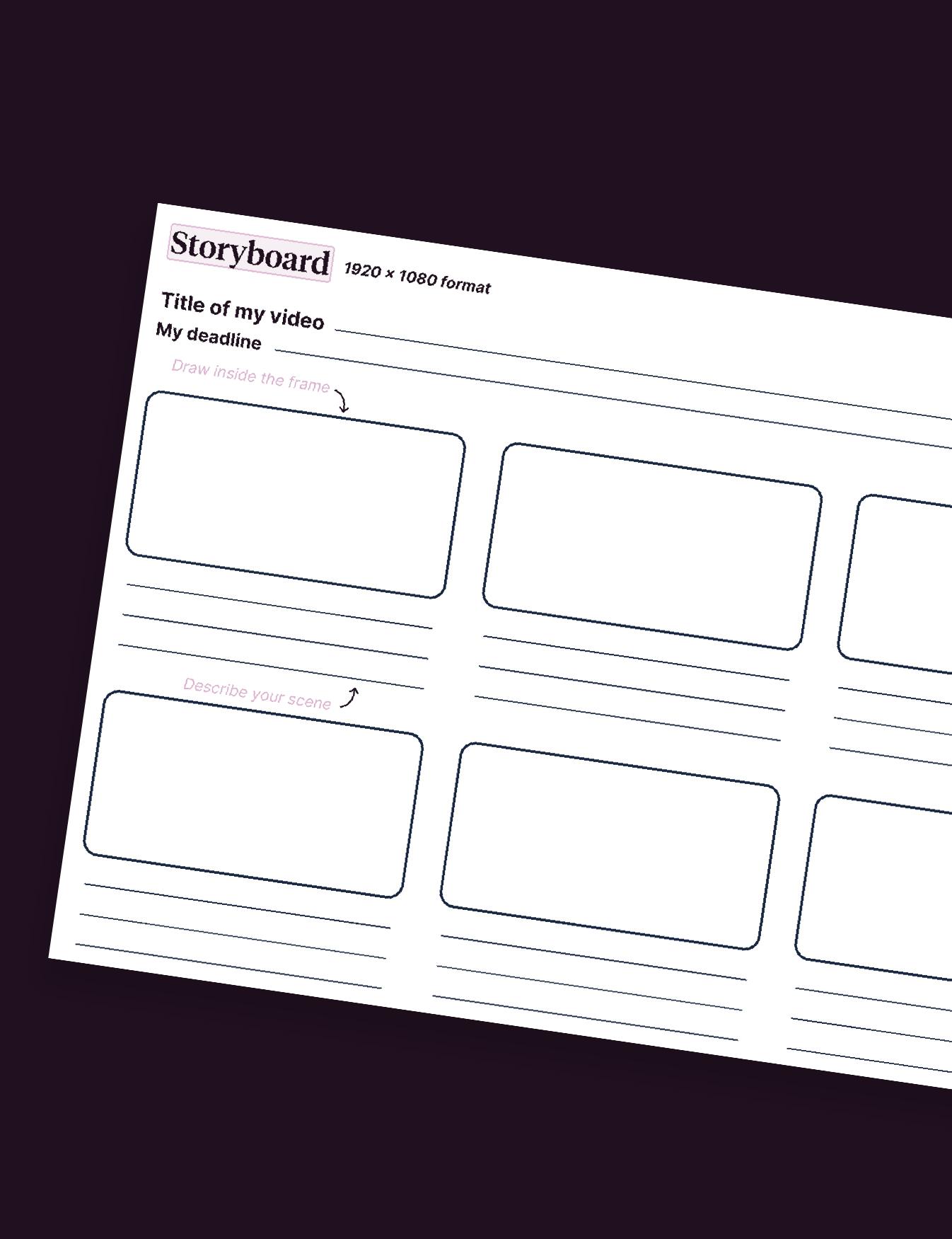
Once you’ve defined your goal and understood your audience, it’s time to work on your video script. Organize your ideas in a logical way and create a detailed storyboard to plan each shot and transition. This will help you visualize the flow of the video and make sure every element supports your final objective. - Pay attention to your video's introduction. When you watch a series or a movie trailer on Netflix, you’re either hooked in the first few seconds or you’re not. And chances are, if you’re not engaged right away, you won’t keep watching. The same goes for corporate videos. Whether your video is for marketing, advertising, or recruitment, you need to capture your audience’s attention within the first 10 seconds.
Keep your introduction between 3 and 7 seconds to maintain optimal engagement. Did you know that on platforms like YouTube, videos with intros in this time range tend to perform better? As for the content of your intro, you can use a strong hook, a fun interview clip, a key stat, or even an unexpected visual. Avoid revealing too much the goal is to spark curiosity and encourage viewers to keep watching.
- Find the right balance between promotion and value.
If you’re a B2C brand, avoid being too promotional at the very beginning of your video, as this can turn your audience away. Start by offering real value or helping solve a problem for your viewers. - Adapt your video to each distribution platform
Once your video is edited and ready to be shared, make sure you choose the right distribution channels to reach your target audience. Whether on social media, your website, or at professional events, actively promote your video to maximize its reach and impact. Finally, adapt your video to the platform it will be published on your audience won’t be the same on LinkedIn as on Instagram.
How to easily edit videos: 7 key steps
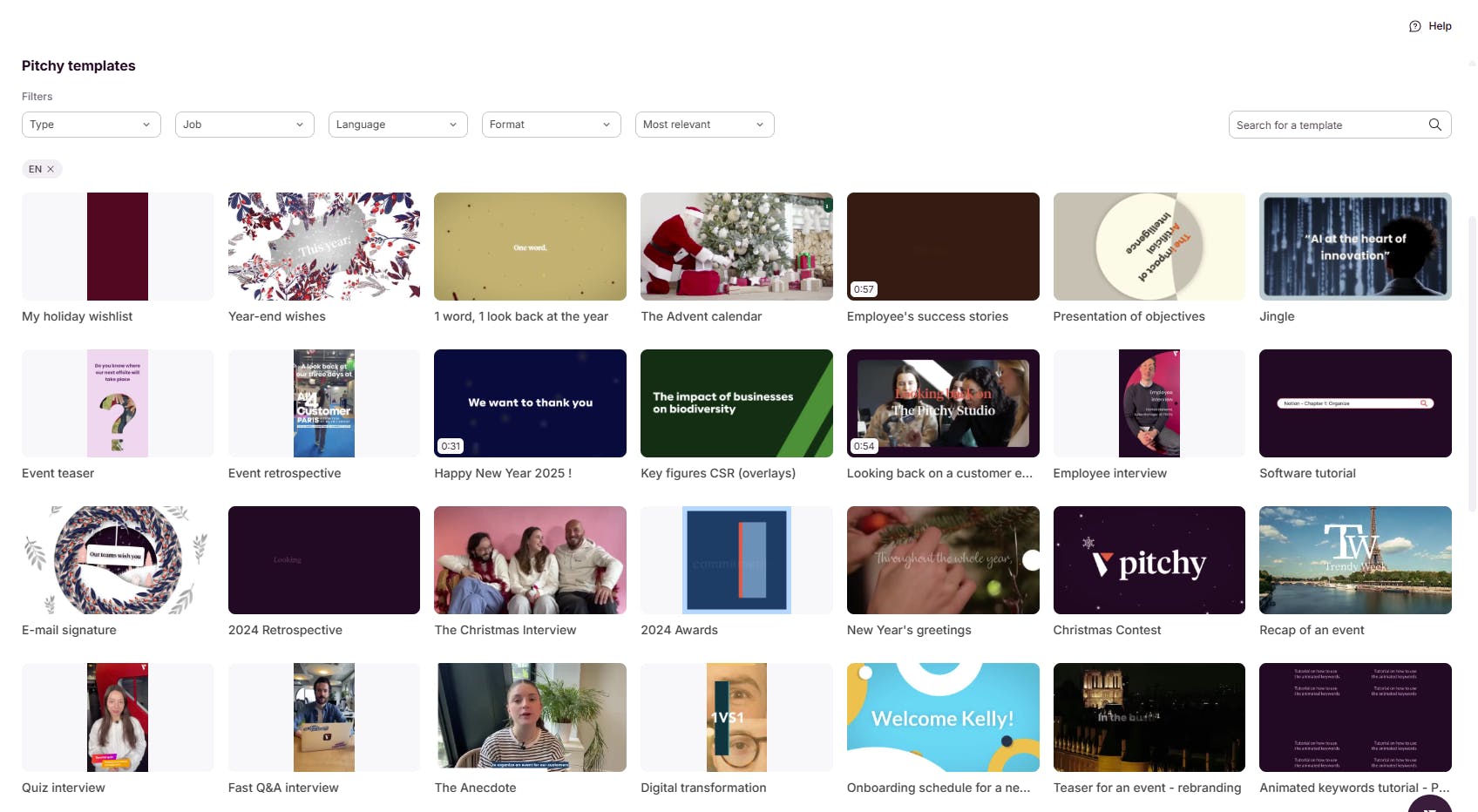
1. Choose the right template
An online video editor designed for beginners, you’ll have access to video templates created for different goals and formats (for example: interviews, training videos, teasers, internal or external communication videos, promotional videos, advertising videos, short video clips, etc.).
The idea is to quickly adapt the template to your brand guidelines (colors, fonts, logo, etc.) and add your recorded footage. So, start by selecting the template that best matches the type of video you want to create, then move on to customization.
2. Review and select your footage
If you’re completely new to video, this term might sound a bit intimidating.
What is raw footage?
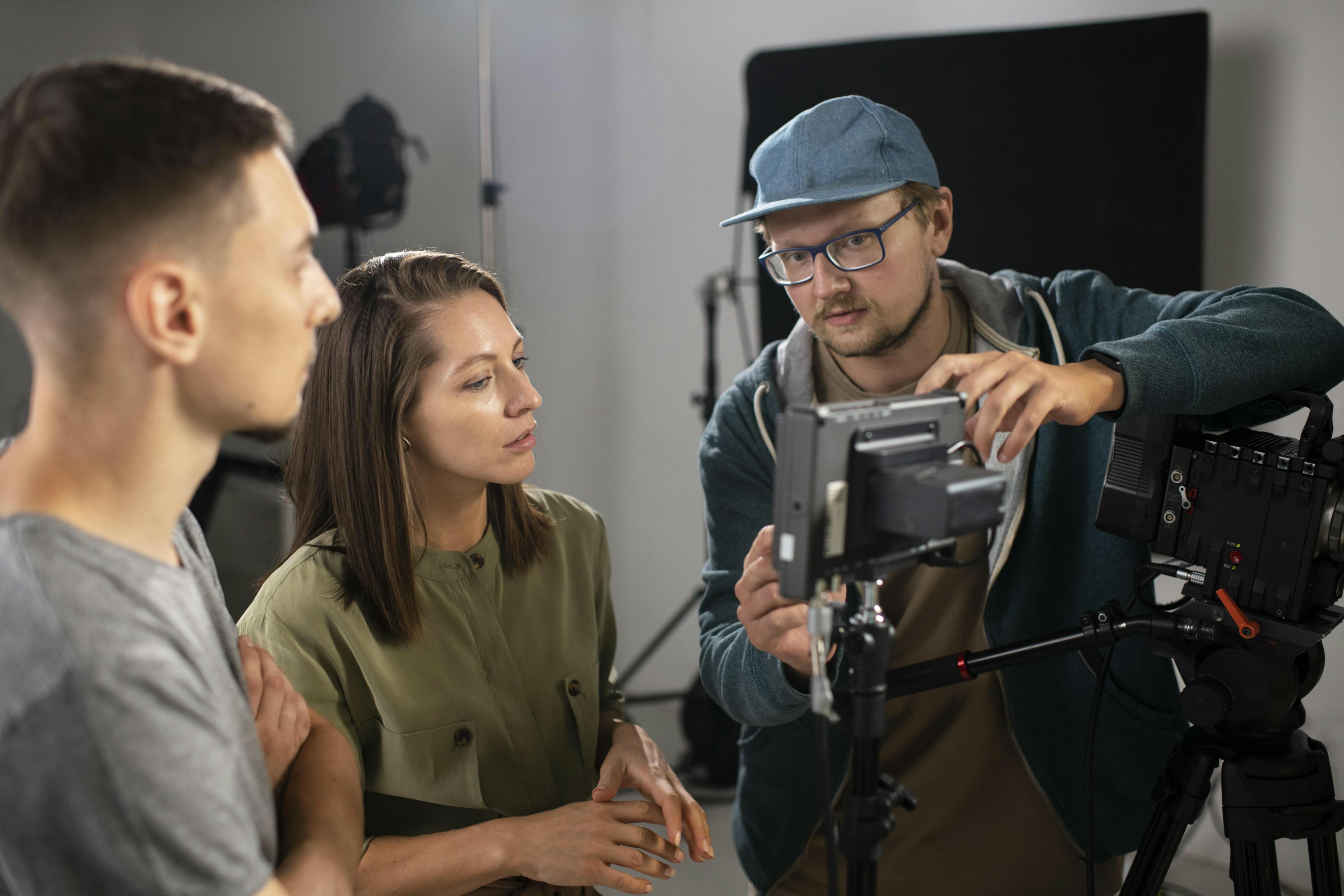
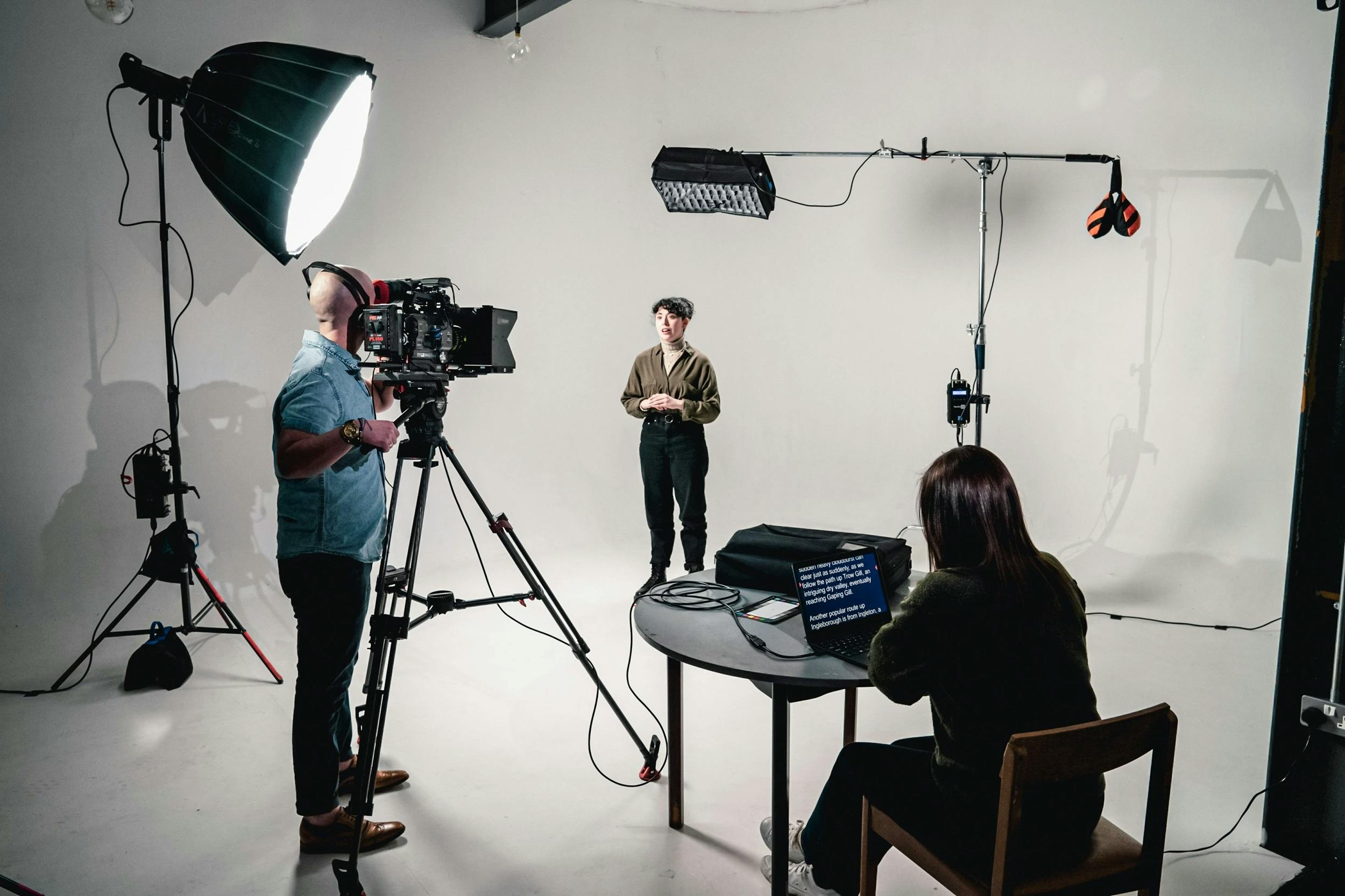
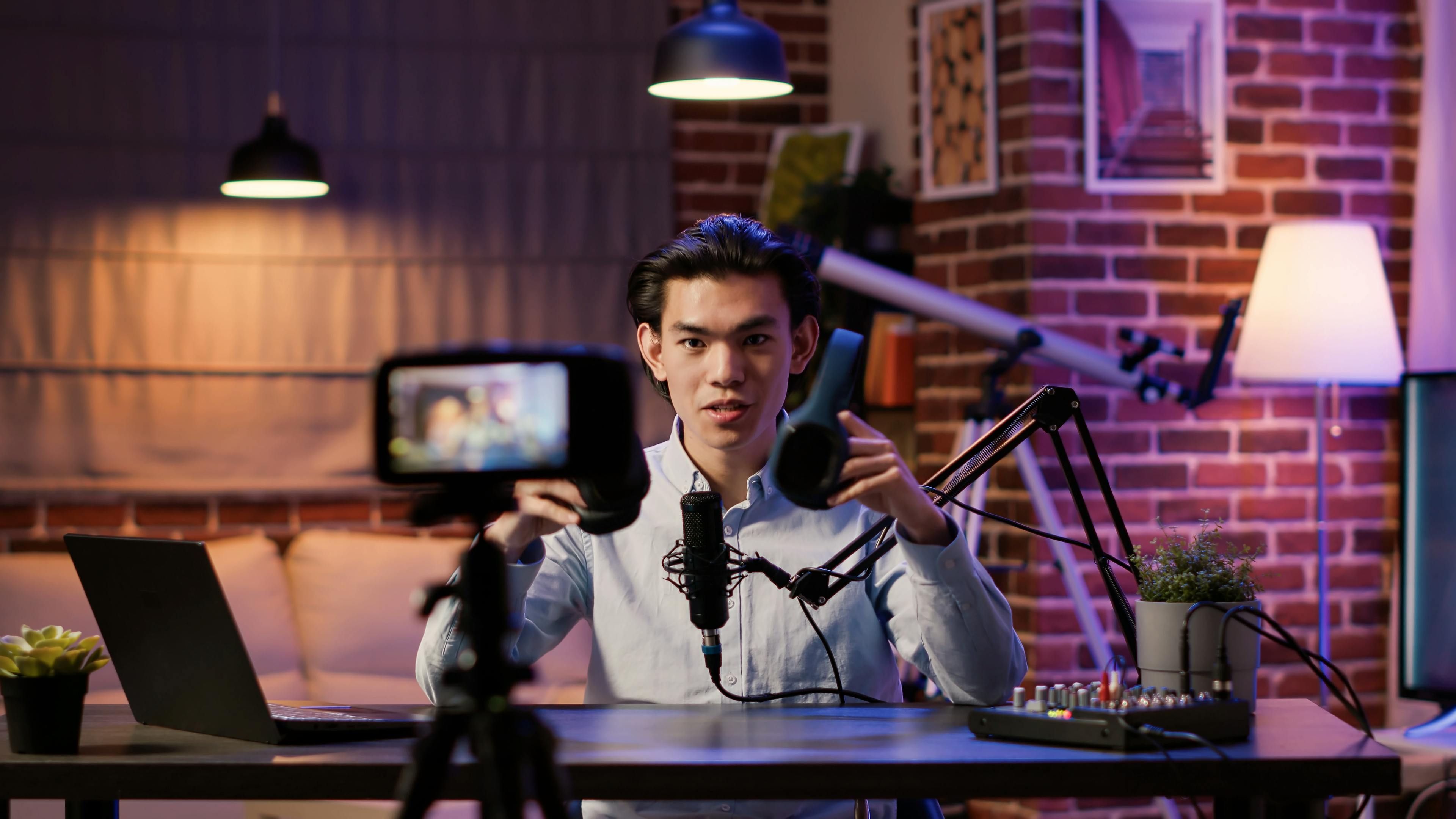
It’s simply a clip you recorded with your smartphone, a tripod (to keep the camera stable), and a lavalier microphone to capture clean audio. Your video is made up of several clips. For example, in an interview (like the one below, created with Pitchy), each filmed question and answer is considered a separate clip. During the shoot, you ask the questions out loud, and the person answers directly to the camera.
3. Edit and cut your rushes
You’ve chosen a template. Each template comes with pre-recorded footage that you can replace with your own clips and then edit.
Once you’ve selected a video template, click on the "Open editor" button with the scissors icon.
The online video editor will display your footage on a timeline a sequence of the different scenes. You can delete the parts you don’t want or move them along the timeline. Below the footage track, you’ll also find a “Trim from… to…” option to save time.
We usually recommend not deleting everything: some "failed" clips can be useful for creating bloopers or even placing them at the beginning of the video to show a more human side of your team.
4. Add graphic and text elements
Your video is now organized, but it also needs to be high quality. It should reflect who you are and allow your audience to recognize you instantly. You’ve filmed everything, but now it’s time to “dress” your video and apply your brand identity.
To do this:
- first, import your color palette,
- then, import your font.
With the templates available in the video editing tool, you can add motion design sequences and animated elements to give your video more rhythm.
Adding text elements is a key step in video creation. Why?
Because today, most videos are watched without sound on social media, which makes subtitles essential. Text also helps summarize the key messages of your video. If there are only one or two key takeaways, make sure to highlight them with on-screen text.
5. Add effective subtitles
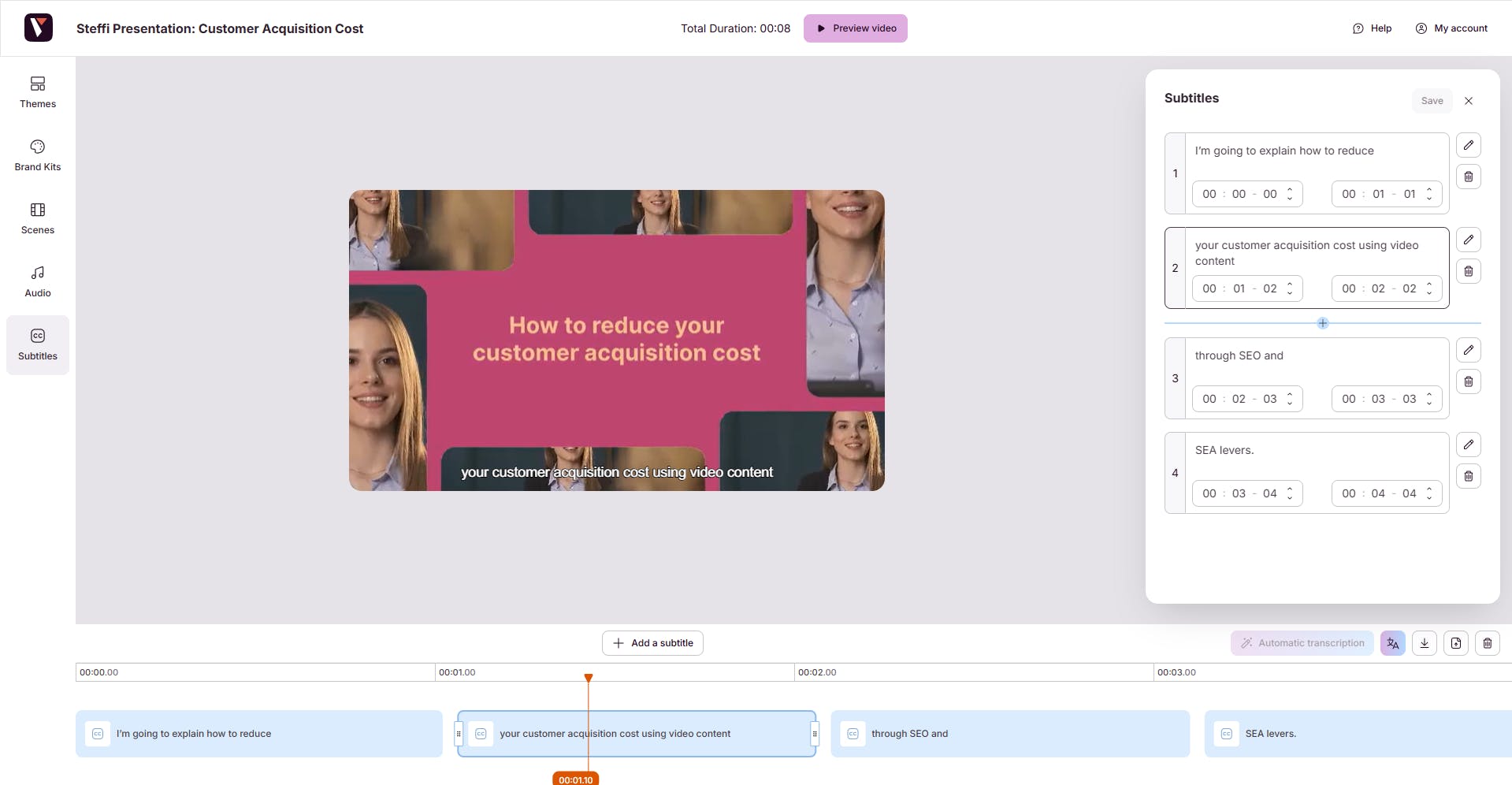
Why add subtitles? Because if your videos are shared on social media, most of them are watched without sound. So if you want your message (or messages) to be understood, we strongly recommend adding subtitles.
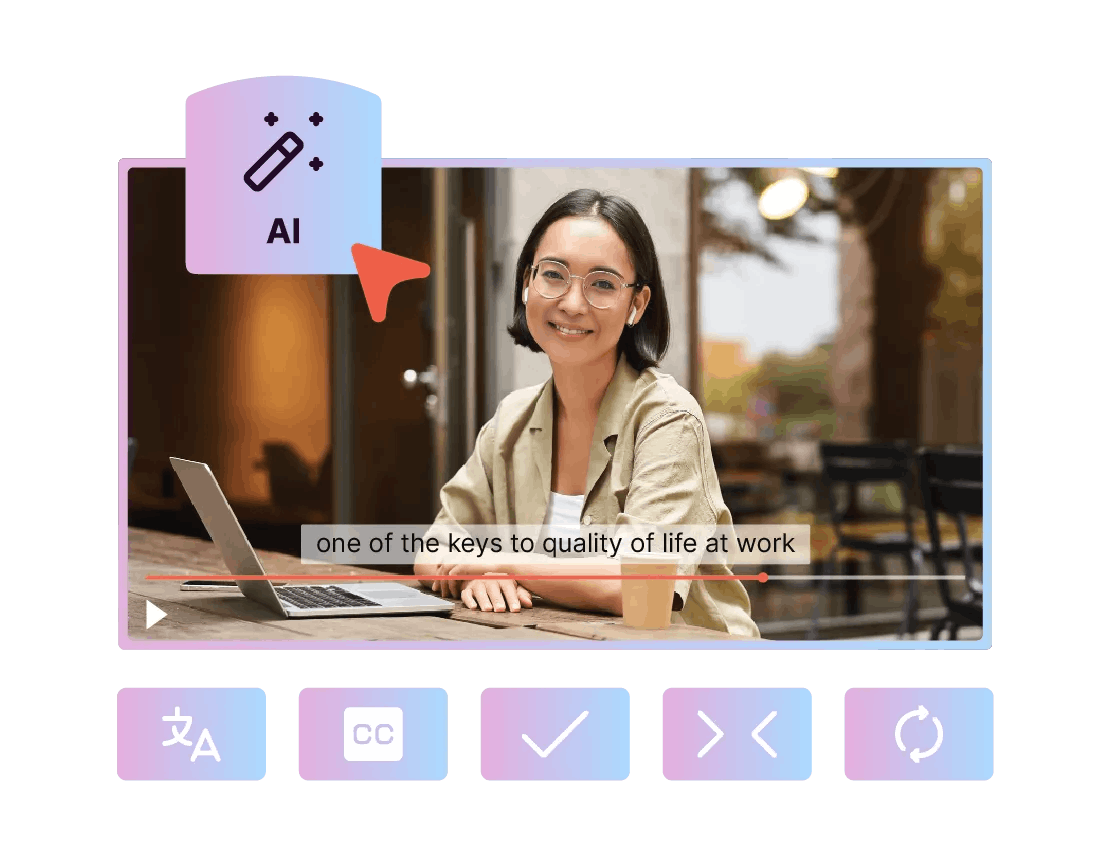
In the video creation tool, depending on the template you choose and the filmed sequences it includes, subtitles are often pre-designed for each scene. Of course, you can edit them and replace them with your own text.
6. Work on sound design and export in HD
First, and this is very important: during filming, make sure you capture the sound properly using a lapel microphone, to avoid any unpleasant surprises: poor sound quality is the bane of all video editors!
But then, when you start editing, you'll need to add some dynamism to your footage using music. The editing software gives you access to a wide variety of playlists: pop, rock, electro, hip-hop, funk, etc. You can listen to lots of tracks and use whichever one you like. Be careful, though: the music you choose shouldn't be too loud, so it doesn't drown out the interviewees.
Your brand identity also includes music, a video intro (or outro) jingle that allows your audience to recognize you in a matter of seconds.
In the editing software, you can either import your audio file in MP3 format or choose from the list of royalty-free music offered by the tool, selecting the track that best matches your identity and the dynamism you want to bring to your video content.
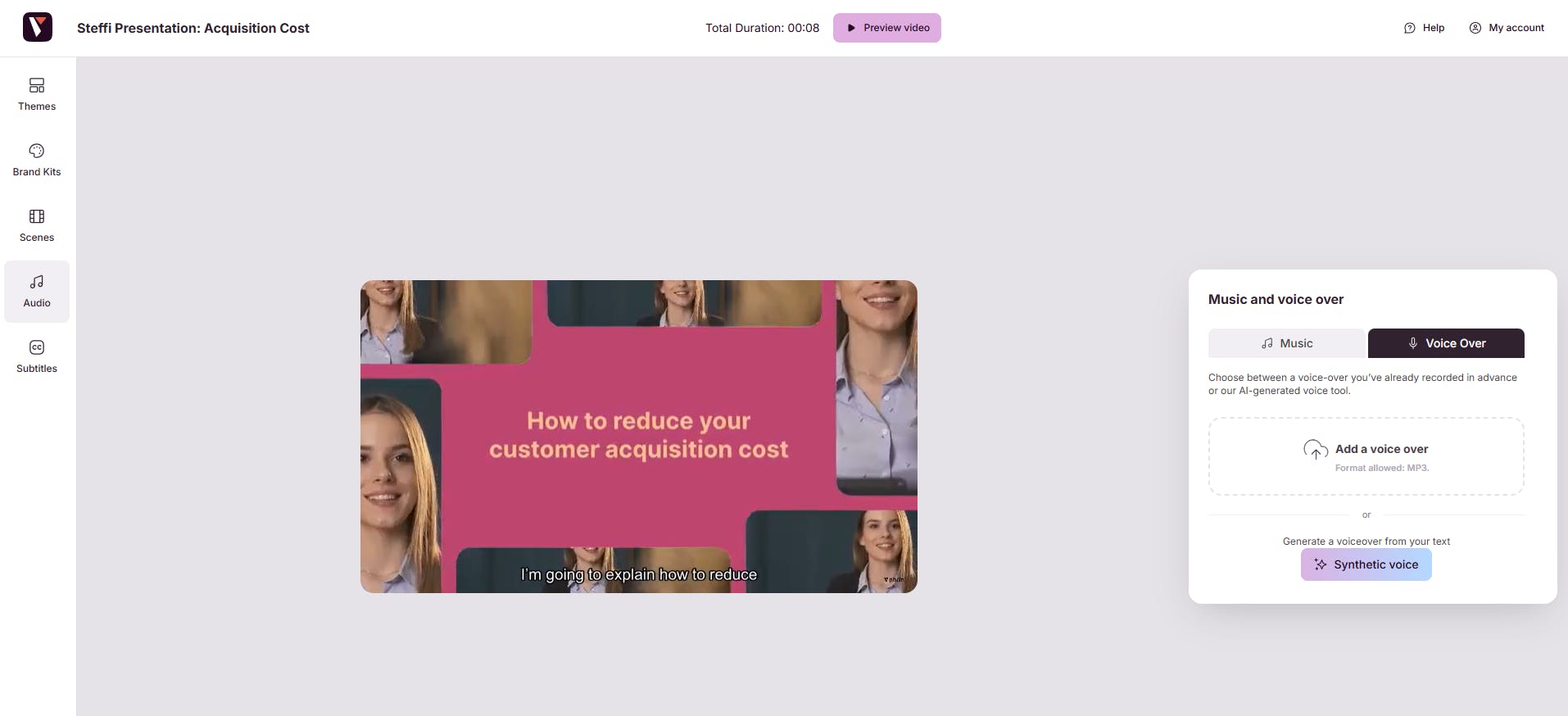
7. Export your video edit online in HD
Once you've added subtitles, music, and your graphic charter, and you're satisfied with the result, you can download your project in HD and then share it internally with your team members.
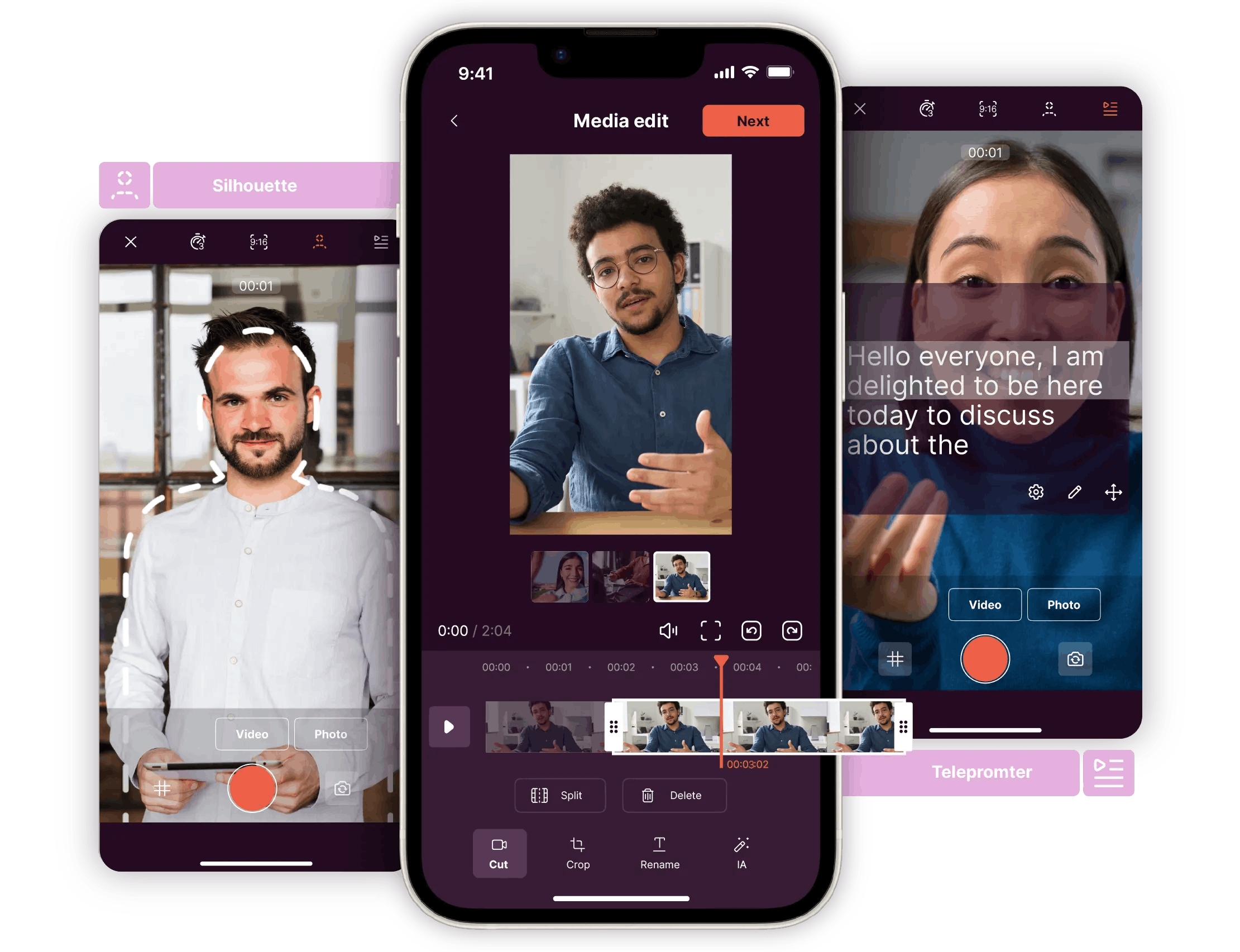
No need to hire professional video editors! And you don't need to be a professional video creator to use Pitchy! This video editor is a platform that allows you to develop your creativity (themes, editing, transitions, etc.) for all uses. Don't wait any longer to make high-quality videos! We also offer an app that allows you to edit your footage directly from your smartphone.
The interface gives you access to numerous video templates (each with a different style) and a library of royalty-free media. You can integrate animation and text-to-speech (a feature that converts your text into voice-over) to create a variety of videos: animated, explanatory, or promotional for social media. This video editor offers many advantages for its users, and its numerous possible uses will allow all your teams to regularly practice video creation.
An all-in-one solution: a complete online video editor!
How to easily edit videos : my opinion as a writer
After testing different editing tools, I’ve realized that we often overestimate the complexity of video creation. With a well-designed online video editing tool, teams save a huge time and avoid costly back-and-forth exchanges with an agency.
What really makes the difference:
- the ability to easily integrate your brand guidelines,
- smooth collaboration between teams,
- a professional result in just a few hours.
Personally, I think the biggest advantage of this type of tool is the creative freedom it offers. You don't need to to be an expert to produce impactful content. In a context where video has become essential, this kind of solution quickly becomes an indispensable ally for every team know how to easily edit videos.
91% of companies use video in their communication, and 90% of marketers confirm that it delivers an excellent return on investment.
This shows that investing in an online video editor is no longer an option it has become a necessity.
Video editing is no longer reserved for experts. With the right tools and a few best practices, any team can create engaging content that perfectly reflects their brand image. Templates, footage trimming, subtitles, sound design everything becomes simpler and more accessible.
This is exactly what Pitchy offers: a solution designed to help you save time, collaborate easily, and deliver professional-quality videos. No need to outsource or spend hours going back and forth with an agency you stay in control of your projects, from the first rush to the final HD export!
Ready to turn your ideas into impactful videos? Book a demo now!

Ressources
Articles populaires
Snack content is an entry point for your content on social media to increase brand awareness!

Find the best tips and analysis of 10 features to help you choose the right online video editor for your business!
We've listed the major trends in terms of video formats for you, and it's good timing, because Pitchy allows you to cover them all!