









Which video editing software for PC should you choose in 2026?
🎬 Quick overview | 🕓 Updated on 13 August 2026
🎯 Purpose of this article: This expert guide supports your technical decision-making in selecting a PC video editing software. We analyse the essential criteria needed to structure a creative environment that guarantees impeccable aesthetics and increased operational efficiency.
🧰 What you will learn:
- Technical proficiency: Understanding why your editing tool is the foundation of high-end in-house production.
- Selection criteria: Defining the real needs of your teams, from interface user-friendliness to file processing power.
- Creation strategy: Deciding wisely between consumer solutions and tools tailored to business needs.
✅ Bonus: A dive into current production standards, allowing you to build a software setup that meets your audience’s expectations.
👥 Who is this for? : Communications managers, video project leads and marketing teams looking to raise the visual quality of their PC content
Video now plays a central role in your communication strategies. Today, it has become the driving force behind your most effective business interactions.
In 2026, the ability to turn an idea into a powerful visual message determines your company's visibility in an overcrowded market. This demand for production excellence requires smooth, seamless tool usage. Choosing the right PC video editing software ensures the agility and visual precision your audiences expect.
Now is the time to choose solutions that fully support your creativity.
Why is choosing a PC video editing software for business critical in 2026?
Competitive pressures demand a constant publishing rhythm that requires total reactivity. Every minute spent mastering a complicated interface or fixing technical incompatibilities dampens the impact of your messages. Choosing your video editing software for PC becomes the key factor in your social media agility.
An unsuitable solution undermines the smooth running of projects. It also dilutes your brand’s visual identity. In 2026, a company’s credibility depends on specific criteria:
- The clarity of every edit.
- The accuracy of your image colours.
- The sharpness of your audio output.
Opting for a high-performance tool guarantees a flawless aesthetic touch on every format. This technical choice directly impacts your ability to create a business video with professional precision. The software becomes the lynchpin of your strategy, ensuring technical consistency with your visual guidelines. It gives you the execution speed needed for instant publishing opportunities, freeing your teams from editing bottlenecks.
The challenge is to align your technological power with your content ambitions. In doing so, you turn your creative requirements into a gratifying production routine for all users.
The 5 key criteria for choosing the right PC video editing software
Finding the ideal tool often feels like running an obstacle course. To avoid disappointment, focus on these five technical pillars:
- Learning curve: Prioritise an intuitive interface that enables users to get productive without weeks of training.
- Processing power: Make sure your app makes the most of your Windows resources so it can handle large files smoothly.
- Library richness: A modern editor should provide ready-to-use templates to save you precious creation time.
- Format flexibility: Check your software natively supports all the key web and social media codecs.
- Collaborative ecosystem: Choose a solution that centralises projects to simplify collaboration between creators and editors.
Efficient editing software should handle visual effects and audio editing with surgical precision. If your chosen video editor is too complex, beginners risk losing motivation. On the flip side, a well-designed solution makes every edit smooth and rewarding.
By aligning these criteria, you lay the foundations for smooth production. You provide your colleagues with the tools they need to enhance each film with professionalism and consistency.
Free vs paid editing software: which to choose?
Free solutions are obviously attractive at first glance. However, scaling up to a professional standard requires rigorous analysis of your team’s needs. Choosing between free software and a paid licence will shape the long-term sustainability of your content production.
The structural limits of free solutions
A free video editor can be appealing early on in a project. But technical constraints soon slow creators down and limit quality. Here are some common problems users encounter:
- Lack of technical support hampers troubleshooting when bugs arise.
- Template libraries often fail to provide professional variety.
- Export limitations restrict distribution on social networks.
- Steep learning curve for beginners who want user-friendly operation.
Why pro investment guarantees reliability and longevity
Going premium, with tools such as Adobe or other industry benchmarks, means greater peace of mind. The investment is justified by the time it saves your staff. A user-friendly interface prevents wasted time at every stage of editing.
The paid version also unlocks deeper options for colour grading and transitions. This ensures brand consistency, as well as access to regular updates. For communications and marketing teams, a paid-for editor can handle demanding workflows.
7 PC video editing software options under the microscope
The market offers a plethora of tools — from niche to complex. However, professional production requires a finely tuned mix of processing muscle and ease of use. Here are some apps suited to your needs, bearing in mind that only a robust solution delivers truly premium results.
DaVinci Resolve: unbeatable colour grading power
This editor has become a pro favourite. It’s renowned for exceptional colour management. However, mastering all its features can take some time and practice.
Pitchy: collaborative simplicity for teams
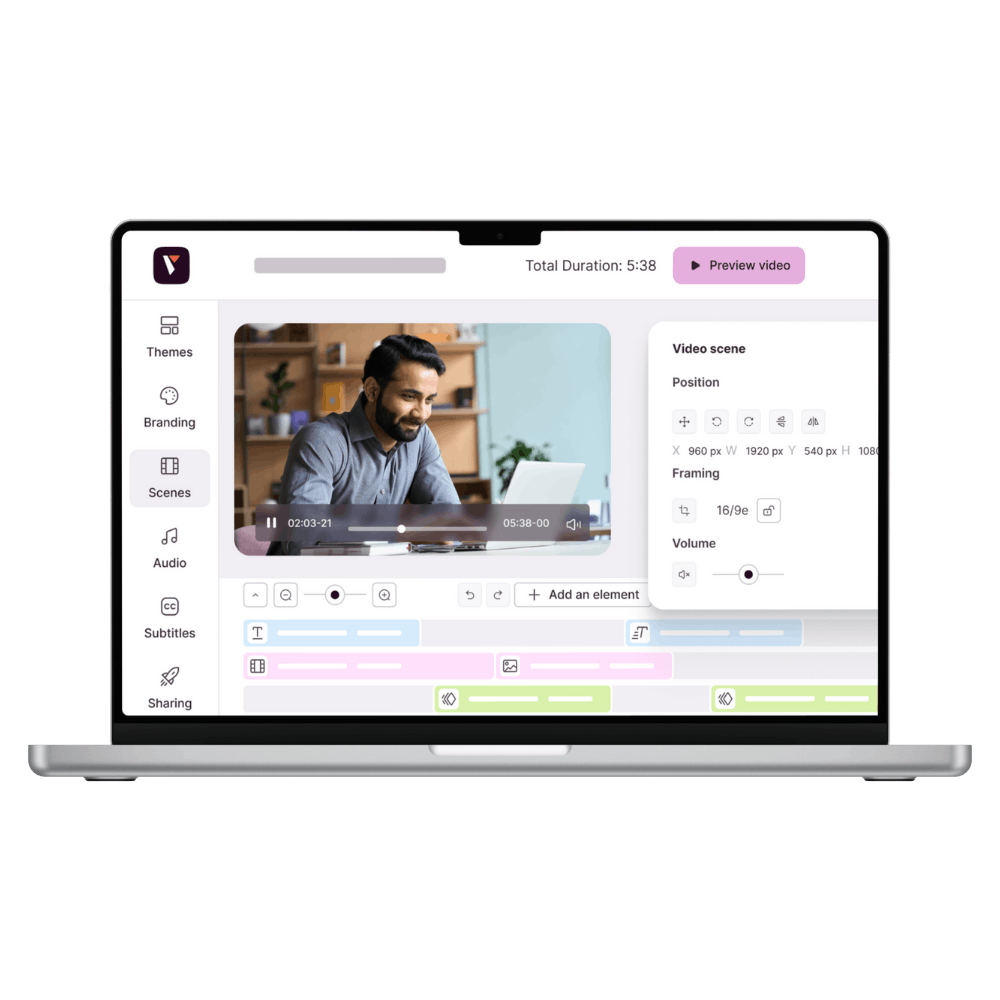
This SaaS platform is designed for immediate use, no editing skills needed. It combines brand-customisable templates, a media library, and studio support for bigger projects if required. It’s ideal for marketing, HR or comms teams needing to produce professional videos quickly without relying on a dedicated editor.
Adobe Premiere Pro: the industry standard
Still the benchmark tool for many content creators. Its suite of features supports complex animation and a wide array of effects. A solid choice for long-format film production on Windows.
Vegas Pro: all about efficiency
This software is focused on speed, letting you manage audio tracks and video with great smoothness. Its setup is perfect for users seeking powerful output without juggling multiple technical windows.
CyberLink PowerDirector: powerful mainstream agility
If you want a quick app, this solution produces clean results. It comes with transition templates and special effects to help you edit your projects fast.
Blender: the freedom of 3D
Much more than a simple video editor, this is a full suite. It allows advanced animation, though it’s challenging for beginners. Best for teams with in-house technical expertise.
Lightworks: professional precision
This video editor is used in the film industry. It has a rigorous approach to PC editing. While there’s a free version, you’ll need to upgrade to unlock its full potential.
Most of these solutions offer free trial periods, just like Pitchy does with a 7-day test. For reliable quality and to protect your brand in the long term, investing in a high-end, smooth and intuitive platform remains the best choice for your teams.
Video editing software for business: what are the key requirements?
Corporate video production requires a level of technical rigour that mass-market solutions often can't deliver. From meeting deadlines to protecting brand image, your software should be a true performance partner.
Asset security and central management
Managing graphical resources underpins your brand identity. A central platform locks down the elements of your brand kit. This eliminates the risk of visual mistakes or outdated logos. It also protects your company’s know-how. From raw footage to final graphics, everything stays accessible to authorised team members, ensuring complete long-term continuity.
Rapid integration with marketing and HR processes
Agility defines how effectively you can capture attention. To succeed, you’ll need features that accelerate the creation of your content, especially to make a great intro video with instant wow-factor.
Good software streamlines key steps:
- Instant rollout of templates approved by your art director.
- Significantly reduced sign-off cycles between departments.
- Seamless sharing of training materials for your staff.
This approach changes the way you communicate. You move from a craft-style workflow to a structured one, where everyone can independently champion your visual message.
Why does Pitchy stand out for business video editing?
The market is full of technical solutions, but few truly meet the demands of major accounts. The complexity of standard software often slows teams down, while simple tools limit visual quality. Pitchy provides a structured alternative that balances high standards of aesthetics and speed of use.
The platform is built around an intuitive structure for mass production. Every team member gets access to powerful tools without heavy technical training. The system locks your brand elements to guarantee perfect consistency across all your content. So your creative teams are freed from repetitive technical headaches.
Our approach is built on three pillars:
- Total control of your visual guidelines, built right into the tool.
- Ease of use, making every team member autonomous.
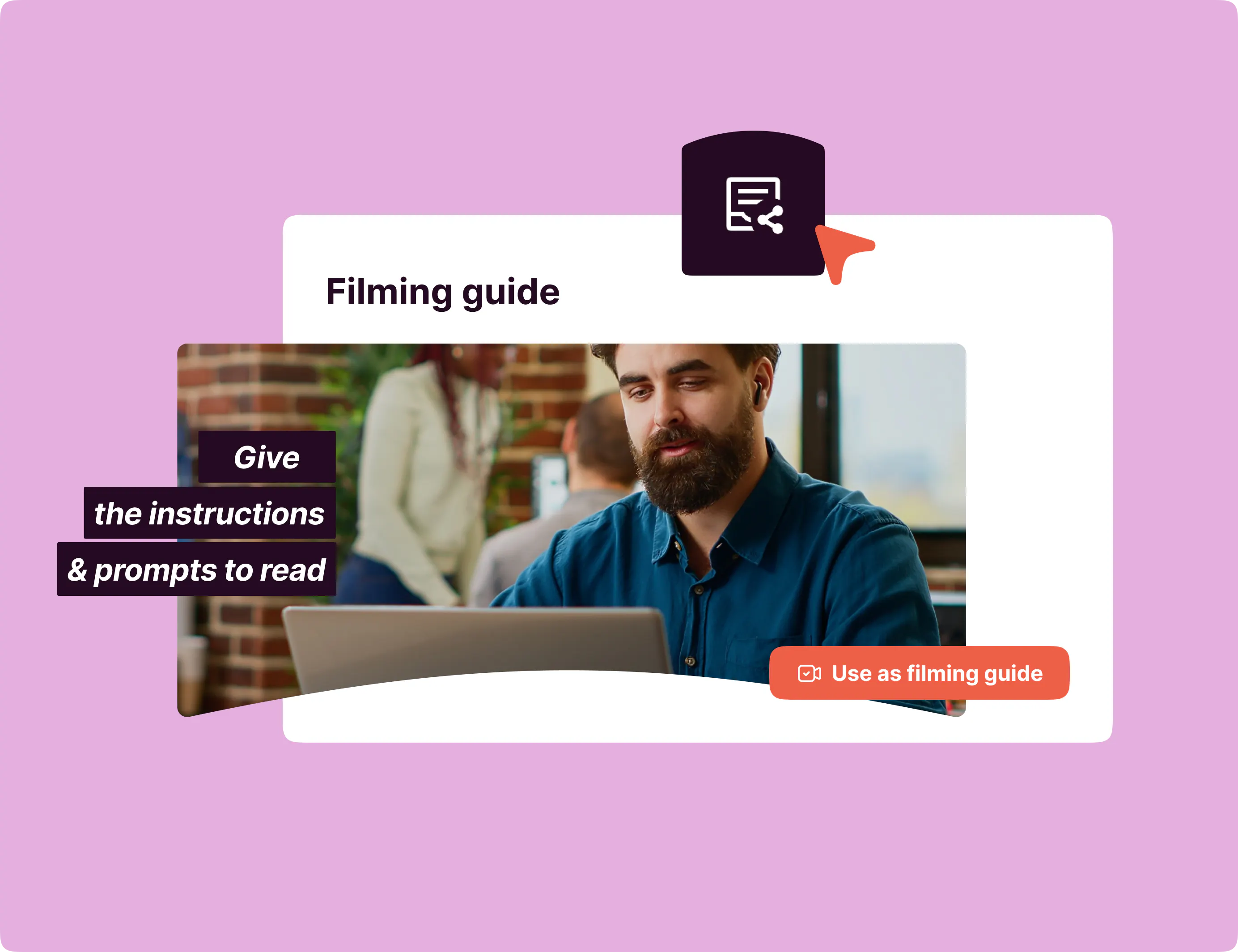
- Expert support for a truly premium result.
Discover our video editing app to streamline creation across your teams.
The editor’s take
To be honest, I’ve seen too many video projects collapse under the weight of unsuitable tools, chosen out of frustration or habit. Wrestling with clunky interfaces, you end up forgetting that editing should serve your message, not the other way around. I have a soft spot for platforms you barely notice: when I can transform an idea into a sequence without battling the software, that's when I feel real creative freedom. For me, it's this sense of agility that separates those who are held back by tech from those who use it to make an impact.
How to get started for free: 7-day no-commitment trial
Theory is no substitute for hands-on experience. Want to see how well our solution fits your own production workflow? We’ve designed a fast-track onboarding process free from unnecessary friction.
You get a 7-day trial, with absolutely no strings attached. No bank card needed to start your first projects. Get straight into the interface, work with your own images and see how much time your team can really save.
This real-world trial lets you judge our technology’s simplicity for yourself, measured against your own in-house needs. From your very first hours, you’ll see how your communication picks up pace and precision.
Access is instant. Just create your account to start ramping up and see for yourself the direct impact on your visual quality.
Choosing your editing software is not just a technical decision: it’s the choice that will dictate the quality and responsiveness of your visual communication. Investing in an intuitive and powerful tool means liberating your teams from software obstacles, freeing them to focus on what matters most: the strength of your message.
Try Pitchy free for 7 days, no commitment.
Which software for PC video editing?
The best choice depends on your production goals and technical needs. Professional platforms suit organisations with dedicated resources, whereas collaborative platforms make it easy for marketing teams to get their message out quickly.
What’s the ideal PC setup for video editing?
A high-performance workstation needs a robust processor, generous RAM and a dedicated graphics card. This power guarantees the smooth playback of real-time edits and ensures secure export of large files.
Which video editing software for PC can I use without downloading anything?
Pitchy is used by over 500 companies for making professional videos. There’s no software to download and you don’t need advanced expertise. The online platform is beginner-friendly, with support as soon as you get started.
What’s the best option: PC video editing software or a smartphone app?
Smartphones are great for short videos: shorts, reels, one-minute formats. But for longer or more professional videos, PC software is still best.
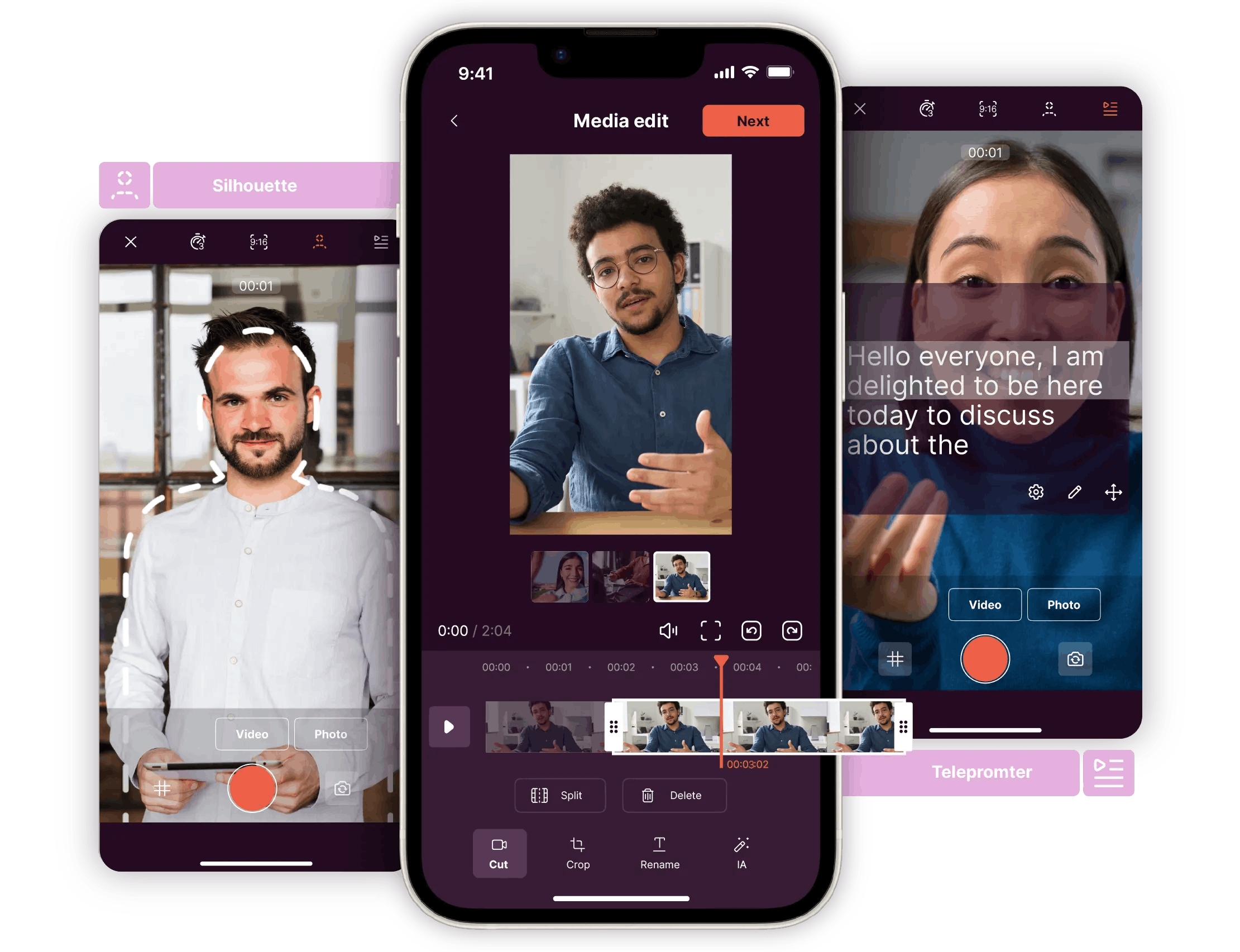
The ideal approach: use both. With the Pitchy mobile app, film and pre-cut your videos on your phone, then finish editing online — no downloads required.
Will AI replace human video editors?
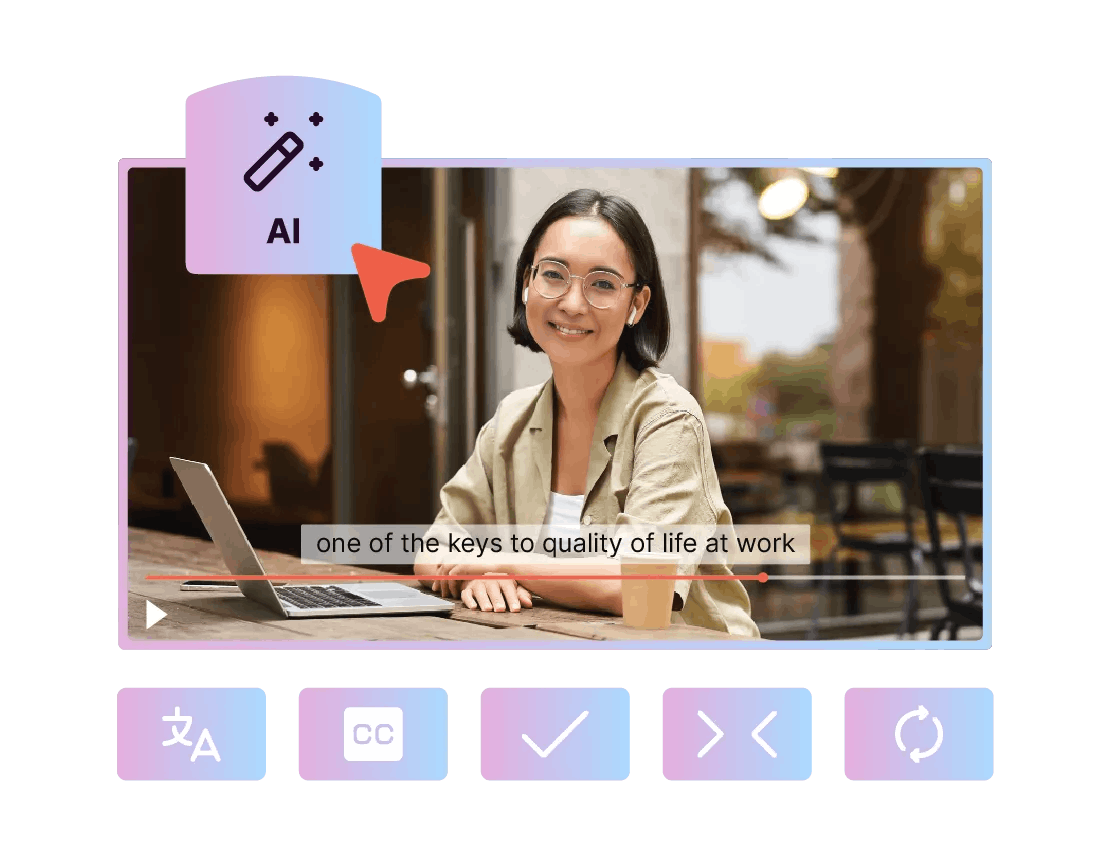
No, AI won’t replace human video editors. There are AI-generated videos, which don’t fall under traditional video editing, and there are videos shot and edited by humans using PC editing software with AI features, such as Pitchy. The goal: automate repetitive tasks and speed up the workflow.