




Video editing software free trial: how to test pitchy for 7 free days?
Key points :
- 7-day free trial for our video editing software no credit card required
- Create up to 10 videos during the trial period
- Access a selection of themes, templates, and pre-designed scenes created by our motion designers
- Upload and use your own photos, videos, and icons
- Advanced features (subtitles, and voice-over) are available with the Full Plan.
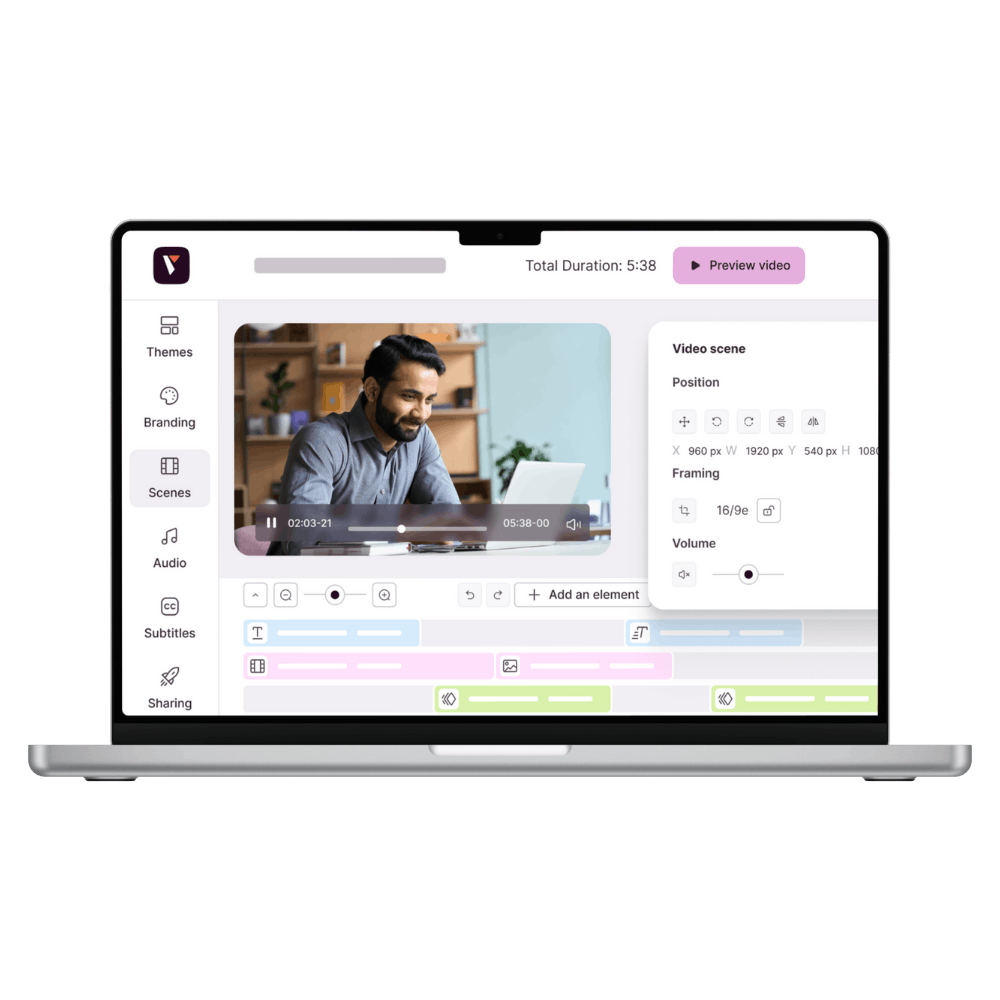
Pitchy is launching a new free trial offer to let businesses try out its video editing software before committing. For 7 days, with no credit card required, you can create up to 10 videos and get a real feel for how easy the platform is to use.
Why offer a video editing software free trial?
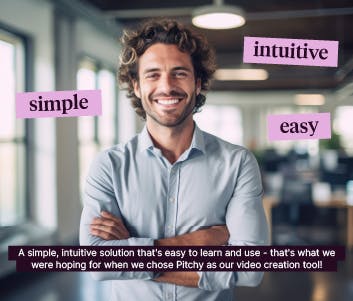
Choosing a video creation tool for your business is no small decision: it needs to fit seamlessly into the team’s internal communication, marketing, and HR workflows. Before signing up, many users want to make sure the tool is easy to learn and that the final result meets their expectations.
To meet this need, Pitchy is offering a video editing software free trial, accessible directly online, with no sales process.

What is available during the 7 days
During the testing period, users can:
- Create up to 10 videos
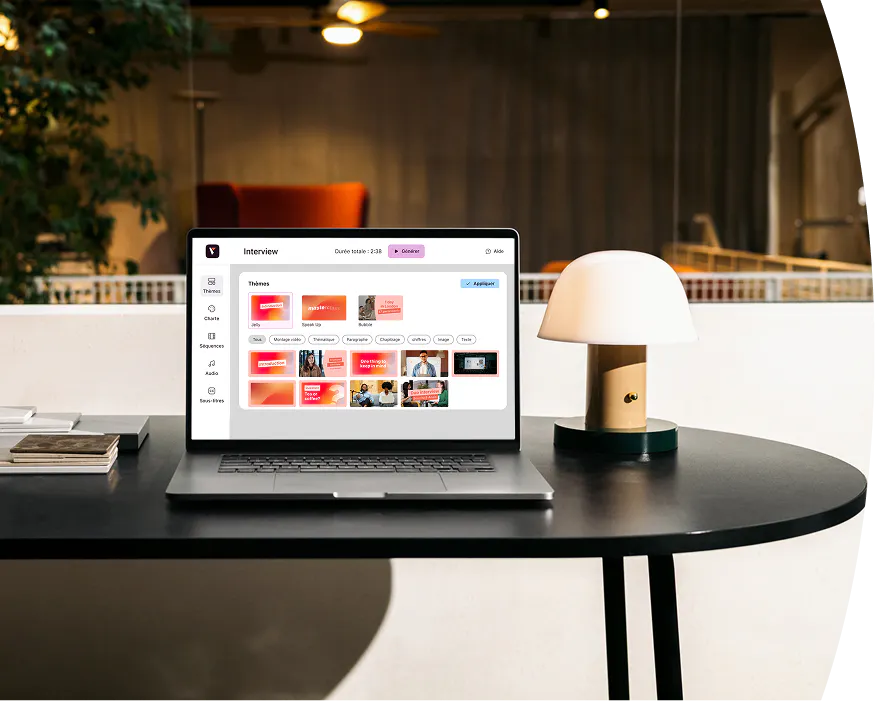
- Choose from a selection of available themes
- Use several pre-made sequences designed by Pitchy's motion designers, for a high-quality result with no design skills required
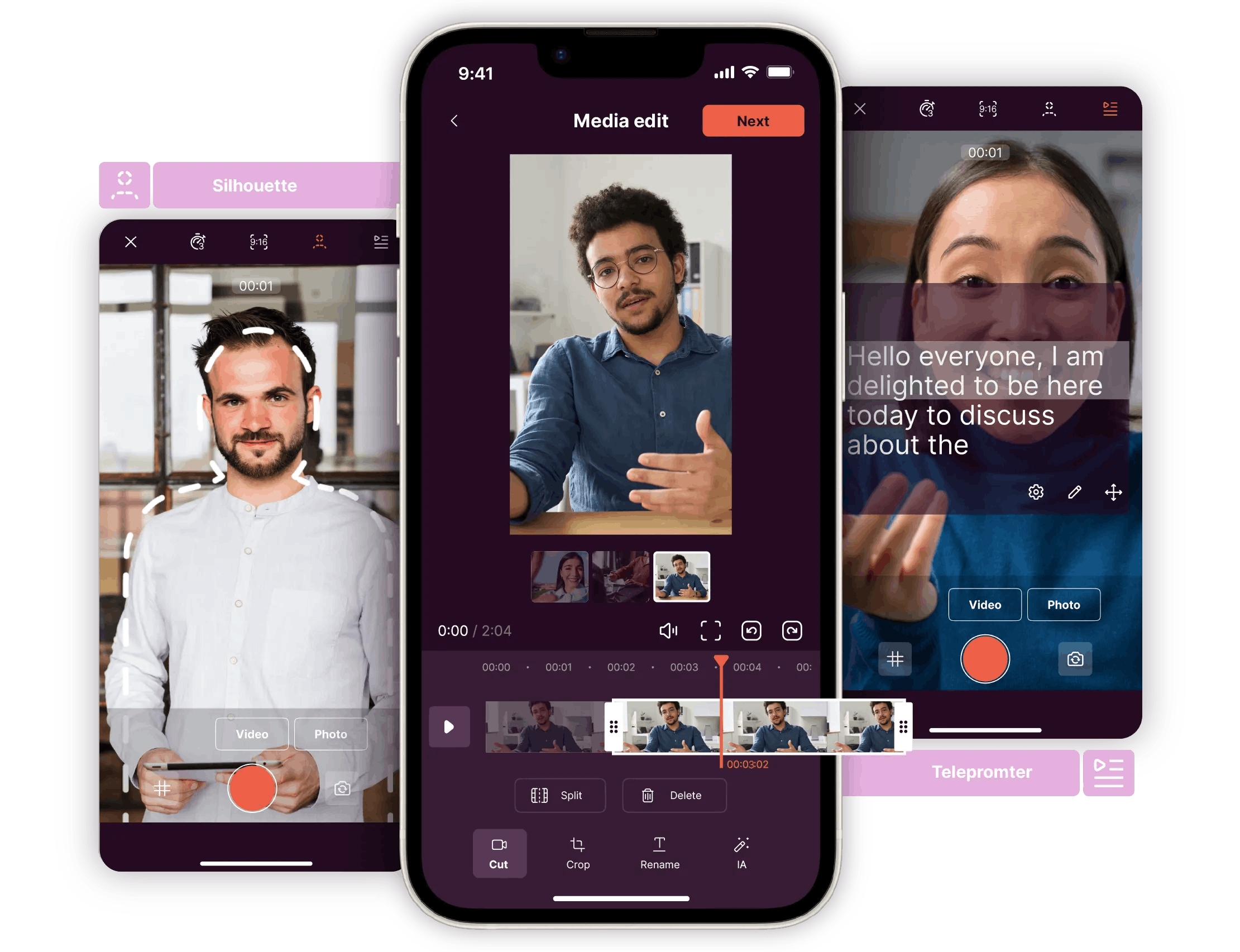
- Add their own photos, videos, and icons to personalize each video
Perfect for quickly creating your first professional-quality content without any complex settings.
What's not included in the trial offer
Some features remain exclusive to Pitchy's full plans : Pitchy Solutions and Pitchy Max so users can progressively discover the tool:
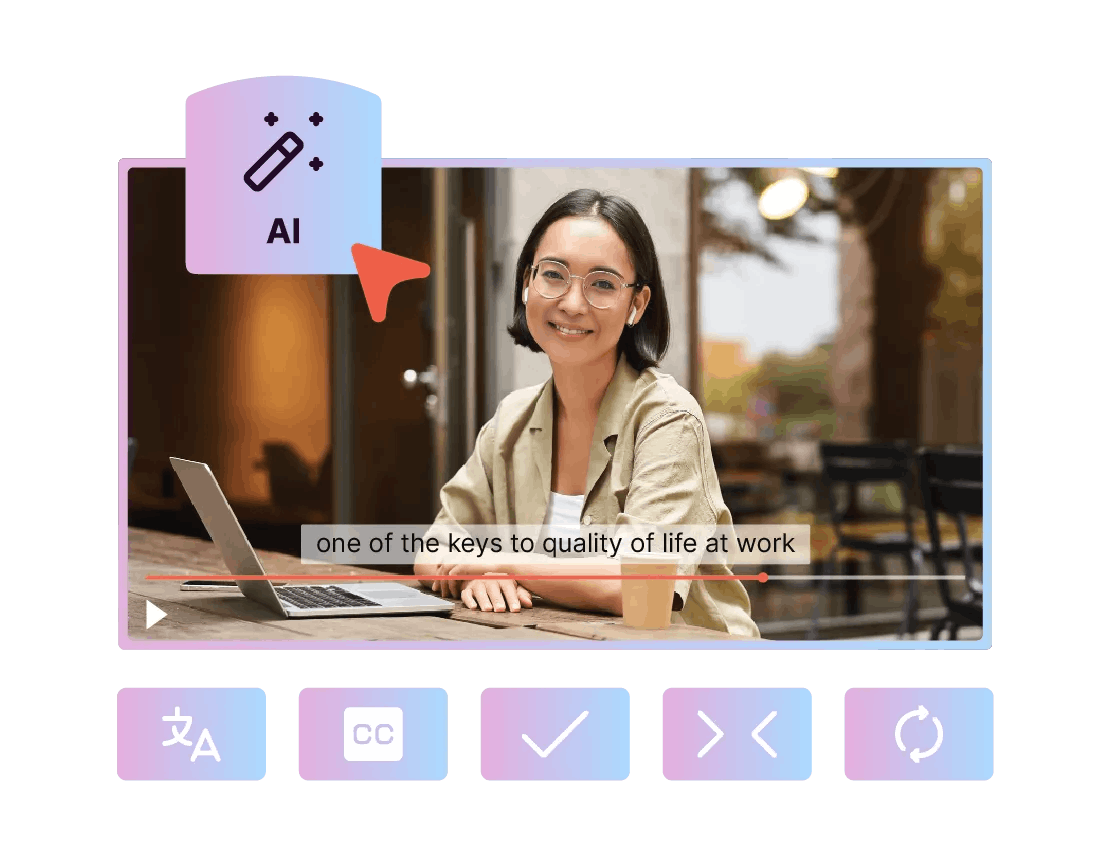
- The AI assistant, which generates a storyboard from a prompt and automatically customizes sequences
- Subtitling, voice-over, and advanced audio management
- The full catalog of Pitchy's themes and video templates
These features remain available through a demo or by upgrading to a Pitchy Solutions plan.
What types of videos could You create during your video editing software free trial?
Pitchy makes it easier for future users to choose the right video editing software for their business. With its 7-day video editing software free trial, you can create up to 10 videos and access a selection of ready-made templates and pre-designed scenes. Rather than testing just one format, you can experiment with multiple video types to get a real sense of the platform's versatility before making a commitment. This allows you to see how easy the software is to use and whether it meets the needs of every team across your organization, thanks to an intuitive platform designed to help anyone create professional-quality videos.
No matter your company, industry, or department, you'll find use cases tailored to your video production needs. Here are some of the types of videos you can try creating during your video editing software free trial, depending on your team:
| Teams | Types of videos to create | Sharing platform |
|---|---|---|
| Internal communication | Internal newsletter · Employee onboarding · Welcome video · Event announcement · End-of-year greetings · Leadership address · Quarterly results / key figures · CSR video |
|
| External communication | External newsletter · Client invitation · Event teaser · Brand storytelling video · Client interview · Video press release |
|
| HR and employer branding | Job posting · "Day in the life" / company culture video · Recruitment video · Employee testimonial |
|
| Marketing | Exclusive offer / promotion · Lead generation · Product or service presentation · Website video (homepage) · Product range video · Brand awareness ad |
|
| Training | E-learning module / SCORM · Product or process tutorial · Upskilling video · Narrated screen recording |
|
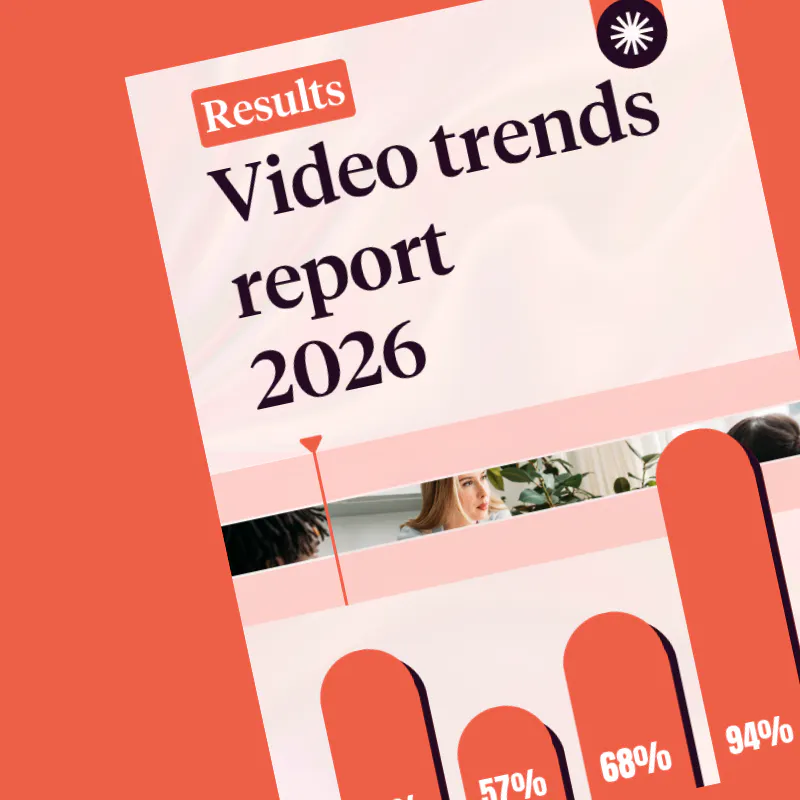
If you want to go further and discover 40+ key figures on video trends in business, the budgets invested, and the platforms delivering the best results, check out our video trends report 2026.
How to start your video editing software free trial?
No installation is required. Sign up in just a few clicks, with no commitment or upfront payment. If you'd like to unlock more features, you can request a personalized demo or explore Pitchy's full suite of video creation tools.
To learn more about corporate video production, check out our article on how to create a brand video that stands out, where you'll discover the key elements of successful brand videos.
Editor's Opinion:
This video editing software free trial is primarily aimed at teams still comparing different video editing solutions. The 7-day trial, with limited features, allows you to test Pitchy's creation workflow without investing a budget or spending time on a sales demo. It provides a valuable first step before choosing a full plan that is better suited to regular video production needs.
Can you create professional videos using video editing software free trial ?
Yes. During the 7-day trial, you can create up to 10 videos using themes and sequences designed by Pitchy's motion designers. You can also import your own images, videos, and icons to customize your content. If you'd like to explore the full range of possibilities offered by the platform, check out our dedicated video editing software page.
Who is Pitchy's video editing software free trial for?
The free trial is designed for businesses that want to test a video creation tool before making a commitment. It is suitable for marketing teams as well as communications, HR, and training departments looking to create videos easily, without requiring any specific technical skills. You can also explore our different corporate video use cases.
Can I create social media videos using the video editing software free trial?
Yes. Videos created during the trial period can be used for social media content, internal communications, presentations, or marketing campaigns. If your goal is to promote a product or service, also check out our dedicated marketing video page.
What happens after the free trial ends?
After 7 days, your access ends automatically. No payment is charged, as no credit card is required at sign-up. If you'd like to continue using all of Pitchy's features, you can subscribe to a plan or request a personalized demo to explore the advanced features. You will still be able to log in, but you will no longer be able to edit your videos.
What is the difference between Pitchy and consumer video editing software?
Pitchy is designed for businesses that create videos on a regular basis. In addition to simplifying video editing with ready-to-use templates, the platform makes it easy to create content that stays consistent with your brand identity and supports a wide range of professional use cases, including internal communications, marketing, HR, and training. To compare features, check out our dedicated professional video editing software page.
Can I try Pitchy before choosing a plan?
Yes. The video editing software free trial is specifically designed to help businesses evaluate how easy the platform is to use before making a commitment. As your needs evolve, you can upgrade to a Pitchy plan and gain access to all the platform's features.